Roblox Kids vs Select Accounts Explained: Ages, Games and Chat
Since June 2026, Roblox places every player under 16 in a Roblox Kids or Roblox Select account based on their verified age. Here is what each account can play, who can chat with whom, and what parents can change.

In this guide
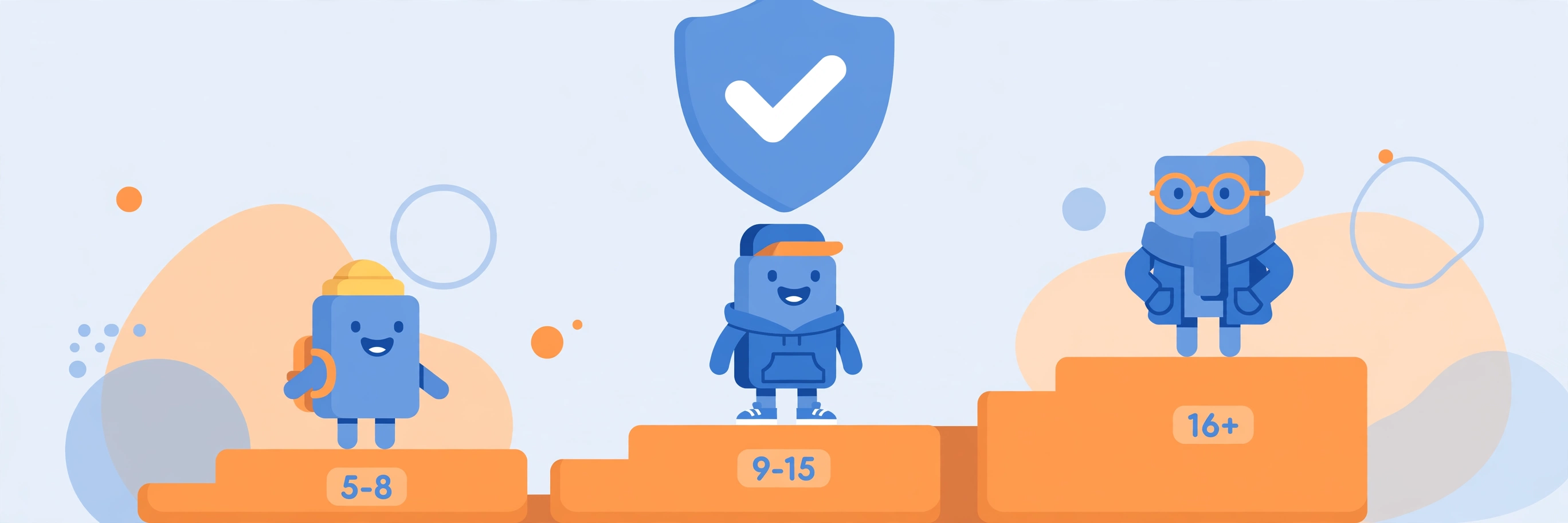
The Three Accounts at a Glance Roblox Kids (Ages 5–8): The Most Restricted Account Roblox Select (Ages 9–15): More Games, Gradual Chat Why a Favourite Game Can Be Missing: The Selected Catalog Who Can Chat With Whom The Age Check: What It Is and Why It Decides Everything What Parents Can Change — and What Changes With Age For Creators: What Kids and Select Mean for Your Game Frequently Asked Questions How do I know which account my child has? Why can't my child play a game their friend plays? Why can't my child chat on Roblox? Can a parent allow chat for a child under 9? Does the account change automatically when my child gets older? Is Roblox moving to a different rating system? Related Guides on RBXMods SourcesSince June 16, 2026, Roblox is no longer one experience for everyone. Every player under 16 is now placed in an age-based account — Roblox Kids for ages 5 to 8, or Roblox Select for ages 9 to 15 — and what they can play, and who they can chat with, depends on which account they are in. Players 16 and older stay on a standard Roblox account. The change is the reason some children suddenly cannot open a game they used to play, or cannot chat with friends they used to message.
Key takeaways
- Roblox Kids (ages 5–8): games rated Minimal or Mild from a selected catalog only; all chat off by default.
- Roblox Select (ages 9–15): games rated up to Moderate from the same selected catalog; chat opens gradually with age.
- No age check, no chat: nobody can chat on Roblox until they complete an age check — by facial age estimation or government ID — whatever their age.
- Accounts move up automatically: Kids becomes Select at 9, Select becomes a standard Roblox account at 16.
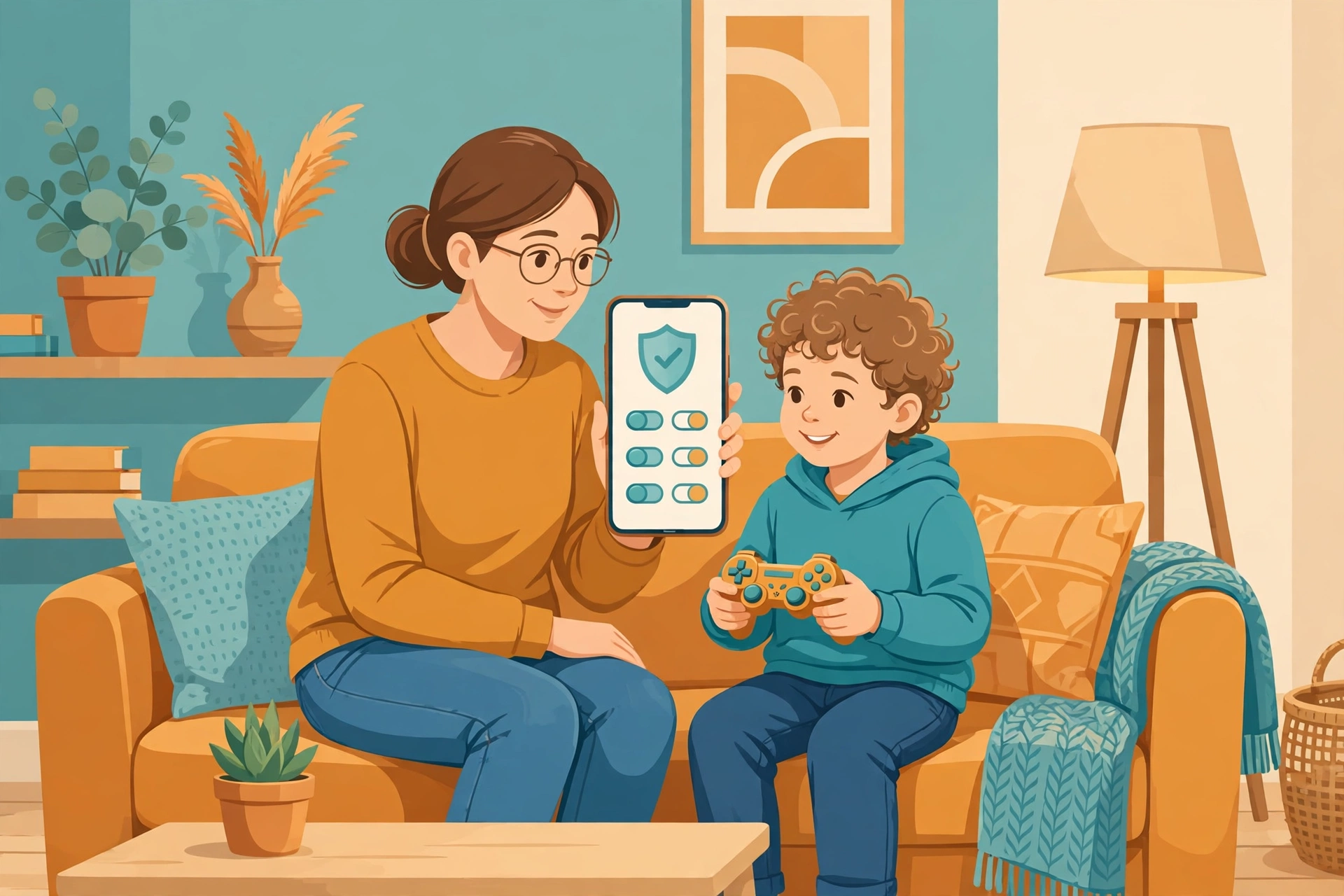
- Parents manage the account through a linked parent account — content maturity, allowed and blocked games, chat, screen time and spending.
The Three Accounts at a Glance
Roblox announced the age-based accounts in April 2026 and rolled them out first in Australia, Indonesia, the Netherlands and New Zealand, before making them available worldwide on June 16, 2026. Once a player completes an age check, Roblox places them in the account that matches their verified age — and moves them up automatically as they get older.
| Account | Ages | Games | Chat by default |
|---|---|---|---|
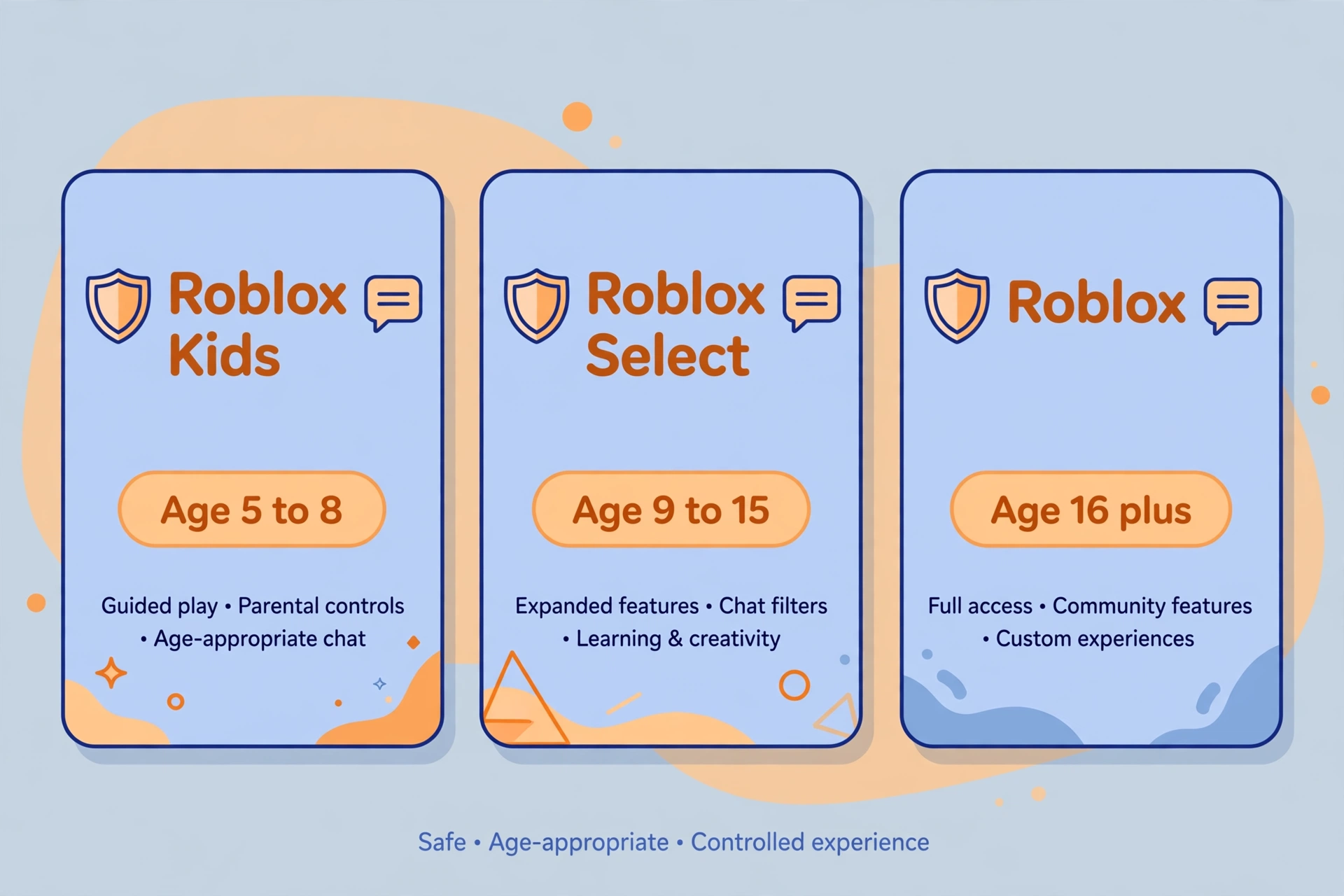
| Roblox Kids | 5–8 | Rated Minimal or Mild, from a selected catalog | Off; a linked parent can allow in-game chat |
| Roblox Select | 9–15 | Rated Minimal, Mild or Moderate, from a selected catalog | Opens gradually with age |
| Roblox (standard) | 16+ | All rated games except Restricted (17+) | On |
Two details catch people out. First, the account is set by the verified age from the age check, not just the birthday typed at sign-up. A player who has not completed an age check is placed by their sign-up birthday — under 9 into Roblox Kids, 9 and older into Roblox Select — but with chat off in both. Second, ages and features can vary by region: the table above is the global default.
Roblox Kids (Ages 5–8): The Most Restricted Account
Roblox Kids is the account for age-checked players aged 5 to 8, and it is deliberately narrow. Players can only open games rated Minimal or Mild that have also passed an extra selection process — a smaller catalog than the full Roblox library. All chat is disabled by default. A linked parent can allow in-game chat with specific people, but open chat with strangers is not on the table at this age.
Roblox Kids accounts show a distinct blue background, so a parent can tell at a glance which account a child is using. Certain kinds of games are left out of the Kids catalog by default: social hangouts (games built mainly for socialising with strangers), free-form drawing games (where players can draw or write freely), and games themed on sensitive issues. Roblox Moments (shared gameplay clips) and one-to-one in-game chat are also excluded from the under-16 catalogs.
Roblox Select (Ages 9–15): More Games, Gradual Chat
Roblox Select covers age-checked players aged 9 to 15. The game catalog is wider — games rated Minimal, Mild or Moderate that have passed the selection process — but it is still a selected catalog, not everything on Roblox. The same default exclusions apply as for Kids: no social hangouts, free-form drawing games or games about sensitive issues unless a parent approves them individually.
Chat is where Select differs most from Kids, and where it changes most with age. For ages 9 to 12 it is off by default and a parent can enable it, limited to users under 16; for ages 13 to 15, text and voice chat are available by default, but only with users in a similar age range. The underlying rule is that players chat with their own age group and the ones just above and just below it — children under 16 cannot chat with adults that way. Voice chat stays unavailable under 13 whatever the age check says. Our age verification guide explains the check itself and what to do when it puts you in the wrong age group.
Players move out of Select automatically: at 16, the account becomes a standard Roblox account. Parental visibility into friends, screen time and spending continues until 18, even though direct controls shrink as the child gets older.
Why a Favourite Game Can Be Missing: The Selected Catalog
The most confusing part of Kids and Select is not the age bands — it is the catalog. Being rated Minimal or Mild is not enough for a game to appear for a Kids account. The game must also pass an extra selection process, and its developer must meet three requirements: complete ID verification, turn on two-step verification, and hold an active Roblox Plus subscription. Games that have not done that simply do not appear for under-16 accounts, however popular they are.
That is why a child can lose access to a game overnight without anything changing on their own account: the game may have failed or not completed the extra review, or its rating may have moved above the account's limit. Roblox has said age-checked users under 16 still have access to "the vast majority of their favorite games at launch", but the catalog is a filter, and smaller or older games can fall through it. If a game your child wants is missing, check its content maturity label and whether a linked parent has blocked it — if neither explains it, the game most likely has not passed the under-16 selection process.
Who Can Chat With Whom
Chat on Roblox now follows six age groups — 5–8, 9–12, 13–15, 16–17, 18–20 and 21+ — and the rule is that you chat with your own group and the ones next to it:
- Ages 5–8: can only chat with users under 13 (and only if a linked parent allows chat at all).
- Ages 9–12: can chat with users under 16.
- Ages 13–15: can chat with ages 9 to 17.
- Ages 16–17: can chat with ages 13 to 20.
- Ages 18+: chat with adults; the 18–20 and 21+ groups sit next to each other.
Trusted Friends — people a child knows outside Roblox — are the exception that matters most for families: a linked parent can approve specific people for a child to chat with, even where the default rules would block it. The other rule with no exceptions is the age check itself. Roblox says users who have not completed an age check "cannot chat on Roblox, regardless of their age". That is the first thing to check when chat suddenly stops working: not the game, not the device, but whether the age check is done.
The Age Check: What It Is and Why It Decides Everything
The age check comes in two forms. Facial age estimation uses the device camera to estimate age from a selfie — open to users of any age, and Roblox says all images and video are deleted after processing. ID verification checks a government photo ID against the account's birthday and is only for users 13 and older. Roblox says third-party labs certified the facial estimation to within 1.4 years on average for users under 18.
To do the check, go to Settings, then Account info, and under Age Group choose Continue with selfie or Continue with ID. The check became mandatory for chat access on January 7, 2026, and since June 16, 2026 it also decides which of the three accounts a player is placed in. Phone verification no longer counts: it used to unlock voice chat, and it does not any more.
If the check puts someone in the wrong age group, the fix is an ID re-verification for users 13 and older, or a linked parent correcting the birthday once in Parental Controls. Users with an estimated age of 18 or older also get a one-time reset in Account Settings to redo the check.
What Parents Can Change — and What Changes With Age
Everything above is managed from a linked parent account: a parent creates their own Roblox account, verifies they are 18 or older (by government ID or credit card), and links it to the child's account. From there, a parent can set the content maturity level, allow or block specific games, manage chat settings, and set a daily screen time limit (in 15-minute steps) and a monthly spending limit. The old Account PIN is gone — the linked account replaced it.
What parents can control shrinks as the child gets older, and this is worth knowing before you rely on it. From 13, the child manages their own screen time and blocking, and spending limits no longer apply. From 16, parents mainly get notifications — friends, screen time and spending visibility — rather than direct control. The monthly spending limit also does not apply to gift cards. Set the controls, but treat them as one layer, not a guarantee.
For Creators: What Kids and Select Mean for Your Game
If you make games, Kids and Select are not just a safety story — they decide who can find your game. To appear in the under-16 catalogs, a game needs a Minimal, Mild or (for Select) Moderate rating, plus ID verification, two-step verification and an active Roblox Plus subscription. Games built around social hangouts, free-form drawing or sensitive themes are excluded by default.
That has a real discovery cost. Players under 16 are a large share of Roblox's audience, and a game that is not in their catalog is invisible to them — it will not show up in search or recommendations on those accounts, whatever its play counts. If your game targets younger players, getting the rating right and completing the developer verification is now part of publishing, not an afterthought. Our guide to the 2026 publishing flow covers the audience steps that sit alongside this, and our guide to making a game popular explains the discovery signals that matter once players can actually find it.
Roblox also said in April 2026 that it will move from its own content maturity labels to the International Age Rating Coalition (IARC) framework later in 2026, with regional ratings such as ESRB in the US and PEGI in Europe — so check the rating on your game's page after that switch.
Frequently Asked Questions
How do I know which account my child has?
Check the account after the age check: Roblox Kids accounts show a distinct blue background, and the account type follows the verified age — 5 to 8 is Kids, 9 to 15 is Select, 16 and older is standard Roblox. Without an age check, the account is placed by the sign-up birthday, with chat off.
Why can't my child play a game their friend plays?
Most often, the game is not in the under-16 selected catalog — either its content maturity rating is above the account's limit, or its developer has not completed the ID verification, two-step verification and Roblox Plus requirements. A linked parent can also have blocked the game. Check the game's rating first, then the parent's blocked-games list.
Why can't my child chat on Roblox?
Chat needs an age check, for every user. If the check is not done, chat stays off whatever the age. If the check is done and chat is still off, check the linked parent's chat settings, the child's age group (chat is off by default under 9, and off by default for 9 to 12), and whether the other player is in an age group they are allowed to chat with.
Can a parent allow chat for a child under 9?
Yes, in a limited way: a linked parent can allow in-game chat for a Roblox Kids account, but only with similar-age users or Trusted Friends — people the child knows outside Roblox. Open chat with strangers is not available for this age group.
Does the account change automatically when my child gets older?
Yes. Roblox Kids becomes Roblox Select at 9, and Roblox Select becomes a standard Roblox account at 16. The move is automatic once the verified age passes the threshold — you do not need to do anything, though it is worth reviewing the chat and content settings after each move, because the defaults change with it.
Is Roblox moving to a different rating system?
Roblox said in April 2026 that it will transition from its own content maturity labels to the International Age Rating Coalition (IARC) framework later in 2026, bringing regional ratings like ESRB in the US and PEGI in Europe. The change was announced as planned, not as a finished switch — the current Minimal, Mild, Moderate and Restricted labels still apply until Roblox says otherwise.
Related Guides on RBXMods
- How to verify your age on Roblox — the age check itself: selfie vs ID, wrong-estimate fixes, and the six age groups.
- How to set up Roblox parental controls — the linked parent account: content, chat, screen time and spending limits.
- How to keep your Roblox account safe — two-step verification, passkeys, and spotting account-theft scams.
- Roblox Plus explained — the subscription developers need to reach the under-16 catalogs, and what else it includes.
- How to publish your Roblox game in 2026 — the new audience flow and the checks that decide who can play your game.
RBXMods is not affiliated with or endorsed by Roblox Corporation. Roblox and the Roblox logo are trademarks of Roblox Corporation.
Sources
- Roblox Newsroom: Roblox Introduces New Age-Based Accounts and Expanded Parental Controls for Users Under 16 — the April 13, 2026 announcement: Roblox Kids (ages 5–8, all communication disabled by default, Minimal/Mild only), Roblox Select (ages 9–15, up to Moderate), and automatic progression at ages 9 and 16.
- Roblox Newsroom: Age-Based Roblox Kids and Roblox Select Accounts Now Globally Available — the June 16, 2026 global rollout: chat disabled for users younger than 9, age checks required to chat, accounts evolving as children grow.
- Roblox Newsroom: What Families Need to Know About Roblox's New Age-Based Protections — the May 20, 2026 family guide: age checks by ID or facial age estimation, and users without an age check cannot chat.
- Roblox Support: What are Roblox Kids and Roblox Select? — the Help Center table: Kids 5–8 (Minimal/Mild, chat off by default), Select 9–15 (Minimal/Mild/Moderate), Roblox 16+.
- Roblox Support: Parental Controls Overview — what parents can manage (content, chat, spending, screen time, friends and privacy) via a linked account or Parent mode.