How to Redeem a Roblox Gift Card on PC and Phone
Got a Roblox gift card? Redeem it at roblox.com/redeem from a browser — not the app, not a console. This guide covers the steps on PC and phone, what the card adds to your account, and what to do when the code will not work.

In this guide
What a Roblox Gift Card Actually Adds to Your Account How to Redeem a Roblox Gift Card in a Browser How to Redeem a Roblox Gift Card on a Phone or Tablet Can You Redeem a Gift Card on Xbox or PlayStation? What to Do With the Credit After Redeeming When the Code Does Not Work Stay Safe With Gift Cards Frequently Asked Questions Where do I redeem a Roblox gift card? Can I redeem a gift card in the Roblox app? Can I redeem a gift card on Xbox or PlayStation? What does a gift card give me — Robux or credit? The code says it has already been redeemed. What do I do? Can I get a refund for a Roblox gift card? Related Guides on RBXMods SourcesA Roblox gift card is one of the simplest gifts to give a Roblox player — and one of the easiest to get stuck on. You cannot redeem a Roblox gift card inside the standard Roblox app or on a console. The code goes into a browser page, roblox.com/redeem, and the whole process takes about a minute once you are on the right account. This guide shows how to redeem a Roblox gift card on a computer and on a phone, what the card actually adds to your account, and how to fix the errors that stop most redemptions.
Key takeaways
- Redeem at roblox.com/redeem in a web browser. The standard Roblox mobile app and consoles have no redeem field — Samsung Galaxy users can also redeem inside the app, and iOS users in the US have the same option.
- A gift card adds Roblox Credit to your account, which you can spend on Robux or a Roblox Plus subscription. Amazon and Party Pack cards are Robux-only.
- The code is one-time use and Roblox does not refund gift cards — check the username before you click Redeem.
- A rejected code is usually a typo, an already-used code, or a card from an unauthorised seller — check the fixes below before contacting Support.
What a Roblox Gift Card Actually Adds to Your Account
Before you type anything in, it helps to know what you are getting. Most Roblox gift cards add Roblox Credit to your account: a balance in your local currency that you can spend on Robux or on a Roblox Plus subscription. The card's face value converts to the equivalent credit in your account's currency, so a card bought in another country still works.
There are two exceptions: gift cards bought from Amazon and Party Pack cards redeem for Robux only, not Roblox Credit. A Party Pack is a set of 25 cards worth 200 Robux each, and a Mini Pack is 40 coins worth 50 Robux each. If your card says Robux on the front rather than a money amount, expect Robux to land directly on the account instead of credit.
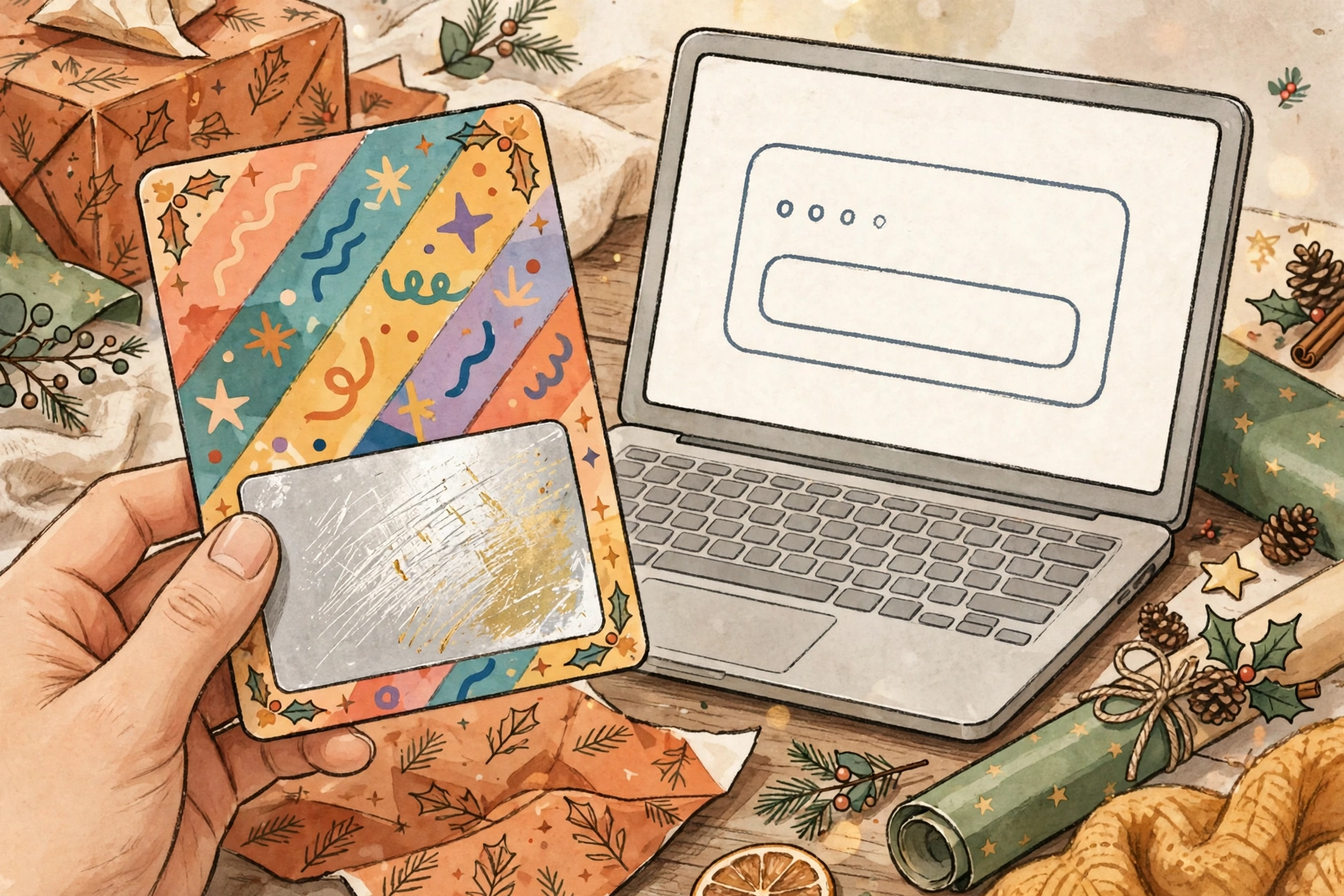
Physical cards hide the code under a scratch-off panel on the back; digital cards arrive by email. Either way the code is single-use: once redeemed, it is spent, and it cannot be moved to another account. You can redeem several cards on the same account, one at a time, and the balances stack. And one rule to know before you buy: Roblox does not refund gift cards, so a card bought for the wrong account cannot be returned for cash. Every standard gift card also comes with a free virtual item — a new one each month, limited to one unique item per account per month. Party Packs and Mini Packs do not include one. Under Roblox's US gift card terms, the cards do not expire and carry no fees.
How to Redeem a Roblox Gift Card in a Browser
This is the method that works for everyone, on any computer, and it is the one Roblox's own help article describes first.
Step 1: Open a browser and go to roblox.com/redeem. Any browser works — Chrome, Edge, Firefox or Safari. This is the only redemption page: the address should start with roblox.com and show the lock icon in the address bar.
Step 2: Sign in to the account that should get the value. Check the username shown at the top of the page. This is the step that goes wrong most often where several people share a device: a code redeemed on a sibling's or parent's account cannot be moved afterwards.
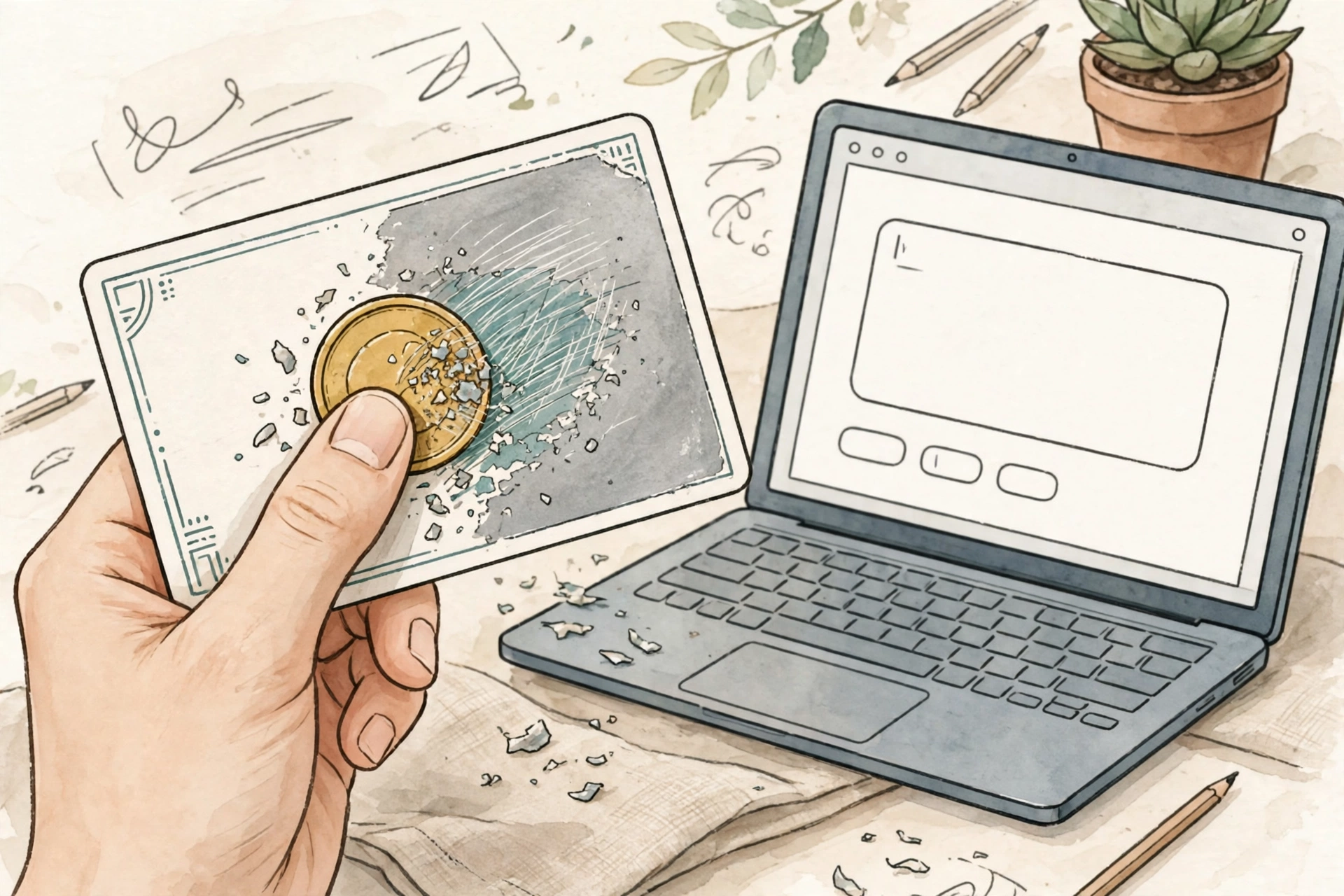
Step 3: Find your code. Gently scratch the silver panel on the back of a physical card with a coin, or copy the code from the delivery email for a digital card. Do not peel the panel off aggressively — a damaged code is much harder to recover.
Step 4: Type the code into the Code box, exactly as printed. Do not add spaces. Watch for characters that look alike: 0 and O, 1 and I, 2 and Z, 5 and S, 6 and G or Q, and 8 and B are the usual mix-ups. The page also offers a camera icon, "Try scan to redeem", which can read the code from a physical card if typing it is awkward.
Step 5: Tick the confirmation box and click Redeem. The page asks you to confirm you are 18 or older, or a parent or guardian. Then click Redeem. A confirmation message appears once the credit or item has been added to the account.
The same page also handles virtual item codes from Roblox toys and promo codes, so if a code came with a toy or an event, it goes in the same box.
How to Redeem a Roblox Gift Card on a Phone or Tablet
On a phone, the rule is the same — use a browser, not the app — with two exceptions below.
Open Safari on an iPhone or iPad, or Chrome on an Android phone, and go to roblox.com/redeem. Sign in, and if the phone tries to open the Roblox app instead, choose "Continue in browser" to stay on the website. Then enter the code and tap Redeem, exactly as on a computer. The credit shows up in the app once you sign back in on the same account.
The exceptions are Samsung Galaxy phones, where Roblox also lets you redeem inside the mobile app, and iPhones in the US, which have the same option. On a Samsung device, open the app, go to More, tap the Redeem tile, and enter the code there. On iOS in the US, the app offers the same option. If you do not see a Redeem option in your app, that is normal — the in-app route is only available on those devices, and the browser route works for everyone. Do not download a third-party "redeem" app: the only safe places to enter a code are roblox.com/redeem and the official Roblox app.
Can You Redeem a Gift Card on Xbox or PlayStation?
No. Gift card redemption is not available on consoles, and there is no redeem field in the console versions of Roblox. That surprises a lot of players — the console is where they actually play — but the code simply has nowhere to go there.
The fix is easy: pick up a phone or a computer, open a browser, and redeem the code at roblox.com/redeem while signed in to the same account you use on the console. The credit or Robux lands on the account, not the device, so it is there the next time you open Roblox on Xbox or PlayStation.
What to Do With the Credit After Redeeming
Once redeemed, the value sits on your account until you spend it. The most common use is Robux: click the Robux icon at the top of the site, choose Buy Robux (or Get Robux on the redeem page), pick an amount, and select Roblox Credit as the payment method. The checkout screen shows the amount before you confirm, so you can check the credit covers it.
Credit can also pay for a Roblox Plus subscription, the $4.99-a-month (USD) plan that replaced Premium for new subscribers. If the card was an Amazon or Party Pack card, there is no credit step — the Robux goes straight onto the account. Your Robux balance updates in the site header, so a quick look at the top of the page tells you whether the redemption worked.
When the Code Does Not Work
Most failed redemptions have one of a few causes, and most are fixable without contacting anyone.
"Invalid code." This is almost always a typo. Retype the code slowly, one character at a time, and check the look-alikes: 0 for O, 1 for I, 8 for B. Make sure there are no spaces before or after the code, and that you typed the whole code — digital codes in an email sometimes wrap across two lines, and it is easy to miss the last characters.
"This code has already been redeemed." The code has been used — a code can only be used once. First, check every account in the household: a sibling may have redeemed it already, or you may have entered it while signed in to a different account. If nobody you know used it, keep the card and the receipt: Roblox Support can investigate a legitimate card that fails, but they will want proof of purchase.
The code is scratched off or unreadable. If the scratch panel took some of the code with it, do not guess the missing characters. Keep the card and the receipt and contact Roblox Support with photos of both.
The card came from an unauthorised seller. Gift cards only work if they came from Roblox or an authorised retailer. Codes bought from auction sites, social media sellers or "free Robux" sites are often already used, fake, or bought with stolen payment methods and later cancelled. Cards from unauthorised sellers may not be accepted, with no refund in that case. Buy from a store you recognise, and keep the receipt until the code is redeemed.
It says the code is for a different region. Roblox says all codes can be redeemed worldwide and the value converts to your account's currency automatically, so a region error is unusual — recheck the code first, since a mistyped code is the most common cause, then check where the card came from.
Stay Safe With Gift Cards
A gift card code is as good as cash to anyone who has it, so treat it that way. Never post a photo of the code on social media, in a Discord server or in a game chat, and never send it to someone who promises to double it or trade it. No Roblox staff member will ever ask for your code, and Roblox never asks you to enter a code anywhere except roblox.com/redeem or the official app.
Watch for the "free Robux" trap: sites and videos that promise free gift card codes for surveys, downloads or your password are scams — the codes do not exist, and the goal is your account or your money. The only legitimate way to get a Roblox gift card is to buy one, or to be given one by someone who did. If a deal looks too good to be true, close the tab.
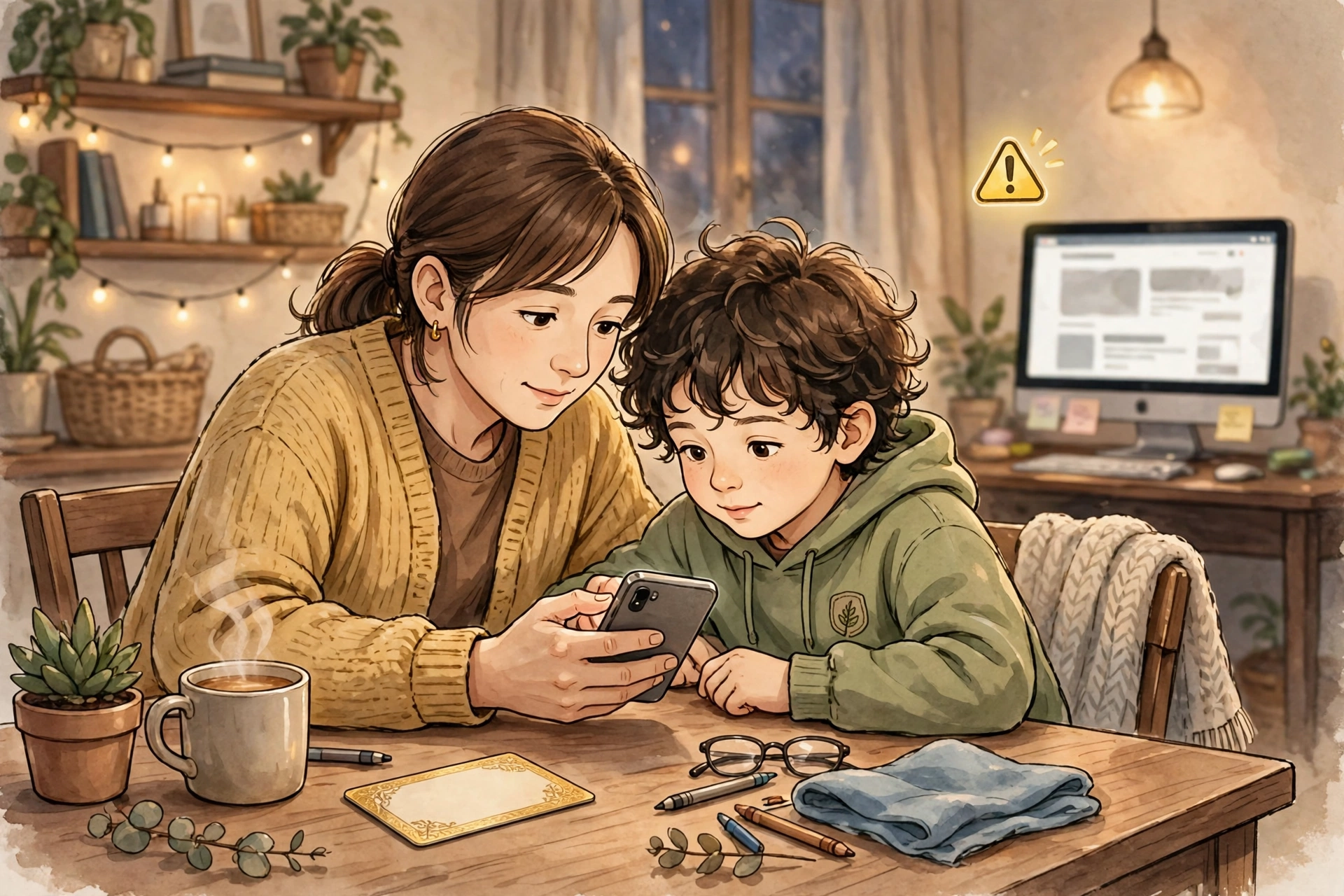
For parents, the short version: buy from a shop you know, keep the receipt until the code is redeemed, redeem it yourself on your child's account or watch them do it, and keep the code private. A redeemed card cannot be un-redeemed — the minute of care before clicking Redeem is the whole safety plan.
Frequently Asked Questions
Where do I redeem a Roblox gift card?
At roblox.com/redeem, in a web browser. Sign in to the account that should get the value, type the code into the Code box, and click Redeem.
Can I redeem a gift card in the Roblox app?
Not in the standard mobile app — it has no redeem field. Samsung Galaxy users can redeem in the app from the More menu, and iOS users in the US have the same option. Everyone else should use a browser on the phone.
Can I redeem a gift card on Xbox or PlayStation?
No. Consoles have no redemption option. Redeem the code in a browser on a phone or computer while signed in to the same account, and the value will be there when you play on the console.
What does a gift card give me — Robux or credit?
Most cards give Roblox Credit, which you can spend on Robux or a Roblox Plus subscription. Amazon gift cards and Party Pack cards give Robux only and cannot be turned into credit.
The code says it has already been redeemed. What do I do?
Check every account in your household first — the code may have been used on another account. If nobody used it, contact Roblox Support with the card and the receipt so they can investigate.
Can I get a refund for a Roblox gift card?
No. Roblox does not provide refunds for gift cards, so check the account and the code carefully before you redeem, and buy only from authorised retailers.
Related Guides on RBXMods
- How to gift Robux to friends the official way — the safe ways to send Robux to someone else, once your own balance is sorted.
- Roblox Plus explained — the $4.99-a-month subscription your gift card credit can pay for, and whether it is worth it.
- How to keep your Roblox account safe — 2-step verification, passkeys and the scam patterns that target gift cards and codes.
- Roblox Wallet and Card explained — how creator earnings will be paid out from December 2026, and how it differs from DevEx.
RBXMods is not affiliated with or endorsed by Roblox Corporation. Roblox and the Roblox logo are trademarks of Roblox Corporation.
Sources
Sources last reviewed November 26, 2026; each page was verified loading on the date noted beside it.
- Roblox Support: How to redeem and spend your Gift Card — the official redemption guide: browser steps, the Samsung Galaxy and iOS in-app options, Amazon and Party Pack cards being Robux-only, worldwide redemption with automatic currency conversion, one code at a time, and no refunds for gift cards. (Verified loading in the live browser 2026-11-26.)
- Roblox: Redeem Roblox Gift Cards and Codes — the official redemption page: the Code box, the scan-to-redeem option, and the 18-or-older / parent-or-guardian confirmation. (Verified loading in the live browser 2026-11-26.)
- Roblox: Buy Roblox & Robux Gift Cards Online — the official gift card page: physical, digital, Party Pack (25 cards of 200 Robux) and Mini Pack (40 coins of 50 Robux) options, and the FAQ confirming browser redemption and credit use for Robux or Plus. (Verified loading in the live browser 2026-11-26.)
- Roblox Newsroom: Introducing Roblox Plus — the official April 10, 2026 announcement: the $4.99 USD price and the Premium transition behind the Plus subscription your credit can pay for. (Verified loading in the live browser 2026-11-08.)
- TweakDoor: How to Redeem a Roblox Gift Card in 2026 — independent guide (verified loading 2026-11-26): the free virtual item (one unique item per account per month; Party Packs and Mini Packs excluded), US cards not expiring and carrying no fees, paying for Plus with gift card credit on the web, the Get Robux button on the redeem page, and the iOS US in-app option. (Verified loading 2026-11-26.)
- Roblox Creator Hub: Creator Updates — the official listing where Roblox announcements appear. (Verified loading in the live browser 2026-11-23.)