How to Verify Your Age on Roblox: The Age Check, Chat Rules and Fixes
Since January 2026, Roblox will not let you chat until you pass an age check — a selfie scan or an ID check that puts you in an age group. Here is how it works, what changes after it, and what to do when it gets your age wrong.

In this guide
What the Roblox Age Check Is — and Why Chat Stopped Working The Six Age Groups and Who You Can Chat With How to Verify Your Age on Roblox: Step by Step Option 1: Facial age estimation (the selfie check) Option 2: ID verification (ages 13 and older only) What Changes After You Complete the Check When the Age Check Gets Your Age Wrong Frequently Asked Questions Do I have to verify my age to play Roblox? Can I verify my age without an ID? Why is chat still off after I did the age check? How do I fix a wrong age estimate? Does Roblox keep my selfie or ID photo? Can I chat with a friend in a different age group? Related Guides on RBXMods SourcesIf you opened Roblox recently and found chat greyed out, or a game telling you that you cannot talk to anyone, you are not banned and nothing is broken. Since January 7, 2026, Roblox requires every user to complete an age check before using chat — anywhere in the world, at any age. Until you do it, text chat, voice chat and friend chat all stay locked, even on an account that is years old. The check takes a few minutes, it is free, and you can do it with a selfie video or, if you are 13 or older, with a government photo ID.
Key takeaways
- Since January 7, 2026, an age check is required to use any chat on Roblox — no check, no chat, whatever your age.
- You verify with facial age estimation (a short selfie video) or, if you are 13 or older, with a government photo ID.
- The check places you in one of six age groups, and by default you can only chat with your own group and the ones next to it.
- A wrong estimate can be corrected — with ID verification, a one-time reset, or a linked parent — so do not just accept a wrong result.
What the Roblox Age Check Is — and Why Chat Stopped Working
Roblox calls the process an age check. You prove roughly how old you are, Roblox places you in an age group, and that group decides what you can do. The requirement started in December 2025 in Australia, New Zealand and the Netherlands, then rolled out worldwide on January 7, 2026, making Roblox the first large gaming platform to require age checks for chat for users of all ages. It is not a punishment for your account: the same rule applies to a brand-new account and to one made ten years ago.
The check is optional in the strict sense — nobody forces you to take it. But without it, chat stays off. You can still play games, but you cannot send messages in a game, talk to friends, or use voice chat. The same check also gates voice chat, Team Create collaboration in Studio, 16+ and 17+ (Restricted) content, and games outside the Kids and Select catalogues — if any of those is suddenly unavailable, the missing age check is the first thing to rule out.
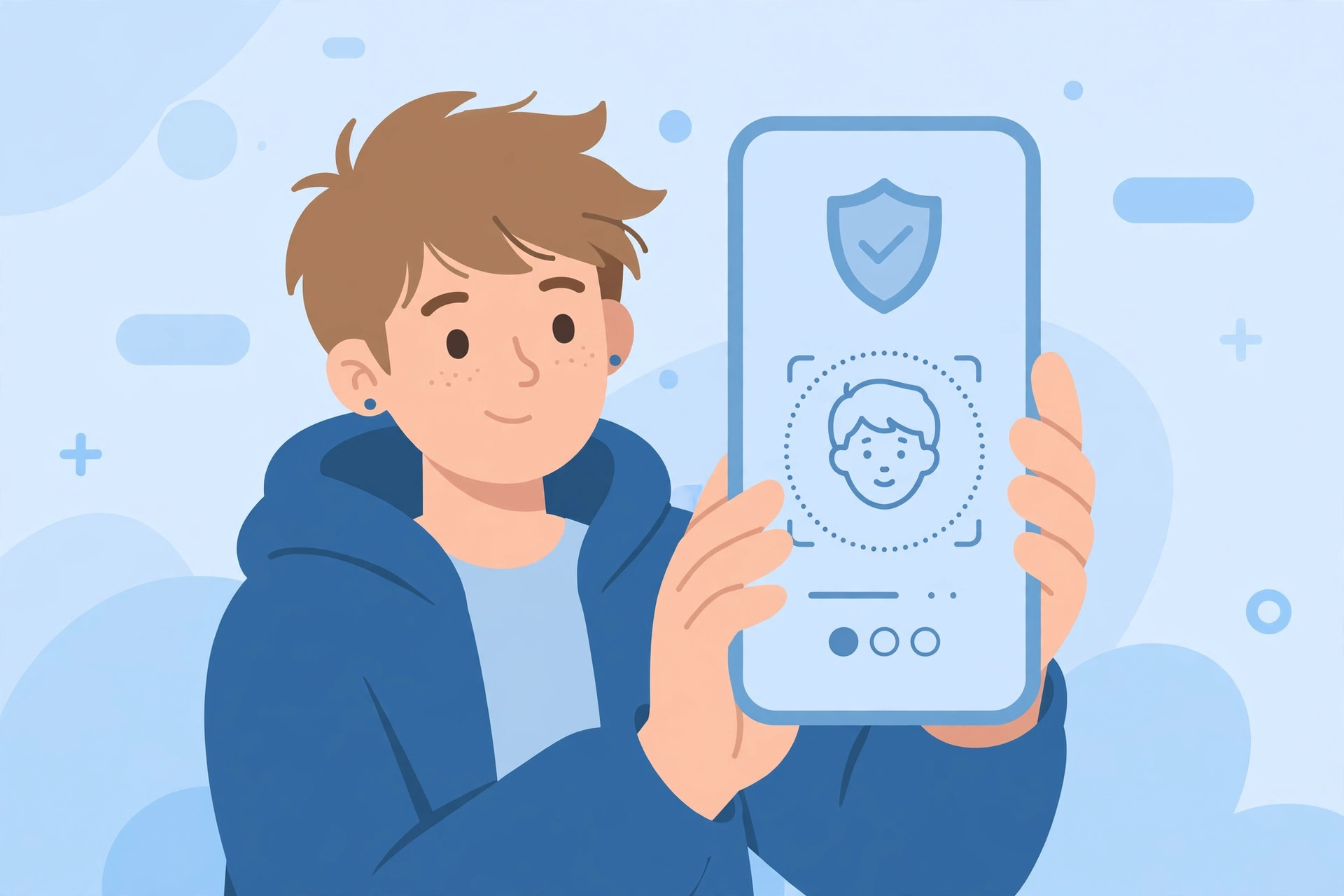
There are two ways to complete the check. Facial age estimation is a short selfie video taken with your device camera: an algorithm estimates your age group from it, and Roblox says the images and video are deleted after processing and that it does not receive or store biometric data from the process. The second method is ID verification, available only to users aged 13 and older: you photograph a government-issued photo ID, such as a passport or driver's licence, and take a quick selfie so Roblox can confirm you are the person on the ID. If your computer or console has no camera, Roblox shows a QR code so you can finish on your phone.
The Six Age Groups and Who You Can Chat With
Once you complete an age check, Roblox assigns you to one of six age groups: under 9, 9–12, 13–15, 16–17, 18–20, and 21+. By default, you can chat with people in your own group and the groups directly above and below yours — so a child under 16 cannot chat with an adult by default.
The youngest players get the strictest default. For children under 9, chat is turned off by default unless a parent provides consent after an age check. For ages 9–12, parents also need to approve chat, and direct chat needs parental consent for users under 16. Exact ages and settings can vary by region, so treat the menu on your own account as the final word for your country.
Your age group also decides your account type. Since June 16, 2026, Roblox has three worldwide: Roblox Kids (ages 5–8, only Minimal or Mild games that passed an extra selection process, chat off by default), Roblox Select (ages 9–15, adds Moderate games, chat opening up gradually), and the standard account at 16 and older. Accounts move automatically as you age — Kids to Select at 9, Select to standard at 16. For parents, the controls live behind a linked parent account under Settings > Parental Controls: content maturity, chat rules, blocked games, spending and screen-time limits, with control easing as the child gets older and the accounts unlinking automatically at 18. Our account safety guide covers the other protections worth turning on alongside these defaults, including two-step verification.
How to Verify Your Age on Roblox: Step by Step
The whole flow lives in one place: Settings > Account info > Age Group. On a computer, open Settings from the gear icon at the top right; in the mobile app, tap More (...) at the bottom right, then the gear icon for Settings. If you do not see the options, update the app first and check the same menu on roblox.com.
Option 1: Facial age estimation (the selfie check)
- Open Settings > Account info and find Age Group.
- Choose Continue with selfie.
- Allow camera access, then follow the on-screen prompts: a short video of your face, turning your head as instructed.
- Wait for the result. Roblox places you in an age group based on the estimate.
This is the fastest option and it is open to users under 13 as well, although some regions require parental approval for younger players. The person in front of the camera must be the account owner: the scan estimates the age of whoever is on camera, so a parent's face could put a child's account in an adult age group.
Option 2: ID verification (ages 13 and older only)
- Open Settings > Account info and find Age Group.
- Choose Continue with ID, then Continue.
- Photograph your government-issued photo ID — passport, driver's licence or residency card — including the back if it has a barcode.
- Take the quick selfie Roblox asks for, so it can match you to the ID.
- Return to Roblox to see your result.
ID verification is the more reliable method, because it checks your actual birthday instead of estimating it. If you are 13 or older and the selfie put you in the wrong group, reach for this fix first. Roblox Support cannot manually verify IDs or override a result.
What Changes After You Complete the Check
The most obvious change is that chat comes back — text chat in games, chat with friends, and voice chat if you are 13 or older and it is available in your region. Voice chat has its own extra rule: phone verification no longer counts. You need to be at least 13 and to have completed an age check before the voice option appears at all.
Beyond chat, the check unlocks the rest of the age-gated platform: 16+ games and 17+ (Restricted) content if your verified group qualifies, Team Create collaboration in Studio, and early-tester invites — our 2026 publishing guide covers those, since early testers must also be age-checked. Your account type settles too: instead of being placed by the birthday you typed at sign-up, you are placed by your verified age.
If you skip the check entirely, Roblox falls back to the birthday you entered when you signed up — under 9 goes into Roblox Kids, 9 and older into Roblox Select — and chat stays off in both. That is why an account can feel "stuck" even though nothing is wrong with it: the birthday alone never unlocks chat any more. And if your child has real-life friends in a different age group, the answer is Trusted Connections: both players must be age-verified, then they add each other through a real-life method — the phone Contact Importer, or by scanning each other's in-app QR code. Trusted Connections are the exception to the age-group chat rule, and they only work between people who actually know each other.
When the Age Check Gets Your Age Wrong
The selfie estimate is not perfect, and Roblox says so itself: independent testing puts the average error at about 1.4 years for users under 18. If your result looks wrong, do not just accept it — Roblox's Help Center lists four ways to correct a result.
- Re-verify with ID (ages 13+). The most reliable fix. Go back to Settings > Account info > Age Group and choose Continue with ID. A government photo ID overrides the estimate with your real birthday.
- Use the one-time reset. If the selfie wrongly placed you in an 18+ group, Roblox offers a Reset option under your birthday and age group. It works once per account, so only use it when the result is clearly wrong.
- Use the 48-hour grace period. If you self-reported as 13 or older and the selfie estimated you under 13, you have 48 hours before the result becomes final. Do not tap Accept Now if the result is wrong — use that window to complete ID verification instead.
- Ask a linked parent to correct it. For younger players, a parent whose account is linked to the child's can make a one-time edit to the age. This is also why linking a parent account before doing the check is worth doing: without the link, there is no parent route to fix a wrong result later.
One more behaviour: Roblox runs background checks on gameplay and other activity signals, and if an account looks much older or younger than its listed age, it can prompt another age check. Complete it the same way, preferring ID verification if the selfie keeps getting it wrong. If a code or an error blocks you while verifying, our Roblox error codes guide explains what the common ones mean.
Frequently Asked Questions
Do I have to verify my age to play Roblox?
No. Playing games does not need an age check. The check is required for chat — text, voice and friend chat — and for age-restricted content, Team Create, and early-tester invites.
Can I verify my age without an ID?
Yes. Facial age estimation uses a selfie video and needs no ID, and it is open to users under 13 as well. ID verification is the alternative for 13 and older, and the more reliable option if the selfie estimate is wrong.
Why is chat still off after I did the age check?
Usually one of three reasons: your group needs parental approval (under 9, or 9–12 without a parent's consent), your privacy settings block that chat type, or you are trying to chat with someone two or more age groups away, which is off by default. Check Settings > Privacy & content restrictions > Communication, and ask a linked parent to approve chat if you are under 13.
How do I fix a wrong age estimate?
If you are 13 or older, re-verify with a government photo ID — the most reliable correction. If the selfie wrongly placed you in an 18+ group, use the one-time Reset under Account info. If you self-reported 13+ but were estimated under 13, use the 48-hour grace period to complete ID verification instead of tapping Accept Now. Younger players can ask a linked parent for a one-time edit.
Does Roblox keep my selfie or ID photo?
According to Roblox, the images and video used for facial age estimation are deleted after processing, and Roblox says it does not receive or store biometric data from that process. ID checks go through its third-party provider, Persona, the same way.
Can I chat with a friend in a different age group?
By default, only with the groups directly above and below yours. The exception is Trusted Connections: if you both are age-verified and add each other through a real-life method such as the Contact Importer or a QR code scan, you can chat across groups.
Related Guides on RBXMods
- How to keep your Roblox account safe — two-step verification, PINs and the other protections to turn on first.
- Roblox error codes: what each error means and how to fix it — for codes that block you while verifying or joining.
- How to publish your Roblox game in 2026 — early testers and the 16+ route both need an age check.
- How to make a game in Roblox — Team Create collaboration also requires an age check.
RBXMods is not affiliated with or endorsed by Roblox Corporation. Roblox and the Roblox logo are trademarks of Roblox Corporation.
Sources
- Roblox Support: Understanding Age Checks on Roblox — what an age check is, which features require one, and the age-group access rules.
- Roblox Support: ID Verification — the step-by-step ID verification process for users 13 and older.
- Roblox Creator Documentation: Kids and Select — the Roblox Kids and Roblox Select account types and what each can access.
- Roblox: Parental Controls — parent accounts and how parents manage content, chat, screen time and spending.