Roblox Bio Privacy Explained: Who Can See Your Bio From December 7, 2026
From December 7, 2026, Roblox starts rolling out a setting that controls who can see your profile bio — and the GetUser API follows the same rule. What changes, and what to do before then.

In this guide
What Roblox Bio Privacy Changes on December 7, 2026 Why Some Bios Already Look Empty How to Set Who Can See Your Roblox Bio What the Setting Does Not Change What Creators and Tool Makers Must Do Before December 7 Why Roblox Is Doing This Frequently Asked Questions When can I control who sees my Roblox bio? Who can see my bio after I set it to Friends only? Why did games stop showing my bio earlier in 2026? Does the bio setting hide my whole profile? What should creators do if GetUser stops returning the description? Should I delete personal details from my bio? Related Guides on RBXMods SourcesYour Roblox bio is a small box of text on your profile — a few lines about who you are, what you play, maybe a favourite game. For years, anyone who opened your profile could read it, and any website or tool that asked Roblox for your profile could read it too. That is about to change. From December 7, 2026, Roblox is reported to start rolling out a setting that lets you choose who can see your profile bio, with options including Friends only, and defaults that depend on your age and where you live. At the same time, the official GetUser API will follow the same rule and may leave the bio out entirely. If you have ever wondered why some bios already show up blank in games and tools, or what to do before December 7, this guide explains both sides: the player side and the creator side.
Key takeaways
- Roblox bio privacy starts rolling out December 7, 2026: a new setting controls who can see your profile bio, with Friends-only among the options and defaults that vary by age and region.
- From the same date, the Open Cloud GetUser API follows the audience rule and may omit the bio (description) field when the user has restricted it — treat a missing bio as normal, not an error.
- Some bios already look empty: since August 2026 the public users.roblox.com API has returned an empty description for other people's profiles. That is a separate, earlier change.
- Players should check the setting once it appears and strip personal details from their bio either way. Creators and tool makers must stop relying on the bio — never use "put this code in your bio" to verify a user.
What Roblox Bio Privacy Changes on December 7, 2026
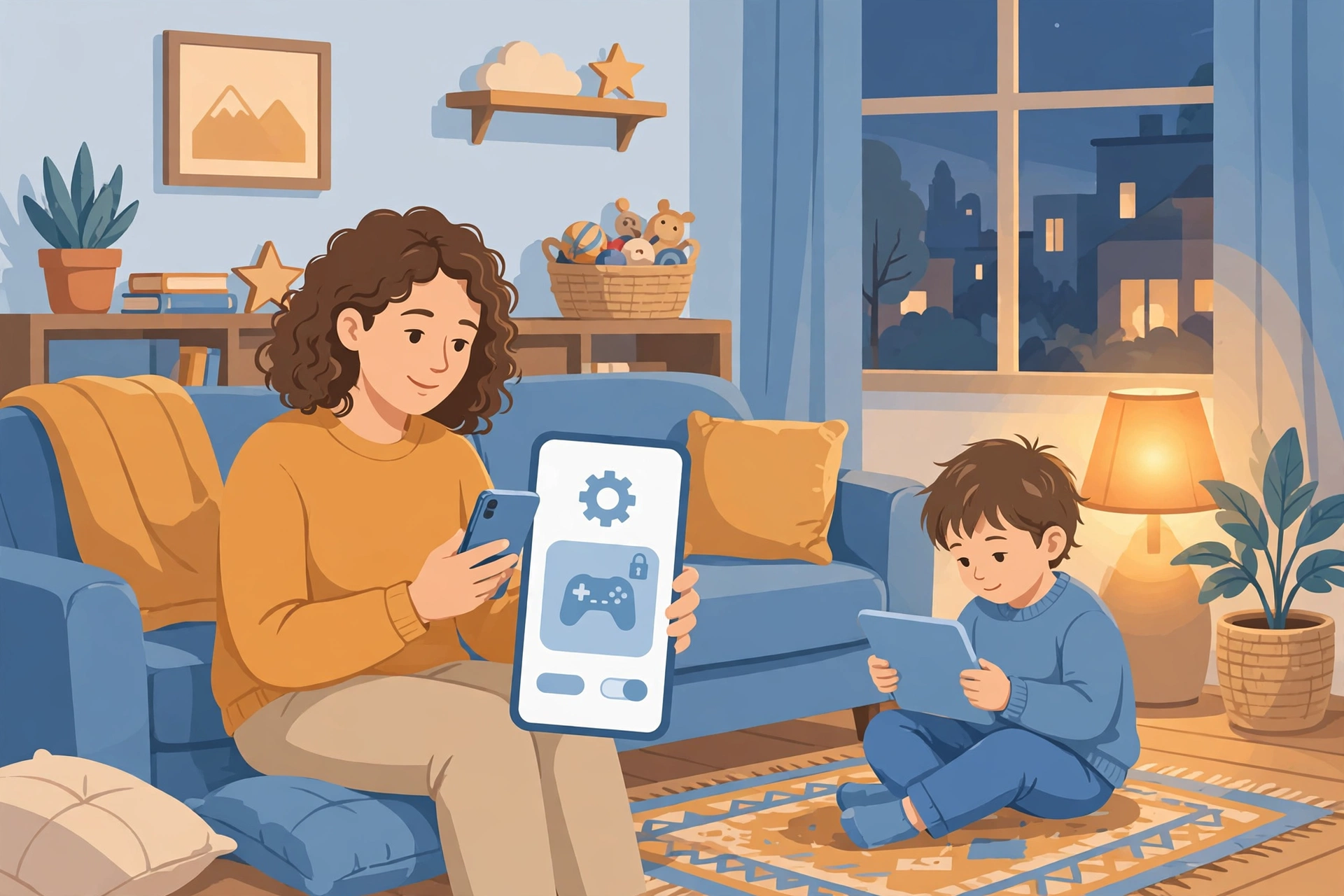
The change is simple to describe and easy to miss. Roblox is adding an audience control for the Profile Bio — the "About" text on your profile, which Roblox also calls the description. Once the setting reaches your account, you decide who can see it. Friends only is one of the options, and the defaults are set by Roblox based on your age and your region, so younger accounts are likely to start with tighter settings than adult ones. Reports from November put the start of the rollout on December 7, 2026 — begin, not finish. Like most Roblox rollouts, it will reach accounts in waves, so do not be surprised if the setting appears on a friend's account days before it appears on yours.
The same rule applies to the official API. Open Cloud's GetUser endpoint — GET /cloud/v2/users/{userId} — is how tools, bots and websites fetch a user's profile, including the bio. From December 7, that endpoint follows the audience setting: if a user has restricted their bio, GetUser may omit the description field from its response. The field may simply be absent from the response, so anything reading it has to cope with it not being there.
What is changing is the bio itself. The reports describe an audience control for the bio — the description field — only, not a wider change to what a profile shows. And a setting is not a substitute for good judgement: a bio is still public-facing text, so the advice below about what not to put in it applies whatever audience you choose.
Why Some Bios Already Look Empty
If you build games or use Roblox tools, you may have noticed something odd since the summer: bios that used to load now come back blank. That is not a bug, and it is not the December 7 change arriving early. It is a separate, earlier change that Roblox made in August 2026.
In August 2026, the public users API — users.roblox.com/v1/users/{id} — stopped returning other people's descriptions. Ask for another user's profile through that endpoint and the description field comes back empty, even though the user has a bio on their profile. Your own bio is still readable when you are signed in and asking about yourself. Tool makers noticed it first: profile cards went blank, "about me" displays showed nothing, and verification flows that asked users to paste a code into their bio stopped working, because the code was never visible to the checker.
That August change is why the December 7 setting matters more than it looks. The public API already treats other people's bios as private; December 7 extends the same idea to the official Open Cloud API and gives players a visible setting to control it. If your tool still reads bios through the old public endpoint, it has been broken since August. If it reads them through Open Cloud, it has until December 7.
How to Set Who Can See Your Roblox Bio
The setting does not exist on every account yet, so the first step is patience: it starts rolling out on December 7, 2026, and reaches accounts in waves. Once it appears, look for the Bio — or Description — audience setting under Profile > Privacy, where it has been reported to appear — though the exact labels may change by launch. Choose who can see it: Friends only is among the options, and Everyone keeps things as they are today.
Look at the setting yourself once it appears — do not assume the default is what you want. Roblox sets the default from your age and region, and younger accounts are likely to default tighter — but "likely" is not a promise. Open the setting, look at what it actually says, and change it if it is not what you want.
Whatever you choose, use the moment to clean up the bio itself. Bios are one of the most common places for younger players to overshare: a school name, a phone number, a real name, or a way to contact you off Roblox. None of that belongs in a bio, because a bio is designed to be seen — by friends, by strangers, and by anything that can read a profile. The audience setting limits who can see it. Deleting personal details removes the risk entirely.
What the Setting Does Not Change
It helps to be clear about the limits, because the setting will be misunderstood in exactly three ways. First, it does not hide your profile. People can still find you, see your username and display name, see your avatar, and send you a friend request if your other settings allow it. Only the bio text is covered.
Second, it does not make your bio retroactively secret. If your bio has been visible for years, copies of it exist in screenshots, in search caches, and in the memories of anyone who read it. The setting controls future visibility. If something in your bio should never have been public, delete it now rather than relying on the setting to hide it.
Third, it does not change how Roblox moderates bios. A bio set to Friends only is still a bio on Roblox, and the community standards still apply to it.
What Creators and Tool Makers Must Do Before December 7
If you build tools, bots, websites or in-game features that read user profiles, this is a deadline, not a suggestion. The work is small, but it has to be done before the rollout reaches your users.
Handle a missing description as normal. From December 7, Open Cloud GetUser may omit the description field when the user's bio audience blocks you. That means your code must handle a missing field as a normal case, not an error. If your profile card crashes, shows a broken layout, or throws an error when the bio is absent, fix that now. The same applies to anything that reads the bio through the public users API — that has returned empty descriptions for other users since August 2026, so if you have not handled it already, you are already broken.
Stop verifying users through their bio. The "paste this code in your bio so we know it is you" pattern is dead. It broke in August on the public API, and it breaks completely in December on Open Cloud. If your tool needs to prove who a user is, use a proper method: Roblox OAuth, an API key tied to the right account, or a verification flow that does not depend on reading profile text. Scraping profile pages to read a bio is not a replacement — it is fragile, it breaks without warning, and Open Cloud is the documented way to read profile data.
Check it yourself. A quick way to see what GetUser returns for a profile is to call it with an API key and look at the JSON:
curl -s -H "x-api-key: YOUR_API_KEY" "https://apis.roblox.com/cloud/v2/users/123456"If the bio is restricted, the response simply has no description in it — your code should treat that as a normal, empty bio, not an error.
Degrade gracefully in games. If your game shows a player's "about me" text — on a profile card, a trading screen, a roleplay nameplate — decide now what it shows when the bio is private. A blank space, a short "bio hidden" note, or simply hiding that line all work. What does not work is showing an error, or treating a missing bio as a sign the player is suspicious. A private bio is a normal choice, and your game should treat it that way.
Move off the old web APIs while you are at it. Roblox has been steering tool makers toward Open Cloud, and the old cookie-based web APIs are not the documented path — Open Cloud, with an API key, is. If your tool still calls users.roblox.com directly, December 7 is a good moment to move it to Open Cloud's GetUser instead.
Why Roblox Is Doing This
The change fits the same pattern as the rest of Roblox's recent safety work: more control for users over their own information, and stricter handling of children's data under regional privacy rules. A bio is a small thing, but it is one of the most common places for children to overshare — a school, a town, a way to contact them off Roblox — and one of the easiest things for automated scrapers to harvest at scale. Cutting off the public API in August and adding an audience control in December are two halves of the same move.
Frequently Asked Questions
When can I control who sees my Roblox bio?
Reports from November say the rollout begins December 7, 2026. It reaches accounts in waves, so it may appear on your account a few days after that date. Check Profile > Privacy once the setting appears.
Who can see my bio after I set it to Friends only?
Only your Roblox friends — on your profile and on any surface that respects the setting. Open Cloud GetUser follows the same rule, so tools and websites that use it will not see your bio either.
Why did games stop showing my bio earlier in 2026?
Since August 2026, the public users.roblox.com API has returned an empty description for other people's profiles. That is separate from the December 7 setting, and it is why "paste a code in your bio" verification stopped working.
Does the bio setting hide my whole profile?
No. Only the bio — the description text — is covered. Your username, display name, avatar and badges stay visible as before, and people can still find your profile.
What should creators do if GetUser stops returning the description?
Treat it as normal: handle a missing description field without crashing or showing an error. Do not use the bio to verify users — use Roblox OAuth or an API key instead — and show a blank or "bio hidden" state in-game when the bio is private.
Should I delete personal details from my bio?
Yes, whatever audience you choose. Do not put your school, phone number, real name or off-Roblox contact details in your bio. The audience setting limits who can see it; deleting personal details removes the risk entirely.
Related Guides on RBXMods
- Roblox MCP and Open Cloud access in Studio — how Open Cloud works, API keys, and what the Studio MCP server can call on your behalf.
- How to verify your age on Roblox — the age check behind the age-based defaults, and how to fix a wrong age estimate.
- How to keep your Roblox account safe — 2-step verification, passkeys, and the scams that target accounts, including fake verification tricks.
- Roblox chat not working: fixes — the other half of the age-based rules: why chat stops working, and the two-minute diagnostic.
RBXMods is not affiliated with or endorsed by Roblox Corporation. Roblox and the Roblox logo are trademarks of Roblox Corporation.
Sources
Sources last reviewed November 24, 2026; each page was verified loading on the date noted beside it. No primary Roblox announcement of this change was found — the rollout is reported by the two independent summaries below, so the article attributes it to reports rather than to Roblox directly.
- RobloxTools: Who Can See My Roblox Bio? Privacy Setting (Dec 7, 2026) — independent summary (November 16, 2026): the December 7 rollout, the August 2026 public-API change, and what players and creators should do. (Verified loading 2026-11-24.)
- Walkthroughs: Roblox's November 2026 Creator Update — independent summary (November 2026) of the November 9–13 Developer Forum announcements, including the December 7 change to the GetUser Open Cloud API, which will let users hide their profile bios from that endpoint. (Verified loading 2026-11-24.)
- Roblox Creator Documentation: Open Cloud reference — the authoritative Open Cloud API reference: the GetUser endpoint path, its scopes and rate limits. It does not document the December 7 behaviour itself. (Verified loading in the live browser 2026-11-24.)
- Roblox Support: Understanding Age Checks on Roblox — what an age check is and which features require one; cited only for the age-based-defaults context, not for the bio setting itself. (Verified loading in the live browser 2026-11-06.)
- Roblox Creator Hub: Creator Updates — the official listing where Roblox announcements appear. (Verified loading in the live browser 2026-11-23.)