The Great Build on Roblox: Every Free Item and How to Get One Before November 30
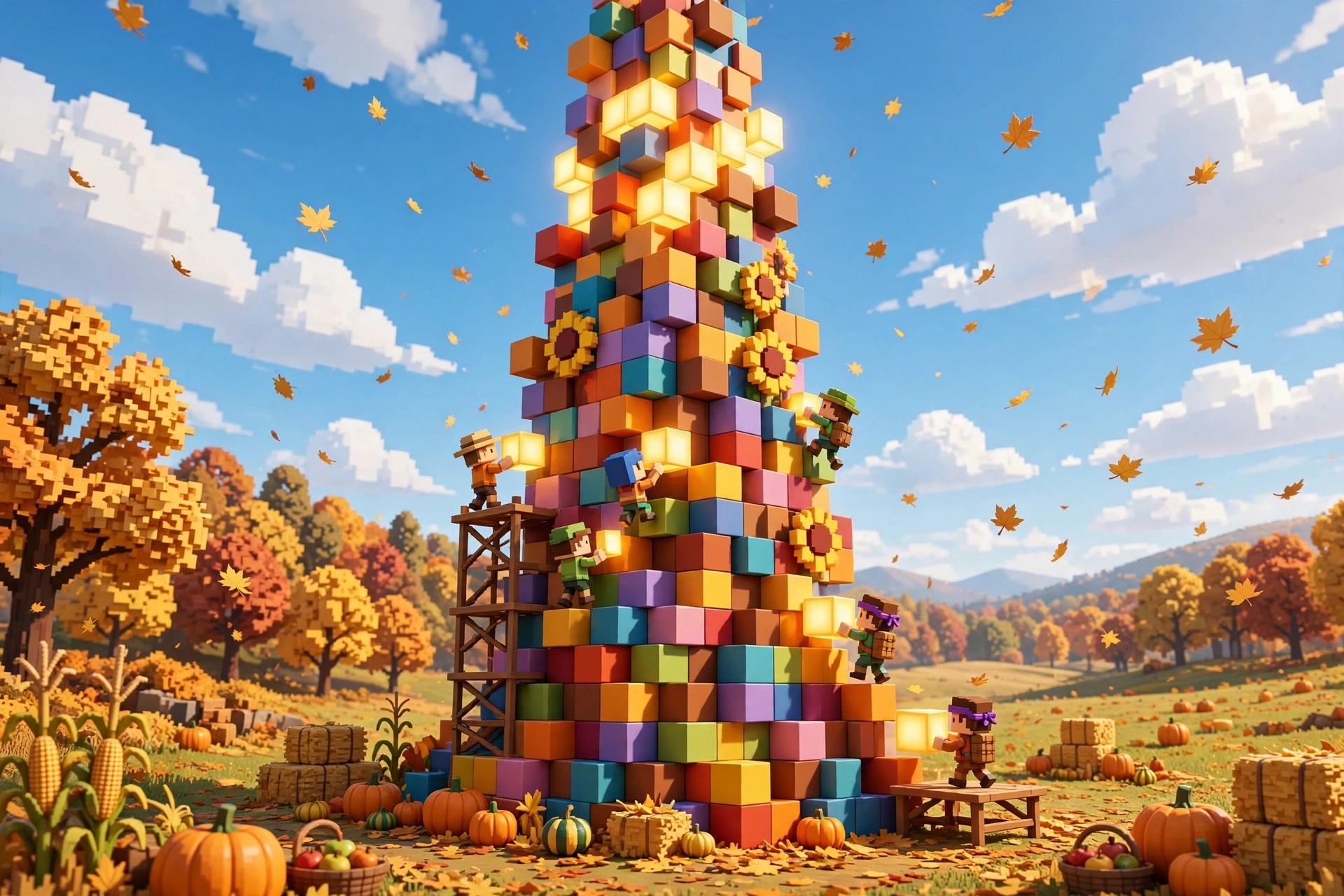
The Great Build is Roblox's Thanksgiving event for 2026: one shared tower, one free block per hour, and free avatar items as the community hits its milestones. Here is how to join, how to claim every item, and what to check before the event ends on November 30.

In this guide
What The Great Build Is How to Join and Place Your First Block The Milestone Rewards: Place Five Blocks First The Hub Activities: Obby, Scavenger Hunt and Time Trial The Launcher Items: Golden and Sapphire Brick Circlets How to Claim Your Items What Happens After November 30 Frequently Asked Questions When does The Great Build end? How often can I place a block in The Great Build? How many blocks do I need to place to get the free items? Do the milestone items unlock automatically? How do I get the Skybound Monarch? Why does the scavenger hunt or time trial say it failed to claim? Is The Great Build free? Related Guides on RBXMods SourcesRoblox is running a Thanksgiving event called The Great Build from November 25 to November 30, 2026, and it works differently from most Roblox events. There is no game to win and nothing to buy. Every player gets one free block every hour, writes a short message of gratitude on it, and adds it to a single tower that the whole community is building together. As the tower passes shared milestones, free avatar items unlock for everyone who took part. This guide explains how The Great Build event works, how to place your blocks, and how to claim each of the free items before the event ends.
Key takeaways
- The Great Build runs November 25–30, 2026, in an experience by Roblox Presents. It is free, and there are no codes to redeem.
- You get one free Gratitude Block every hour from the Block Giver lever. Place at least five blocks to qualify for the milestone rewards.
- The tower unlocks free items at 1 million, 5 million, 10 million and 20 million blocks, according to the AKSMWorld guide. The 1 million milestone was already reached by November 26, per the same guide.
- Finishing the hub obby once earns the Skybound Monarch and unlocks flight in the hub. The time trial is open; the scavenger hunt was still locked as of November 27.
- Claim each item at its podium in the hub by pressing E (or tapping on mobile). Items do not arrive on their own.
What The Great Build Is
The Great Build is a platform-wide Thanksgiving event built around one idea: gratitude, stacked. Roblox teased it on November 23 with a short post asking players what they were thankful for, and the event opened on November 25. The experience is published by Roblox Presents.
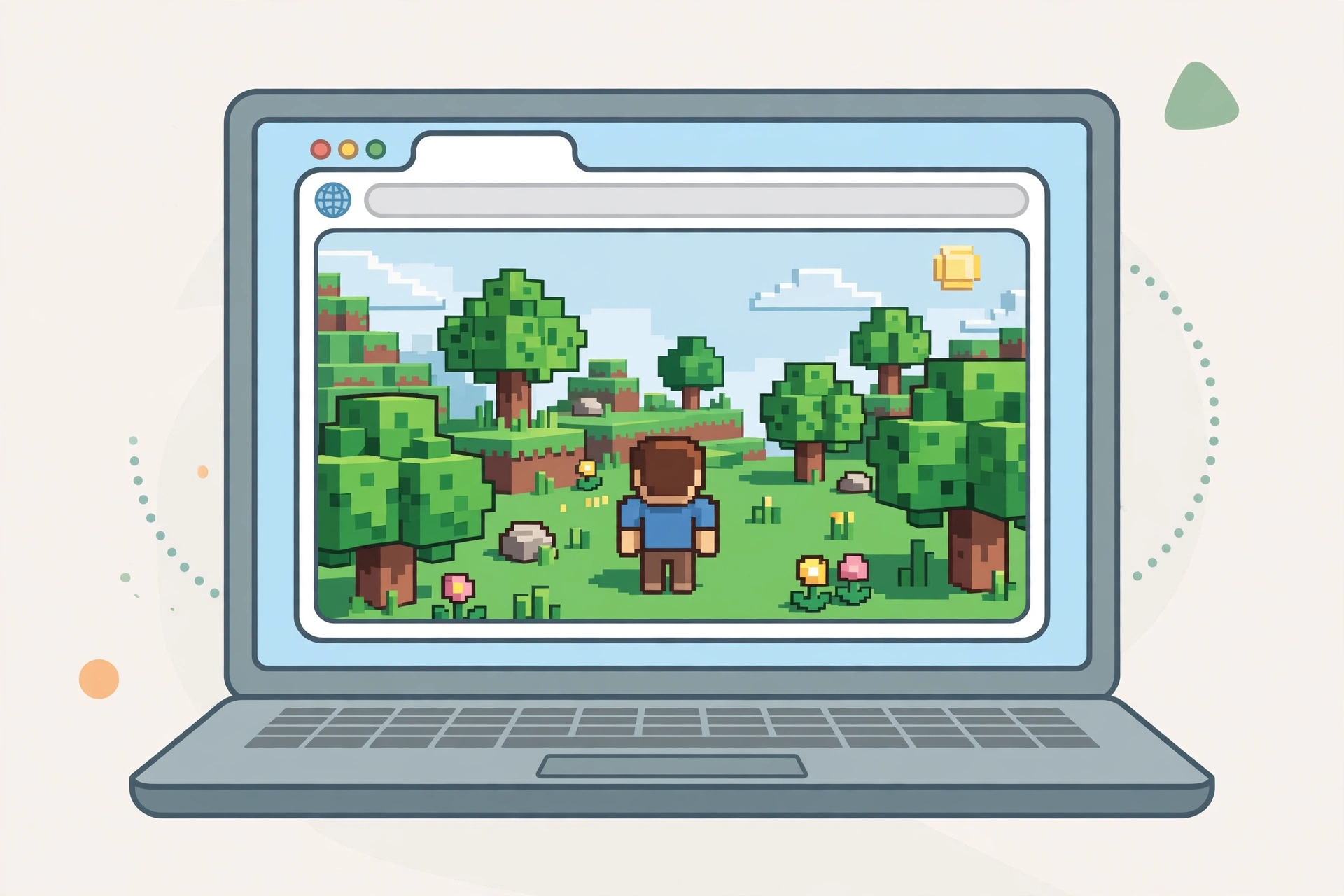
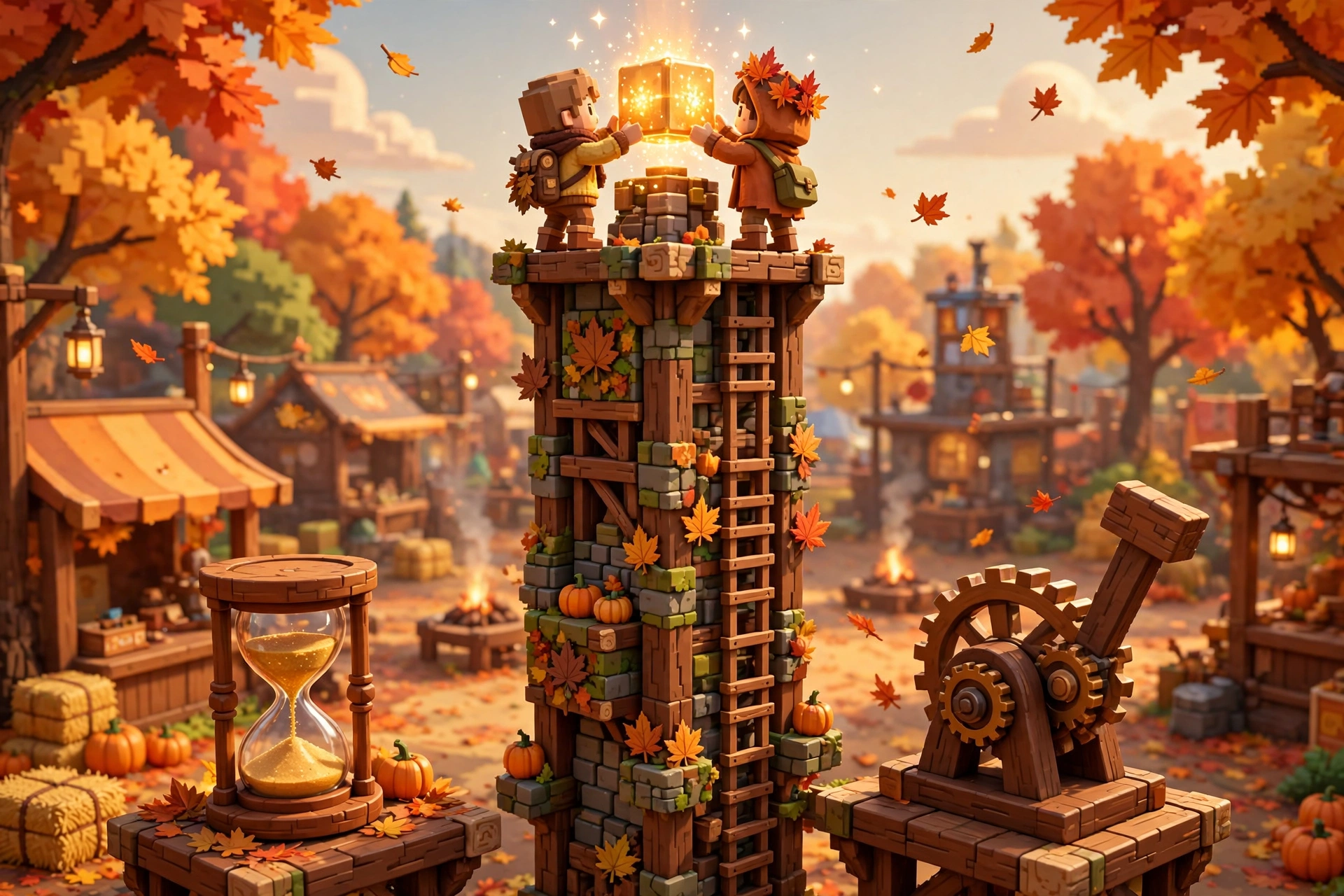
The whole event happens in one hub. In the middle stands the community tower, and every block in it carries a message from a real player and their username. You can walk around the structure, climb it, and read what other players wrote.
There are no codes to redeem and nothing in the event costs Robux. Copycat games with similar names appear whenever an official event runs, so check the creator name and its verified badge before you join, and treat any game that asks you to pay for a Great Build item as a fake.
How to Join and Place Your First Block
Joining takes about a minute.
Step 1: Open The Great Build experience on Roblox. Search for "The Great Build" and pick the experience by Roblox Presents, or join from the event link on Roblox's site. If the name looks slightly different or the creator is anyone else, you are looking at a copy.
Step 2: Find the Block Giver lever in the hub. Pull the lever to collect your free block. A fresh block becomes available every hour, so the lever is the first thing to check each time you come back.
Step 3: Pick your gratitude message. You choose what you are grateful for — everyday things, favourite creators or influencers are the examples Roblox gives — and how you want to say it. The choices come from a preset list, so you cannot type a free-form message.
Step 4: Send the block up. Your block joins the shared tower with your username on it. Other players can select individual blocks to read the messages on them.
Blocks are colour-coded by who placed them: white is yours, red is a Roblox admin, orange is someone in your server, and yellow is an influencer. After you place a block, there is a 60-minute cooldown before the next one is ready, so the event rewards coming back through the day rather than playing in one long session.
The Milestone Rewards: Place Five Blocks First
Several free avatar items are tied to how tall the whole community's tower grows. The rule that catches people out is that the milestones alone are not enough: you also need to have placed at least five blocks yourself. Five blocks means four hours of cooldowns at minimum — the first block is free immediately, then one per hour — so do not leave it to the final hours of November 30. The milestone thresholds below come from the AKSMWorld event guide: Roblox's own event page confirms the milestones exist but does not name the thresholds or the items.
The milestone items, in order, are:
Brickle & Pebble — place five blocks. This is the only tower reward with no community goal attached, so it depends only on your own blocks.
Patchbrick Cap — place five blocks, and the tower reaches 1 million blocks. This milestone was already complete by November 26, so if you have placed five blocks, it should be claimable.
Snowcapped Brick Tails — place five blocks, and the tower reaches 5 million blocks.
Terracotta Skyserpent — place five blocks, and the tower reaches 10 million blocks.
The Ascendant Bloom — place five blocks, and the tower reaches 20 million blocks.
Each item also has a badge with the same name. Before you walk to a podium, check the boards in the hub: the Tower Information board shows the current block count, and the Community Goal board shows how many blocks remain until the next item unlocks. The counts move fast while the event is running, so a milestone that looks far away in the morning can be reached by the evening. As of November 27, the official event page showed the 1 million, 5 million and 10 million milestones already reached — more than 526,000 players had won the Terracotta Skyserpent — while The Ascendant Bloom had 0 wins, so the 20 million milestone was still ahead. That status is inferred from the badge win counts on the event page, checked the morning of November 27, 2026.
The Hub Activities: Obby, Scavenger Hunt and Time Trial
Not every item comes from the tower. Three more free items come from activities in the hub itself, and one of them — the scavenger hunt — was still locked when the event opened.
Skybound Monarch — a back accessory. Finish the obby in the hub once to earn it. To start the obby, hop on the floating platform at the base of the tower and climb to the second floor. Players who finish it also report that it unlocks flight in the hub afterwards, which makes reaching the higher podiums much easier. Do the obby early for that reason alone.
Cloudtop Tower — a hat. It comes from the scavenger hunt. The hunt was still locked as of November 27: the official event page showed 0 players had won the Cloudtop Tower, and the AKSMWorld guide reports the claim button shows a "Failed to claim" message when pressed. If it is still locked when you check, come back later in the event rather than assuming it is broken.
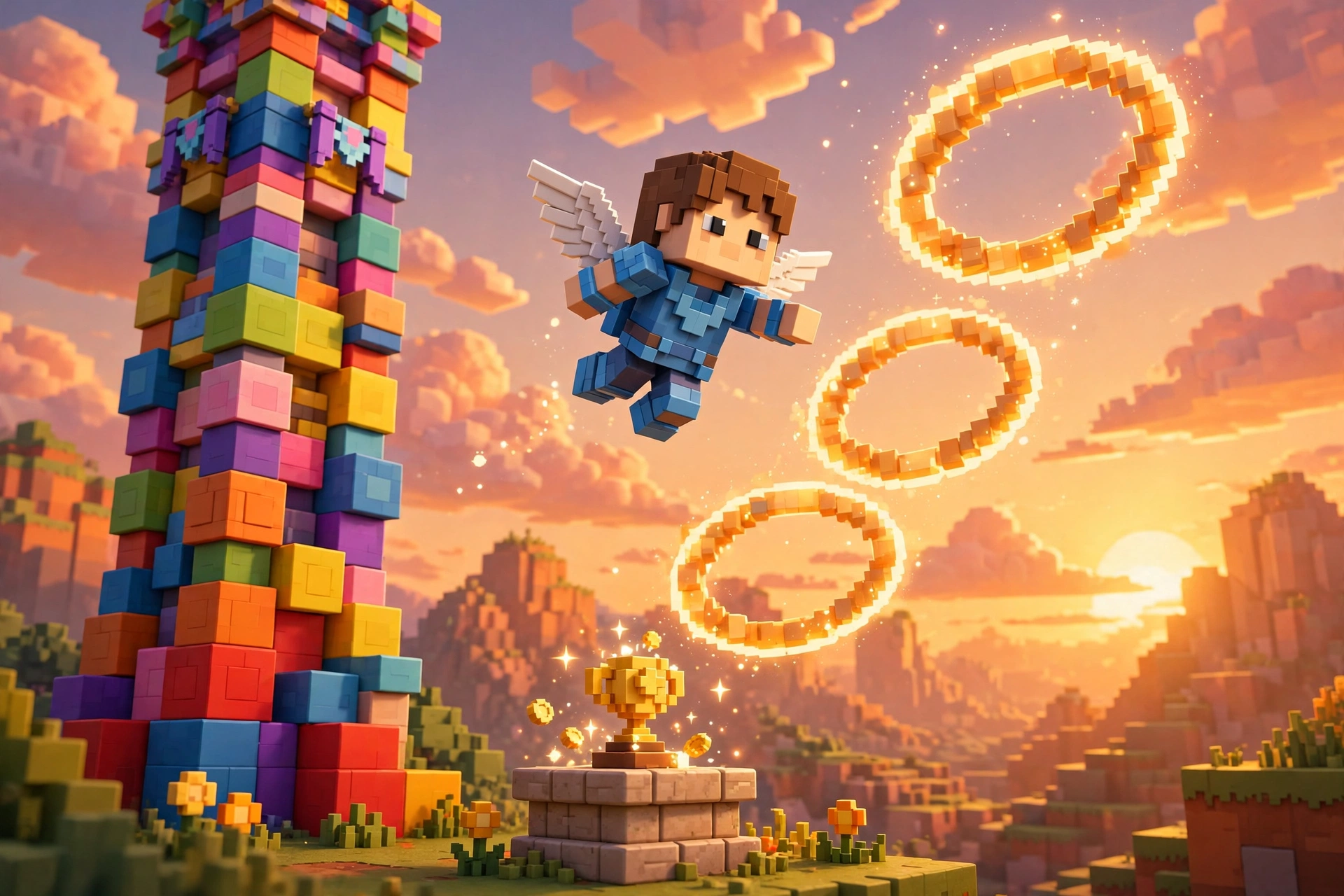
Cloudbreaker Horns — it comes from the time trial, and the trial is open. The official event page showed 253,889 players had already won the Cloudbreaker Horns by November 27. The trial is a flight challenge: fly through a series of rings from green to red and finish in under 20 seconds. Player reports put the trial high up the tower, at around 3,800 metres. If you miss a ring, restart at the green ring and try again rather than flying on.
The scavenger hunt is the item most likely to confuse players, because its availability changes as the event runs. Check the hub each time you visit: if an activity is open, do it then, and do not leave the obby, the hunt or the trial until the last day.
The Launcher Items: Golden and Sapphire Brick Circlets
The last two free items work differently again. The Golden Brick Circlet comes from a Star Creator who is running the launcher in the event, and the Sapphire Brick Circlet comes from a Roblox admin who is running the launcher. These are not items you earn by playing alone — they depend on a creator or an admin being in your server with the launcher active.
In practice, that means joining a server where a Star Creator or an admin is present, or catching one of the appearances Roblox and creators announce on social media during the event. There is no way to force one to appear, and no Robux payment can substitute for it — if anyone offers to sell you a circlet, it is a scam. Treat these two as a bonus on top of the eight items you can earn yourself.
How to Claim Your Items
Items do not arrive on their own. For each item, the steps are:
Step 1: Place at least five blocks. This is the qualification for every milestone item. Check your own count before assuming a podium should work.
Step 2: Check the milestone is reached. Look at the Tower Information board for the current count, or the Community Goal board for what is left. A podium will not pay out for a milestone the tower has not hit yet.
Step 3: Walk to the item's podium in the hub. Each item has its own podium. The milestone podiums and the activity podiums are in different spots, so check the hub rather than standing at one podium for everything.
Step 4: Press E on a computer (or tap on mobile) to claim it. If the claim fails, check the two usual causes first: you have not placed five blocks yet, or the milestone has not been reached. For the scavenger hunt, a failed claim can also mean it has not opened yet — try again later.
Claimed items go to your avatar inventory, but only if you claimed them before the event ends on November 30.
What Happens After November 30
The event ends on November 30, 2026. Roblox has not said what will happen to the tower or to the gratitude messages on it after that date, or whether the items will ever return. The safe assumption is that they are only available during these six days.
If you want the full set, place your first block as soon as you join, come back once an hour, finish the obby on your first visit so you can fly, and check the scavenger hunt and time trial each time you return. Five blocks across four hours is the minimum for the milestone items.
Separately, Roblox plans to stream The Game Awards live on December 10, with entry limited to age-verified users 18 and older — a different event with its own rules, covered in a separate guide on this site.
Frequently Asked Questions
When does The Great Build end?
November 30, 2026. The event runs from November 25 to November 30, and items can only be claimed while it is running.
How often can I place a block in The Great Build?
One free block every hour, from the Block Giver lever in the hub. After you place a block, there is a 60-minute cooldown before the next one is ready.
How many blocks do I need to place to get the free items?
At least five blocks for the milestone rewards. The Brickle & Pebble item needs only your five blocks; the other four milestone items also need the whole community's tower to reach 1 million, 5 million, 10 million or 20 million blocks.
Do the milestone items unlock automatically?
No. When a milestone is reached and you have placed five blocks, walk to the item's podium in the hub and press E on a computer (or tap on mobile) to claim it.
How do I get the Skybound Monarch?
Finish the obby in the hub once. Start from the floating platform at the base of the tower and climb to the second floor. Finishing it also unlocks flight in the hub.
Why does the scavenger hunt or time trial say it failed to claim?
The scavenger hunt was still locked as of November 27 — the official event page showed 0 players had won the Cloudtop Tower — so a failed claim there usually means it has not opened yet. Check again later in the event. The time trial is open, so a failed Cloudbreaker Horns claim usually means a missed ring or a run over 20 seconds.
Is The Great Build free?
Yes. Every item in the event is free, there are no codes to redeem, and nothing costs Robux. A game that asks you to pay for a Great Build item is not the real event — the real one is published by Roblox Presents.
Related Guides on RBXMods
- How to watch The Game Awards 2026 on Roblox — the next big Roblox event, streaming live on December 10, 2026, for age-verified users 18 and older.
- How to redeem a Roblox gift card on PC and phone — the other seasonal freebie to sort out before the holidays, with the steps and the fixes for rejected codes.
- How to gift Robux to friends the official way — the safe ways to send Robux to someone else, once your own balance is sorted.
- How to keep your Roblox account safe — 2-step verification, passkeys and the scam patterns that target free-item events and codes.
RBXMods is not affiliated with or endorsed by Roblox Corporation. Roblox and the Roblox logo are trademarks of Roblox Corporation.
Sources
Sources last reviewed November 27, 2026; each page was verified loading on the date noted beside it.
- Roblox: The Great Build — the official event page (by Roblox Presents, verified badge; created November 24, 2026): the November 25–30 dates, the one-free-block-per-hour rule, the milestone wording, and the badge list with win counts used for the milestone and activity status in this guide. (Verified loading in the live browser 2026-11-27.)
- Mirage Portal: Roblox Launches The Great Build, A Thanksgiving Tower Event Running Through Nov 30 — the event dates and rules from the official Roblox event page, the November 23 teaser, the one-block-per-hour rate, and the note that Roblox has not named the milestone items or their thresholds. (Verified loading 2026-11-27.)
- AKSMWorld: How to Get All Free Items in The Great Build Roblox Event — independent guide (November 26, 2026): the 10 free items, the five-block requirement, the 1M / 5M / 10M / 20M milestones, the Block Giver lever, the preset-only gratitude messages, the block colour coding, the 60-minute cooldown, the obby route and flight, the scavenger hunt and time trial status at launch, the launcher circlets, and the E/tap claiming steps. (Verified loading in the live browser 2026-11-27.)
- Roblox Creator Hub: Creator Updates — the official listing where Roblox announcements appear. (Verified loading in the live browser 2026-11-23.)