
RBXMods: free Roblox tools, Studio guides and fixes
Free Roblox Tools
No downloads, no sign-up — just answers.
Error Code Finder
Type any Roblox error code and get what it means and how to fix it.
Robux Calculator
See what you really receive after the marketplace fee, and your DevEx payout.
Value Lists
Trading values for Murder Mystery 2 Godly weapons and Pet Simulator 99 pets.
Script Generator
Generate working Lua scripts for your own Roblox game in seconds.
Learn Roblox Studio
Start building your own games, step by step.
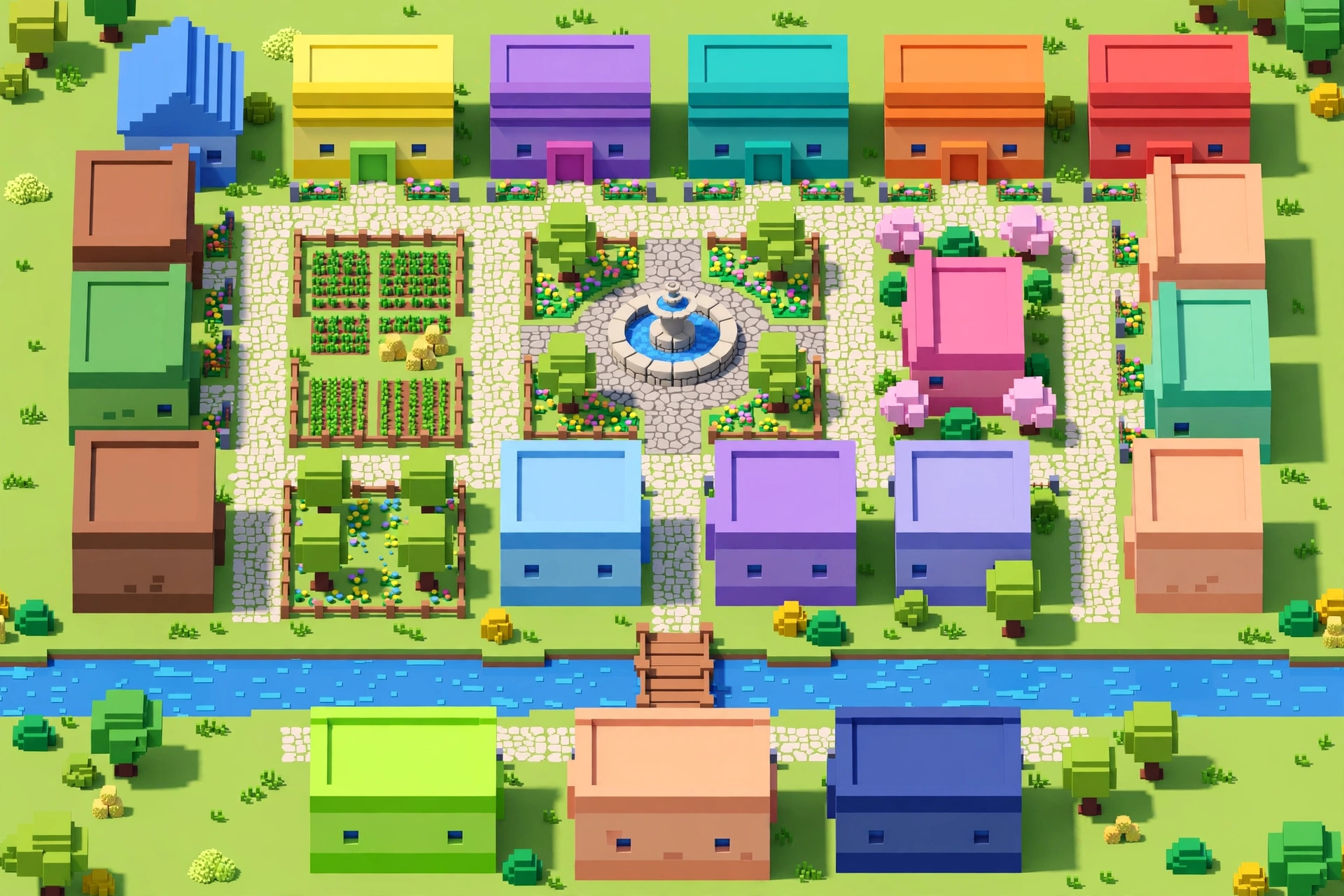
Build 2D and Isometric Games With Roblox's New Orthographic Camera
Roblox Studio's new Orthographic Camera beta lets you prototype 2D, isometric and top-down games in Studio, where objects stay the same size at any distance. Here is how to enable it, frame a scene, and what the beta still cannot do.

Set Up Game Controls for Every Device With the Roblox Input Action Manager
Roblox's Input Action Manager is out of beta: one table where you set up keyboard, gamepad and touch controls, catch missing bindings before players do, and test every action live in PlaySolo.
Roblox Device Trust API: Can It Tell If a Player's Device Is Trustworthy?
Roblox's Device Trust API tells your game whether a player is on a real, unmodified device — and lets you decide what happens next. The five trust levels, the platforms covered, and the code to use it.
Fixes & Help
Error codes, lag, joining problems and account safety — solved.
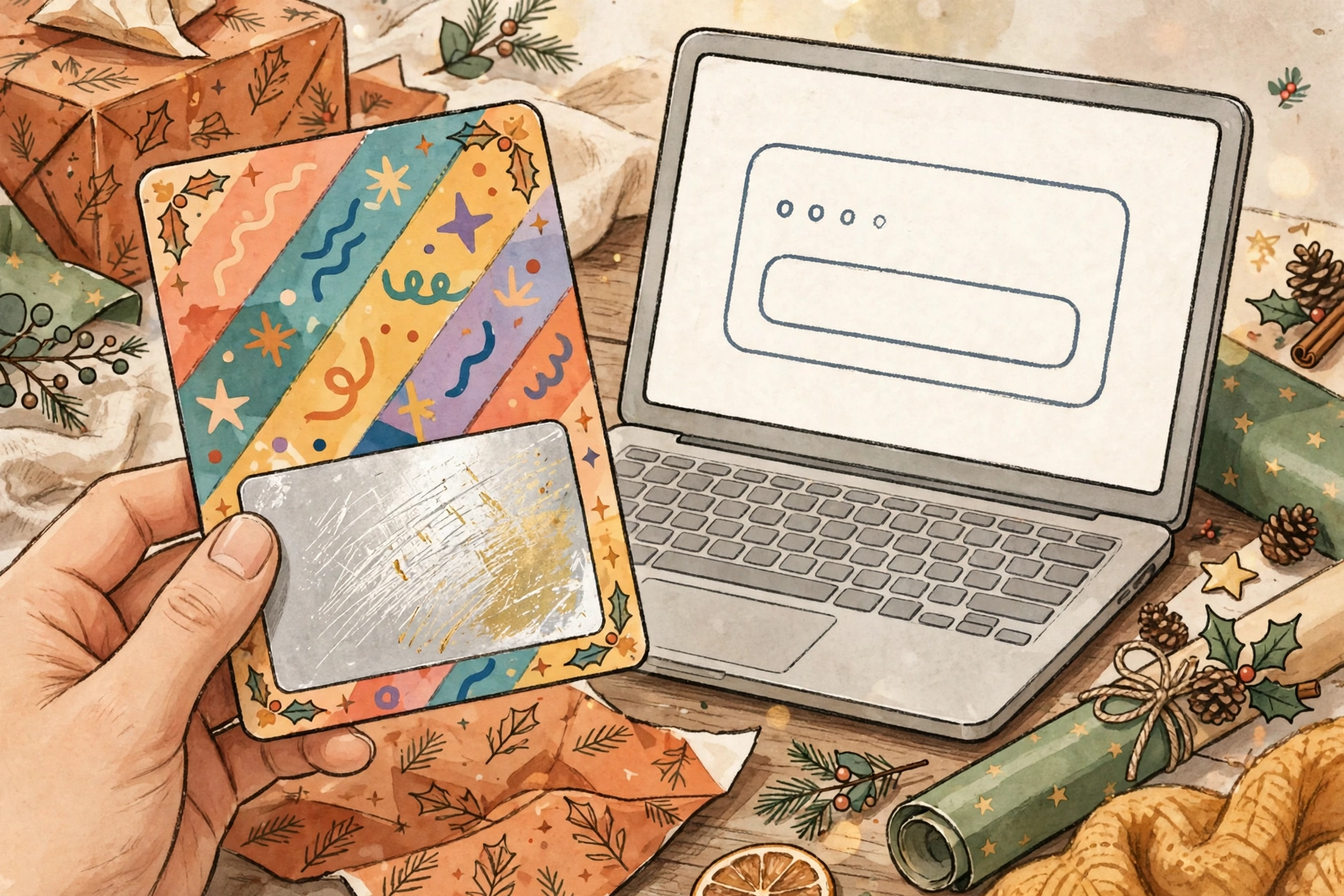
How to Redeem a Roblox Gift Card on PC and Phone
Got a Roblox gift card? Redeem it at roblox.com/redeem from a browser — not the app, not a console. This guide covers the steps on PC and phone, what the card adds to your account, and what to do when the code will not work.
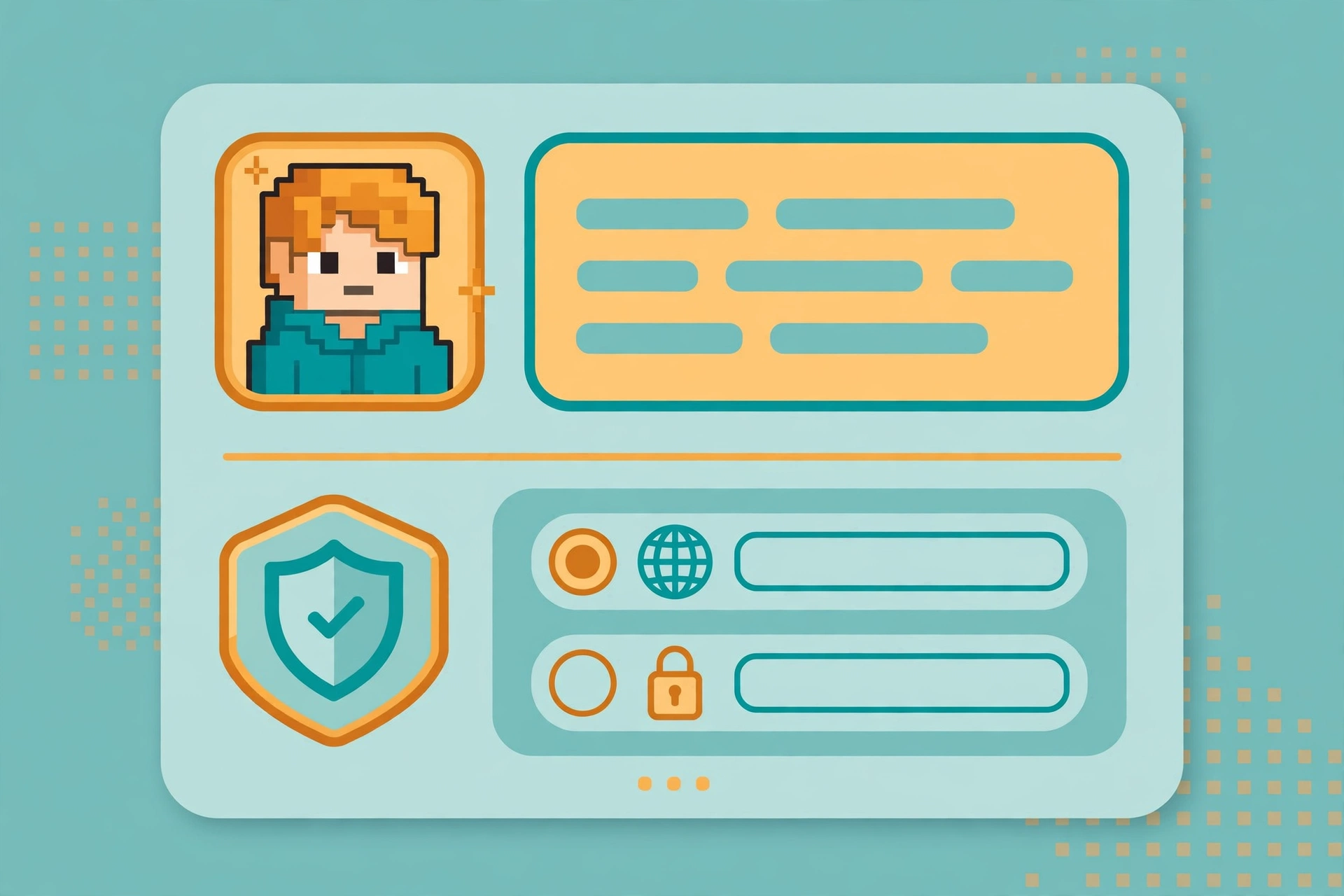
Roblox Bio Privacy Explained: Who Can See Your Bio From December 7, 2026
From December 7, 2026, Roblox starts rolling out a setting that controls who can see your profile bio — and the GetUser API follows the same rule. What changes, and what to do before then.
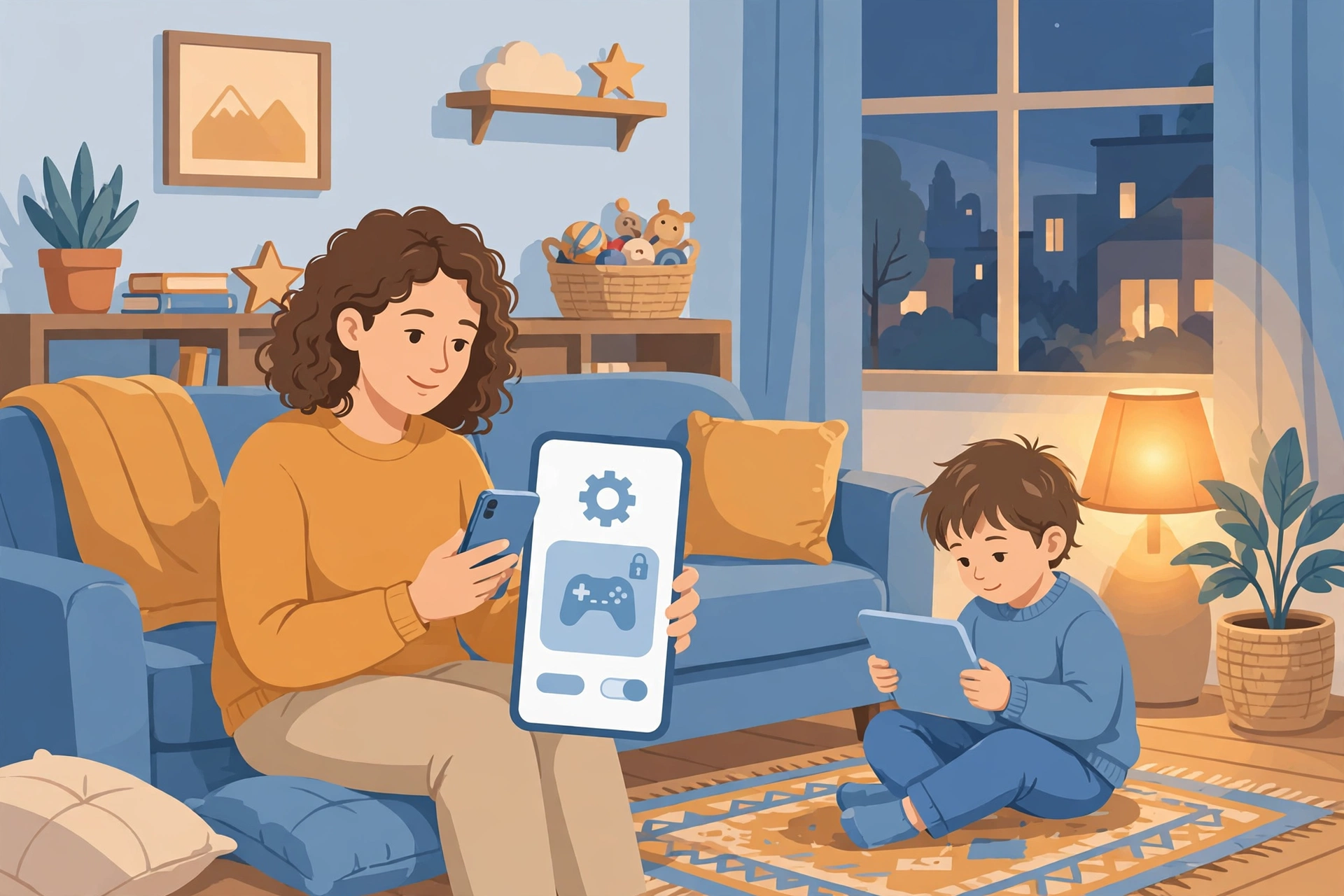
How to Block a Game on Roblox: Parental Controls Explained
Roblox lets a linked parent block one specific game without touching anything else. Here are the exact steps, what your child still sees after a block, and how to undo it.
Browse by category
Jump straight to the topic you need.
Latest blogs
Fresh posts from the RBXMods team.
How to Redeem a Roblox Gift Card on PC and Phone
Got a Roblox gift card? Redeem it at roblox.com/redeem from a browser — not the app, not a console. This guide covers the steps on PC and phone, what the card adds to your account, and what to do when the code will not work.
Build 2D and Isometric Games With Roblox's New Orthographic Camera
Roblox Studio's new Orthographic Camera beta lets you prototype 2D, isometric and top-down games in Studio, where objects stay the same size at any distance. Here is how to enable it, frame a scene, and what the beta still cannot do.
Set Up Game Controls for Every Device With the Roblox Input Action Manager
Roblox's Input Action Manager is out of beta: one table where you set up keyboard, gamepad and touch controls, catch missing bindings before players do, and test every action live in PlaySolo.
Roblox Device Trust API: Can It Tell If a Player's Device Is Trustworthy?
Roblox's Device Trust API tells your game whether a player is on a real, unmodified device — and lets you decide what happens next. The five trust levels, the platforms covered, and the code to use it.
Roblox Bio Privacy Explained: Who Can See Your Bio From December 7, 2026
From December 7, 2026, Roblox starts rolling out a setting that controls who can see your profile bio — and the GetUser API follows the same rule. What changes, and what to do before then.
How to Block a Game on Roblox: Parental Controls Explained
Roblox lets a linked parent block one specific game without touching anything else. Here are the exact steps, what your child still sees after a block, and how to undo it.