
How to Test Teleports in Roblox Studio (No Publishing Needed)
Roblox now lets you test TeleportAsync inside Studio's Test and Team Test modes — without publishing anything. Here is how the new workflow works, what it can and cannot test, and the PrivateServerId traps that catch creators out.


In this guide
What Changed on November 6, 2026 How to Test Teleports in Roblox Studio: The Steps The Code: A Minimal TeleportAsync Test Test Mode vs Team Test: The PrivateServerId Traps What You Can Now Test in Studio What Still Does Not Work Fixing the Most Common Teleport Test Failures Frequently Asked Questions Can I test teleports in Roblox Studio without publishing? Which teleport methods work in Studio test mode? Why does my teleport fail in Studio test mode? Can I test teleports to another experience in Studio? What is the difference between Test mode and Team Test for teleports? Can I test VIP server teleports in Studio? Does teleport testing work with the debugger and device simulator? Do I need to change my existing TeleportAsync code? Related Guides on RBXMods SourcesFor years, testing a teleport in Roblox Studio meant the same slow loop: publish both places, join the live game, and hope the Output window told you something useful — then change one line and do it all again. On November 6, 2026, Roblox removed that loop. This guide explains how to test teleports in Roblox Studio using the new Test and Team Test support — without publishing first, while your debugging tools keep working in the destination place — plus the traps that still catch creators out.
Key takeaways
- Since November 6, 2026, you can test TeleportAsync in Studio's Test and Team Test modes — without publishing, while your debugging tools keep working in the destination place.
- Only TeleportAsync works in test mode — the older Teleport, TeleportPartyAsync and TeleportToPlaceAsync methods are not supported.
- Test teleports work only between places in the same experience (the same GameId). Teleports to another experience fail.
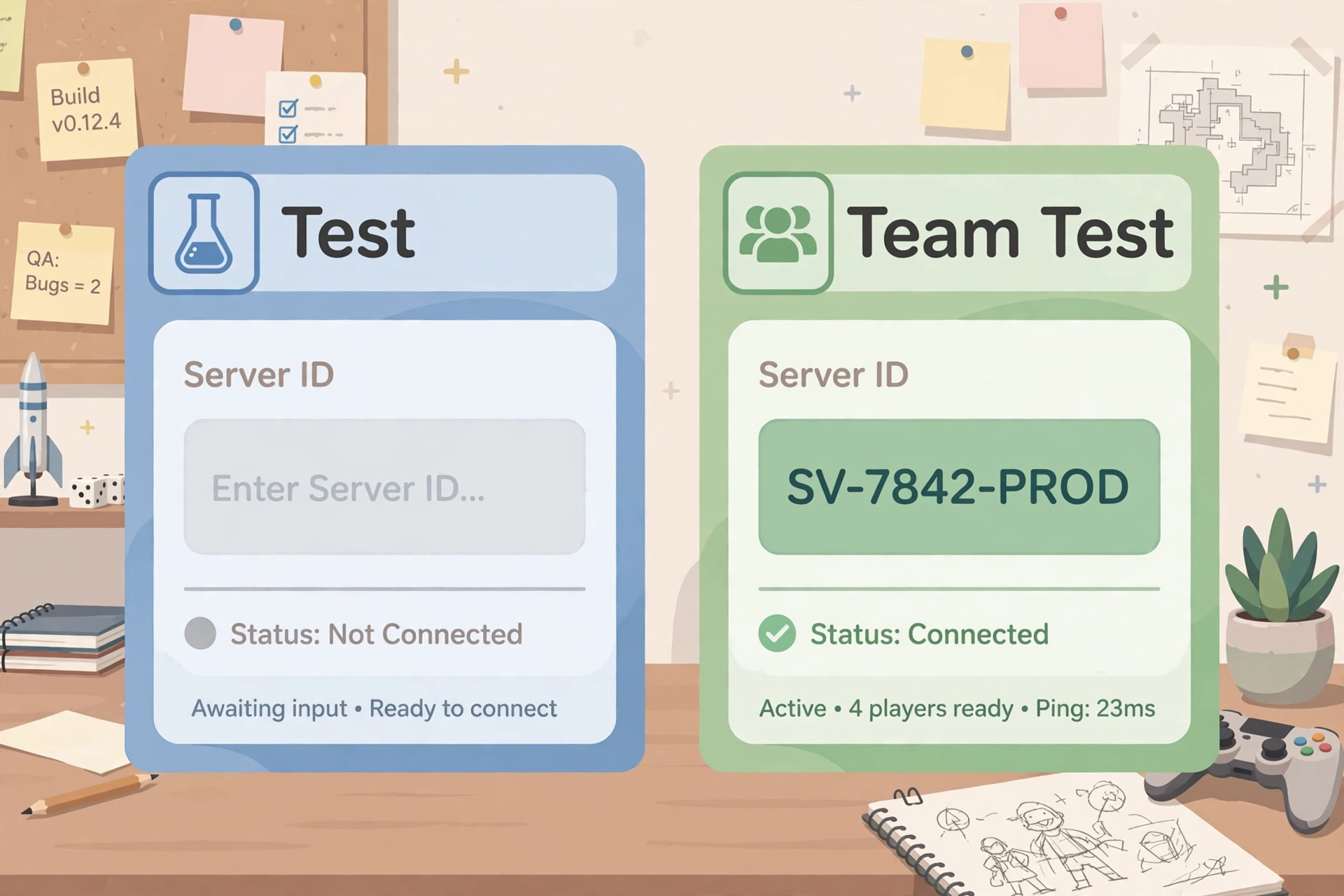
- Test mode and Team Test behave differently: in Test mode, PrivateServerId and JobId are always empty, even for private servers; in Team Test, PrivateServerId is never empty, even for public teleports. Neither mode reproduces production for server-ID checks — do not trust an empty PrivateServerId check in tests; test that branch live.
- Teleports to VIP servers fail in testing, because Team Test servers have no owner; GetPlayerPlaceInstanceAsync is unsupported in test mode. VIP teleports work in live games — only testing is limited.
What Changed on November 6, 2026
Roblox announced Test Teleports in Studio on the Developer Forum on November 6, 2026, and it is live now — no beta to join. If your Studio is up to date, the Test tab already supports it: "You can now test TeleportAsync in Studio's 'Test' and 'Team Test' modes, with no publishing needed."
The timing is earlier than planned: at RDC 2026 in September, the same feature was listed for early 2027. It arrived about two months ahead of that window. Anything written before November 2026 that says "TeleportService doesn't work in Studio, you must publish first" is now out of date — true for years, and no longer true since November 6.
What actually changed is where the teleport runs. Before, TeleportService refused to work during a Studio playtest at all, and every teleport tutorial repeated it. Now the destination place opens as a new test server when a teleport runs in a test session. Your existing TeleportAsync calls work unchanged — no new API, no test-only code path. The debugger, server inspection, device simulator and Output window keep working after you arrive, so you can pause on a breakpoint on arrival to inspect a successful teleport; for failures, read the error in the Output window.
How to Test Teleports in Roblox Studio: The Steps
The setup matches the multi-place setup you already use — you just no longer publish before testing.
- Update Roblox Studio. Teleport testing is part of the current Studio build — if the Test tab behaves oddly, check for an update before blaming your code.
- Make sure both places are in the same experience. Teleports only work between places that share the same GameId — you can see an experience's places in the Creator Dashboard. A teleport to a place in a different experience fails in test mode, exactly as it would live.
- Write the teleport in a server Script, not a LocalScript. TeleportAsync can only be called from the server — put the Script in ServerScriptService or inside the teleporter part. A LocalScript calling TeleportAsync fails every time, in Studio and live — use a RemoteEvent if a client action has to trigger the teleport.
- Open the Test tab and press Play. Use Test mode for a solo run, or Team Test to check several players at once. Both modes support teleports now.
- Trigger the teleport the way a player would. Walk into the pad or press the button — do not call the function from the command bar and call it tested. The point is to check the whole path, including the trigger.
- Watch the Output window in the destination place. Your Output, debugger and server inspection follow you after the teleport. If it fails, the error appears there — read it before changing anything. TeleportAsync yields, so wrap it in pcall and print the error; a silent failure tells you nothing.
That is the whole workflow — the publish step between writing code and seeing it work is gone.
The Code: A Minimal TeleportAsync Test
If your game does not have a teleport yet, this is the smallest version worth testing with — a server Script inside a part that acts as a teleporter pad. Replace the place ID with your destination place's ID, from the place's URL on the Creator Dashboard.
local TeleportService = game:GetService("TeleportService")
local Players = game:GetService("Players")

local DESTINATION_PLACE_ID = 1234567890 -- replace with your destination place ID
local pad = script.Parent
local debounce = {}

pad.Touched:Connect(function(hit)
	local character = hit.Parent
	local player = Players:GetPlayerFromCharacter(character)
	if not player or debounce[player.UserId] then return end
	debounce[player.UserId] = true

	local success, err = pcall(function()
		TeleportService:TeleportAsync(DESTINATION_PLACE_ID, {player})
	end)
	if not success then
		warn("Teleport failed: " .. tostring(err))
	end

	task.wait(2)
	debounce[player.UserId] = false
end)
Three details are load-bearing. First, TeleportAsync takes a table of players, even for one player — passing the player on its own is an error. Second, the pcall wrapper turns a silent failure into a readable error in the Output window. Third, the per-player debounce stops the Touched event from firing the teleport five times while a character stands on the pad — keyed by UserId, so one player's teleport never blocks another player's in Team Test.
To carry data across — a party, a loadout, a round setting — use TeleportOptions: create one with Instance.new("TeleportOptions"), set your data with SetTeleportData, and pass it as the third argument to TeleportAsync. The destination place reads it back with Player:GetJoinData().TeleportData. Test the handoff the same way: set a value, teleport, print what arrives. Data that looks right in the lobby and arrives empty in the match is exactly the bug this feature exists to catch.

Test Mode vs Team Test: The PrivateServerId Traps
Test mode and Team Test do not behave the same way around server identity — code that checks the wrong value works in one mode and fails in the other. In Test mode, JobId is always empty as well.
| Behaviour | Test mode (solo) | Team Test |
|---|---|---|
| Server type | Destination opens as a new local test server | All servers are private |
| PrivateServerId | Always empty, even for private servers | Never empty, even for public teleports |
| ReservedServerId vs PrivateServerId | PrivateServerId is empty, so no comparison is possible | May differ — do not assume they match |
The rule: do not trust a PrivateServerId check in test mode at all. In Test mode PrivateServerId is empty even for private servers; in Team Test it is never empty even for public teleports — so code that checks whether PrivateServerId is empty behaves differently in Team Test than in production, and tells you nothing in Test mode either. In Team Test, ReservedServerId and PrivateServerId can also differ, though they match in production. If your game branches on server type, verify that branch in a live game, not in Studio.
One more edge follows. Teleports to VIP servers are not accepted at all in testing, because Team Test servers have no owner — a VIP-server flow still needs a live test. VIP teleports do work in live games since the October 29, 2026 update, which added VipServerId to TeleportOptions; only testing is limited.
What You Can Now Test in Studio
The feature earns its keep on multi-place games, where the teleport is the spine of the game flow. Four scenarios that needed a published build are now Studio-checkable.
Lobby-to-match flows. Send a group of simulated players from a lobby place to a match place and confirm they arrive together, on the same server, without desync — in Team Test you can watch several players jump at once instead of coordinating friends to test it live.
Cross-place data passing. Verify the data you attach with TeleportOptions — loadouts, party configuration, round settings — arrives and is applied correctly in the destination server. Print it on arrival; if it is empty, the bug is in the handoff, not the match logic.
Reserved-server logic. Test sending players to a reserved server, then sending more players to the same server afterwards: generate a GUID with HttpService:GenerateGUID(false), set TeleportOptions.ReservedServerId, and reuse the same ID for re-entry rather than relying on PrivateServerId, which may differ in Team Test. The old access-code flow (ReserveServerAsync, ReservedServerAccessCode) is deprecated — use the ReservedServerId property for new work.
Hub-world transitions. Check the round trip — hub to minigame place and back — with the device simulator running, so a transition that works on PC and breaks on a phone is visible before any player hits it.
Teleports can also be tested in Build mode, and through playtest automation in the Studio MCP server: connect an MCP client, like Claude or Cursor, and an agent can start a playtest, teleport, and debug the new place as easily as the first. Our MCP guide covers connecting an AI client to Studio's MCP server — useful once the manual workflow above is second nature, not a requirement for it.
What Still Does Not Work
Teleport testing removes the publish step, not the rules. Four limits still apply — hitting one in Studio is not a bug in your code.
- TeleportAsync only. The older, deprecated methods — Teleport, TeleportPartyAsync and TeleportToPlaceAsync — do not work in test mode. Migrate to TeleportAsync before testing in Studio; the old methods are deprecated and should not be used for new work.
- Same experience only. Test teleports work only between places in the same experience. Teleports elsewhere fail by design — the same restriction applies live unless third-party teleports are explicitly allowed.
- No VIP servers. Teleporting to a VIP server fails in testing because Team Test servers have no owner. VIP flows still need a live check.
- GetPlayerPlaceInstanceAsync is unsupported in test mode. If your code calls it to find where a player is, that call will not work during a Studio test — guard it or test that path live.
Fixing the Most Common Teleport Test Failures
If your first Studio teleport test fails, check this list before rewriting the script — most failures are one of these six.
- It is a LocalScript. TeleportAsync must be called from the server. A LocalScript calling it fails every time. Move the call into a server Script, using a RemoteEvent if a client action triggers it.
- The places are in different experiences. Check the GameId on both places. If they do not match, the teleport fails by design — move the destination place into the same experience.
- You are using a deprecated method. Teleport, TeleportPartyAsync and TeleportToPlaceAsync do not work in test mode. Switch to TeleportAsync.
- The player argument is not a table. TeleportAsync expects a table of players. TeleportAsync(placeId, player) errors; TeleportAsync(placeId, {player}) works.
- There is no pcall, so the error is invisible. TeleportAsync yields and can error. Without pcall, a failure can pass silently. Wrap the call, print the error, and read the Output window in the destination place.
- You are trusting a server-ID check in test mode. In Team Test, ReservedServerId and PrivateServerId can differ — reuse the original ReservedServerId to send more players to the same reserved server. And an empty PrivateServerId check means nothing in tests: it is always empty in Test mode and never empty in Team Test. Test server-type branches live.
If the teleport works in Studio but fails live, the suspects change: a place that is not public, a destination place never published, or a third-party teleport needing "Allow Third Party Teleports" in File > Experience Settings > Security.
Frequently Asked Questions
Can I test teleports in Roblox Studio without publishing?
Yes — since November 6, 2026, TeleportAsync works in Studio's Test and Team Test modes without publishing anything. Your debugger, server inspection and device simulator keep working in the destination place.
Which teleport methods work in Studio test mode?
Only the current TeleportAsync method. The deprecated Teleport, TeleportPartyAsync and TeleportToPlaceAsync methods are not supported in test mode.
Why does my teleport fail in Studio test mode?
The common causes are calling TeleportAsync from a LocalScript instead of a server Script, teleporting to a place in a different experience, using a deprecated method, or passing the player instead of a table of players. Wrap the call in pcall and read the error in the Output window.
Can I test teleports to another experience in Studio?
No. Test teleports work only between places in the same experience (the same GameId). Teleports to another experience fail in test mode.
What is the difference between Test mode and Team Test for teleports?
In solo Test mode, PrivateServerId and JobId are always empty, even for private servers. In Team Test, all servers are private, so PrivateServerId is never empty, even for public teleports, and ReservedServerId may differ from PrivateServerId. Neither mode matches production for this check — test server-type branches in a live game.
Can I test VIP server teleports in Studio?
No. Teleports to VIP servers fail in testing because Team Test servers have no owner. VIP flows still need a live test — VIP teleports work in live games since the October 29, 2026 update; only testing is limited.
Does teleport testing work with the debugger and device simulator?
Yes. The debugger, server inspection and device simulator keep working after you arrive, so you can pause on breakpoints in the destination place and check the transition on mobile and console layouts.
Do I need to change my existing TeleportAsync code?
No. Existing TeleportAsync calls work in test mode without changes. You only need to migrate if your game still uses the deprecated Teleport, TeleportPartyAsync or TeleportToPlaceAsync methods.
Related Guides on RBXMods
- Roblox RemoteEvents and RemoteFunctions explained — the client-server messaging you need when a client action has to trigger a server-side teleport.
- How to add a leaderboard in Roblox (leaderstats) — a multi-place staple: the display layer that follows players across your game.
- How to make a game in Roblox — the idea-to-published-game pillar, including publishing the places your teleports connect.
- Roblox MCP Open Cloud access in Studio explained — the Studio MCP server that can automate playtests, including teleport runs.
- How to publish your Roblox game in 2026 — the guided publishing flow and early-tester access for when the teleport is tested and the game is ready to go live.
RBXMods is not affiliated with or endorsed by Roblox Corporation. Roblox and the Roblox logo are trademarks of Roblox Corporation.
Sources
Last checked against Roblox docs: November 17, 2026.
- Roblox Creator Docs: Teleport between places — the primary reference: Test/Team Test support, known limitations, the PrivateServerId and JobId behaviour, VIP-server and GetPlayerPlaceInstanceAsync limits, and the Build/MCP testing options. (Verified loading 2026-11-17.)
- Roblox Developer Forum: Test Teleports in Studio — Roblox Staff announcement, November 6, 2026: TeleportAsync in Test and Team Test modes, the TeleportAsync-only rule, the Test vs Team Test server-ID behaviour, VIP-server and GetPlayerPlaceInstanceAsync limits. (Verified loading 2026-11-16.)
- Roblox Developer Forum: Teleports to Private VIP Servers Are Now Allowed — Roblox Staff announcement, October 29, 2026: TeleportOptions gained ReservedServerId and VipServerId GUID properties for released games; the legacy access-code flow was deprecated. (Verified loading 2026-11-17.)
- Galixor: How to Test Teleports in Studio — independent guide published November 5, 2026: the Test/Team Test workflow, the four testable scenarios, and the same-experience and PrivateServerId caveats. (Verified loading 2026-11-16.)
- Gamertag Mythras: Roblox RDC 2026 — What Was Announced and When It Ships — the RDC 2026 recap table listing Test Teleports inside Studio for early 2027, showing the feature shipped about two months ahead of the announced window. (Verified loading 2026-11-16.)