Roblox Creator Analytics: Journeys and the October 12 Measurement Change
Two changes landed in Roblox Creator Analytics weeks apart: Journeys on November 3, and a new way of measuring discovery on October 12. Here is how to use the first — and how not to misread the second.


In this guide
What Journeys Actually Is When Journeys Helps — and the Example That Proves It Setting Up Your First Journey in Roblox Creator Analytics Adding the Tracking Code The Open Cloud and MCP Route The October 12 Measurement Change Reading Your Charts Across the Seam Putting the Two Together Frequently Asked Questions What is Roblox Journeys? How many stages and nodes can a journey have? Do I need to write code for Journeys? Why did my play-through rate go down in October? Did the October 12 change affect my game's ranking? Can I compare my analytics before and after October 12? Is Journeys in beta? Related Guides on RBXMods SourcesIf you opened Creator Analytics this month and the numbers looked wrong, you are probably looking at two different changes at once. On October 12, 2026, Roblox changed how it records impressions, clicks and plays from Home, Search and Charts — the counts went up and play-through rate dipped, without your game changing at all. Then on November 3, Roblox launched Journeys, a new way to track the branching paths players take through your game instead of forcing them into a straight funnel. This guide covers both: how to set up your first Journey in Roblox Creator Analytics, and how to read your charts across the October 12 seam without changing the wrong thing.
Key takeaways
- Journeys (launched November 3, 2026) track branching player paths under Analytics > Journeys — stages with alternative nodes, shown as a Sankey chart with drop-off and churn.
- A journey has 2–10 stages and 1–10 nodes per stage. Roblox adds an __entry__ node as stage 0, and you never log a stage number — Roblox works it out from your configuration.
- Log events from server code with AnalyticsService:LogJourneyEvent, after validating the action; use a journey session ID when a player can repeat the journey.
- Since October 12, 2026, Roblox Analytics records discovery through a more reliable pipeline: expect higher impression, click and play counts from Home, Search and Charts, and a small dip in play-through rate.
- That dip is most likely a measurement change, not a performance change: historical data was not rewritten, the Recommended For You ranking logic did not change — but confirm the dip sits on October 12 before acting, and compare periods before and after the date with the boundary in mind.
What Journeys Actually Is
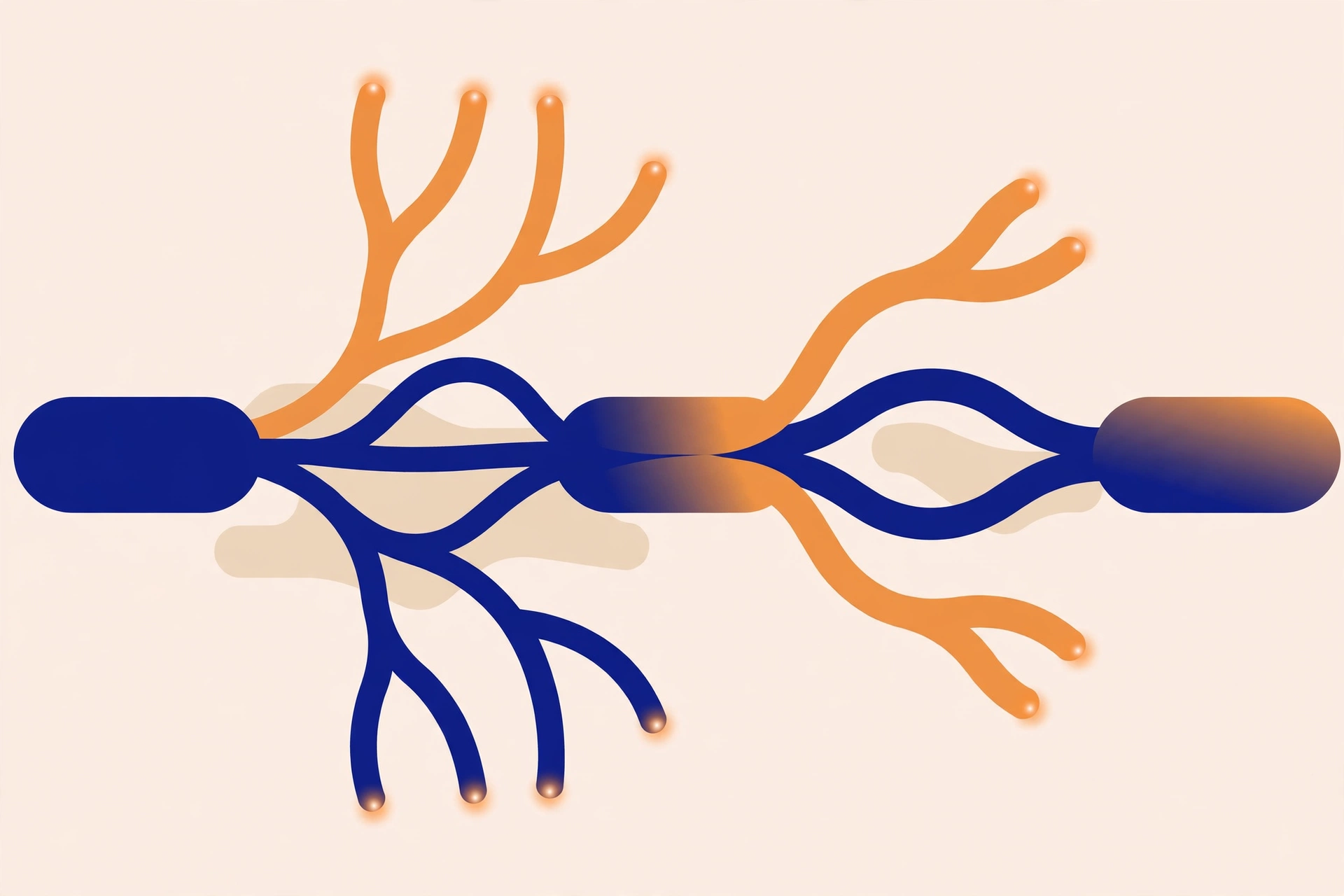
For years, the standard tool for tracking a player flow was the linear funnel: step one, then step two, then step three. It works for a straight tutorial. It fails for most real games, because players do not move in a straight line — they pick a class, skip a quest, browse the shop before buying, or unlock trading before crafting. Roblox's Creator Docs put it plainly: "Journey events help you understand the different paths players take through your experience. Unlike a linear funnel, a journey can branch into different nodes and reconnect at a later stage."
A journey is a sequence of stages, and each stage is one step toward a goal. The nodes in a stage are the alternative actions a player can take at that step — and nodes in the same stage represent equivalent progress, so any node in a stage counts as completing it. After you configure a journey and begin logging events, you view the results on the Journeys page: Sessions and Users views, totals, the biggest drop-off node and stage, a Sankey chart, a path breakdown, and churn breakdowns. Filters include journey version, custom fields, age group, payer status, OS and platform, and date ranges. The use cases Roblox lists are the ones that break linear funnels: onboarding with multiple choices, open-world or quest progression, shops with different browsing and purchase paths, and features players can complete in different orders.
When Journeys Helps — and the Example That Proves It
Journeys earns its place when your game gives players a real choice: a class or starter pet at onboarding, quests in any order, shop categories before buying, or trading, crafting and guilds in any order. The November 3 announcement carries a worked example that shows why the Sankey view matters. In a PvP arena journey, "Casual game" was the biggest drop-off node; 64% of users skipped the in-game shop, which also had the highest churn at 10%; while 82% skipped "Used power-up", yet it had 0% churn — every player who used a power-up went on to finish. A linear funnel would show two skipped steps. Journeys shows which one costs you players.
If your flow is strictly linear — one tutorial path, no branches — the old funnel already answers the question. Build a journey where players actually choose.
Setting Up Your First Journey in Roblox Creator Analytics
The setup lives in Creator Hub, in six steps: select your experience; go to Analytics > Journeys and select Create; enter a journey name; add stages and nodes; select Next, then Acknowledge to save and publish; on the Add to code step, copy the generated Luau snippet into your experience, then select Done. Roblox presents Journeys as launched — no beta label, no rollout limit — and says to go to Analytics > Journeys "for any of your games on Hub".
Know the limits before you design anything: 2–10 configured stages per journey and 1–10 nodes per stage, with journey and node names up to 50 characters. Node names must be unique within a stage, but the same name can be used in different stages. Roblox adds __entry__ as stage 0 at the beginning of every journey — you do not configure or log it — and the stages you configure are numbered 1–10, in sequence from 1. Two tips: name nodes for the action, not the button — "OpenedStore" ages better than "Button7" — and keep each journey to one goal.
Adding the Tracking Code
Configuring the journey is half the job; your game has to log the events. The example in the November 3 announcement is short:
local AnalyticsService = game:GetService("AnalyticsService")
AnalyticsService:LogJourneyEvent(player, "PVP_arena_path", "Casual game")
Call LogJourneyEvent() after a player reaches a configured node, from server code — validating the action first, so a client cannot fake progress. The journey and node names must exactly match the published configuration, and you do not pass a stage number: Roblox determines the stage from the node's published configuration. If a player can repeat a journey — opening a shop several times, for example — pass a journey session ID so Roblox can tell the attempts apart: generate it with HttpService:GenerateGUID(false), pass it as the fourth argument, reuse the same ID for every event in one attempt, and generate a new ID for the next attempt. For a once-per-player journey, you can omit it. You can also attach up to three custom fields to journey events.
The progression rules are simple: repeating the current node does not advance it, and events from the same or an earlier stage do not move it backward. Moving directly to a later stage records the intermediates as skipped, and reaching any node in the final stage counts as reaching it. If a user has no events for a journey for more than 180 days, their saved progress expires. Two planning facts: editing publishes a new version, and a new version does not migrate existing progress; and configurations are processed daily, so a new journey does not show data instantly.
The Open Cloud and MCP Route
If you manage your game with the Studio MCP server, you do not have to use the Creator Hub editor. Journey configurations use the JourneysConfig Creator Config repository type: each entry key is the journey name, and its value holds the journey's stages and nodes. Create an Open Cloud API key under Open Cloud > API Keys with the universe:write scope — add universe:read to read configs back — then enable Studio as an MCP server, connect with Quick Connect, and ask your AI tool to configure the journey and add the LogJourneyEvent() calls. Treat that key like a password: give it only the scopes you need, set an IP allowlist and an expiry date, and never paste it into a chat window or anywhere public. Our MCP and Open Cloud guide covers the permission levels and the safe setup.
The October 12 Measurement Change
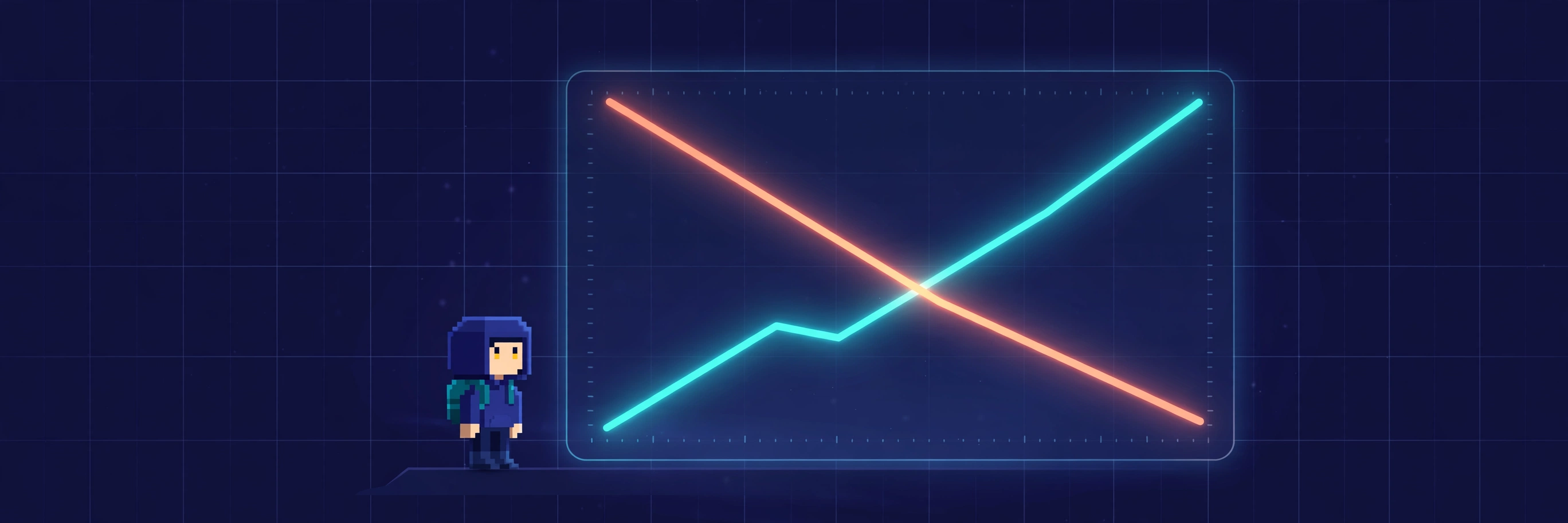
Now the other change — the one that has probably already confused you. Starting October 12, 2026, Roblox updated how impressions, clicks and plays from Home, Search and Charts are recorded, moving these events to a more reliable delivery pipeline so fewer are lost when the app closes or crashes. The announcement says it directly: "You may see higher impressions and play counts, and a small decrease in play-through rate (PTR)" — because impression counts may rise more than play counts, so the ratio shifts slightly. No action is required: every game sees this change at the same time, so comparisons between games and benchmarks still hold.
The two questions every creator asks have direct answers in the announcement's FAQ. Does this affect your game's Recommended For You ranking? No: it does not change how RFY recommends games, and Roblox expects minimal impact on Home recommendations. Will your historical data change? No: data from before October 12, 2026 stays as it is. And were your metrics inaccurate before? No: the old pipeline measured every game the same way, and the new one simply loses fewer events.

Reading Your Charts Across the Seam
The practical problem is the seam. Because Roblox is not rewriting earlier history, a continuous-looking chart can contain two measurement regimes, and a line drawn between them does not make them perfectly comparable. The announcement tells creators to compare periods from before and after October 12, 2026 with each other, keeping the boundary in mind. Do not erase the old period, and do not apply an invented correction factor: Roblox has supplied no universal percentage.
The arithmetic is worth seeing once, because it explains how a game can look worse without playing worse. Take an illustrative example, not platform data: 100 plays from 1,000 impressions is a 10% play-through rate; 110 plays from 1,200 impressions is about 9.2% — the count is higher, the rate lower. Nothing in that arithmetic requires the game to have lost a player — the change could reflect better recording, a different audience, or a real shift in interest. The ratio alone does not identify the explanation. The danger is a false intervention: replacing a thumbnail or redesigning your opening because a rate dipped, then crediting those changes for behaviour that was partly a recording effect. Before you change anything, check the date. If the dip sits on October 12, and similar games moved on the same date — check the Benchmarks view in Creator Analytics — it is most likely the counter, not the game. If the dip is somewhere else, investigate the game.
Putting the Two Together
Journeys and the measurement change answer different questions. Journeys answers "where do players leave" — the branching paths inside your game. The October 12 change answers "why did the numbers move on this date" — a better counter, not a worse game. Use the first to diagnose real drop-offs, and the second to avoid misreading the dashboard. A short checklist: mark October 12 on any chart you share; build one Journey for your onboarding; watch the biggest drop-off node, not total plays; do not change your icon or thumbnail over a dip dated October 12; compare like with like. Our game popularity guide covers the discovery signals themselves, and our publishing flow guide covers getting the game in front of players. The numbers are only useful if you know which ones changed because of you, and which ones changed because Roblox changed the counter.
Frequently Asked Questions
What is Roblox Journeys?
Journeys is a Creator Analytics feature launched on November 3, 2026. It tracks the branching paths players take through your game as stages with alternative nodes, shown as a Sankey chart with drop-off and churn. Find it in Creator Hub under Analytics > Journeys.
How many stages and nodes can a journey have?
2–10 configured stages per journey and 1–10 nodes per stage. Roblox adds an __entry__ node as stage 0 automatically, and you do not configure or log it. Journey and node names are up to 50 characters.
Do I need to write code for Journeys?
Yes. After publishing the configuration, copy the generated Luau snippet into your game and call AnalyticsService:LogJourneyEvent from server code when a player reaches a configured node. The journey and node names must exactly match the published configuration, and you validate the player's action before logging.
Why did my play-through rate go down in October?
Most likely the October 12, 2026 measurement change. Roblox moved discovery events to a more reliable delivery pipeline, so impression counts rose slightly more than play counts, and the ratio between them fell. It is most likely a measurement change, not a performance change — confirm the dip sits on October 12, and check whether similar games moved on the same date, before changing anything in your game.
Did the October 12 change affect my game's ranking?
No. The update does not change how Recommended For You recommends games, and Roblox expects minimal impact on Home recommendations. Because every game saw the change at the same time, comparisons between games still hold.
Can I compare my analytics before and after October 12?
Yes, but with the boundary in mind. Your historical data was not rewritten, so a chart crossing October 12 contains two measurement regimes. Compare periods from before and after the date with each other rather than treating the whole timeline as one smooth story.
Is Journeys in beta?
No beta label appears in the November 3, 2026 announcement, and no rollout limit or opt-in is stated. Roblox presents Journeys as launched, for any of your games on Creator Hub.
Related Guides on RBXMods
- How to make your Roblox game popular: discovery, retention and the first five minutes — the discovery signals themselves: clicks-to-plays, early exits, session length and return visits.
- How to publish your Roblox game in 2026 — the guided publishing flow, early testers, and the shorter 16+ route.
- How to use AI in Roblox Studio — Assistant, Planning Mode, the built-in MCP server, and Prompt to Animation.
- Roblox MCP Open Cloud access explained — the Open Cloud layer behind the Journeys MCP route: permission levels, skills, and the safe setup.
- Roblox rewarded video ads: how creators earn from them — the ads monetisation route, and the earnings metrics Journeys-style analysis can improve.
RBXMods is not affiliated with or endorsed by Roblox Corporation. Roblox and the Roblox logo are trademarks of Roblox Corporation.
Sources
- Roblox Developer Forum: Analytics: Understand Complex Player Funnels With Journeys — the November 3, 2026 announcement launching Journeys in Creator Analytics, with the setup steps, the code example, and the Sankey findings. (Verified loading 2026-11-14.)
- Roblox Creator Docs: Journey events — the official documentation: stages and nodes, the 2–10 stage and 1–10 node limits, the __entry__ stage 0 rule, LogJourneyEvent and session IDs, progression rules, and the Open Cloud and MCP route. (Verified loading 2026-11-14.)
- Roblox Developer Forum: Improved Discovery Measurement in Creator Analytics — the October 12, 2026 announcement: the more reliable delivery pipeline, the expected higher counts and small PTR decrease, the unchanged historical data, and the unchanged Recommended For You ranking logic. (Verified loading 2026-11-14.)