Roblox Chat Not Working? Why You Can't Chat and How to Fix It
Chat greyed out or missing on Roblox? In most cases it is not a bug — it is the age check, an age-group rule, or a setting. Here is how to find which one and fix it.

In this guide
First, the Rumour: Roblox Did Not Remove Chat Reason 1: You Have Not Completed the Age Check Reason 2: Your Friend Is in a Different Age Group Reason 3: Parental Controls or Your Account Type Reason 4: The Experience Has Chat Turned Off — or You Are on Console Reason 5: Voice Chat Specifically Is Not Working Reason 6: Your Messages Are Filtered, or Your Account Is Restricted Roblox Chat Not Working: The 2-Minute Diagnostic Frequently Asked Questions Did Roblox remove chat in 2026? Why can I chat with some friends but not others? Why is voice chat greyed out for me? Can I chat on Xbox or PlayStation? I did the age check and chat still does not work. What now? How do I redo the age check if it got my age wrong? Related Guides on RBXMods SourcesRoblox chat not working usually looks the same: the chat box is greyed out, messages never appear, or a friend suddenly cannot hear you. The first thought is usually that something broke — or that Roblox removed chat. Neither is true in most cases. Since January 7, 2026, Roblox requires every user to complete an age check before any chat works, and on top of that gate sit age-group rules, parental controls, experience settings and platform limits that can each silence chat on their own. This guide works through them in order, from the most common cause to the rarest.
Key takeaways
- Roblox has not removed chat. Since January 7, 2026, an age check is required before any chat works at all.
- The most common cause of Roblox chat not working is a missing or wrong age check. Check Settings > Account info > Age Group first.
- By default you can only chat with your own age group and the ones next to it. Players under 16 cannot chat with adults — one greyed-out friend usually means an age-group gap, not a broken account.
- For players under 9, chat is off by default until a parent approves it, and parents control chat in Settings > Parental Controls.
- Xbox and PlayStation have no full in-experience text chat, and voice chat needs you to be 13+, age-checked, with microphone access allowed on your device.
First, the Rumour: Roblox Did Not Remove Chat
Every few months a post or video claims Roblox removed chat, usually pointing at a blank space where the chat box used to be. There has been no official announcement of any such removal. What changed is the gate in front of chat: the age-check requirement rolled out in Australia, New Zealand and the Netherlands in December 2025, then worldwide on January 7, 2026. If your chat disappeared around then, the gate is the likeliest explanation, not a removal and not a ban.
Reason 1: You Have Not Completed the Age Check
This is the single most common reason chat stops working, and it catches out long-time players because the rule applies to accounts of every age, including accounts made years ago. Until you complete the check, text chat, friend chat and voice chat all stay locked. You can still play and buy items — only communication is gated.
The fix is the check itself. Go to Settings > Account info > Age Group — on a computer, open Settings from the gear icon at the top right; in the mobile app, tap More (...) at the bottom right, then the gear icon. There are two ways to verify. Facial age estimation is a short selfie video taken with your device camera; Roblox says the images and video are deleted after processing. ID verification, available only to users aged 13 and older, photographs a government-issued photo ID and matches it with a quick selfie. If your device has no camera, Roblox shows a QR code so you can finish the check on your phone. Our age-check guide walks through both methods, including what to do when the selfie estimate gets your age wrong: an ID check overrides the estimate, a one-time Reset covers a wrong 18+ placement, and a linked parent can correct a younger player's age.
Two details catch people out. First, the check — not the birthday you typed at sign-up — unlocks chat. Skip it and Roblox falls back to that birthday, with chat off in both. Second, Roblox can ask again later if background checks suggest an account's age looks wrong. Complete it the same way, preferring ID verification if the selfie keeps getting it wrong.
Reason 2: Your Friend Is in a Different Age Group
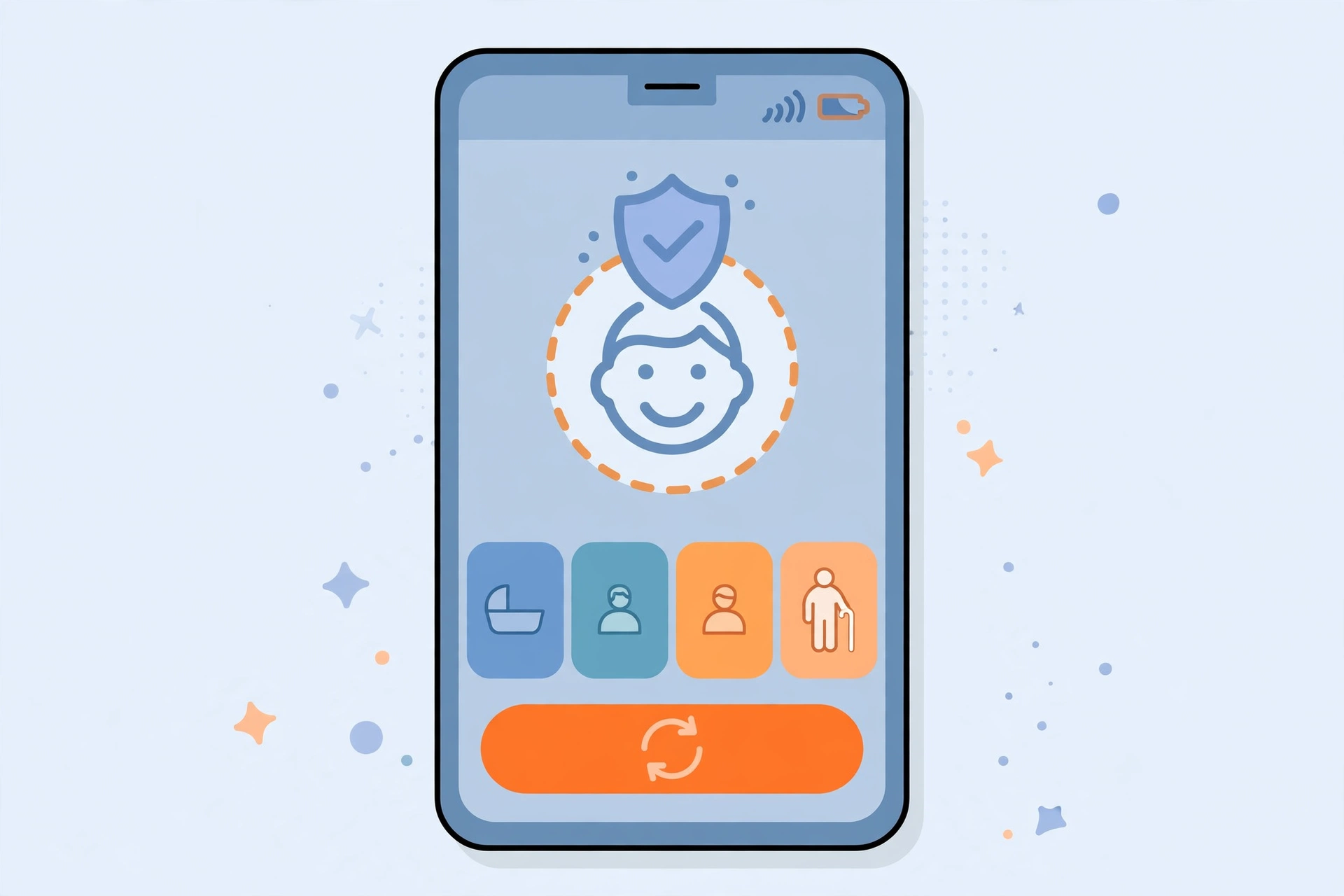
If you can chat with most people but one friend is greyed out or shows "can't chat with this user", you are looking at the age-group rules, not a bug. The age check places you in one of six groups — under 9, 9–12, 13–15, 16–17, 18–20, and 21+ — and by default you can chat with your own group and the ones directly above and below it. The hard line is between minors and adults: under-16s cannot communicate with adults (18+) by default, so an 18+ player and a 13–15 friend two bands apart cannot chat even if both are verified.
The fix depends on who you are trying to reach. If the other person has not done an age check at all, they have no chat with anyone — the fix is theirs. If both of you are verified but sit in non-adjacent groups, the intended route is Trusted Connections: both age-verified, then added through a real-life method — the phone Contact Importer, or by scanning each other's in-app QR code. They are the exception to the age-group rule, and they only work between people who actually know each other. Roblox offers no setting that opens chat to everyone across all age groups, and any video or site claiming to unlock it is a scam.
Reason 3: Parental Controls or Your Account Type
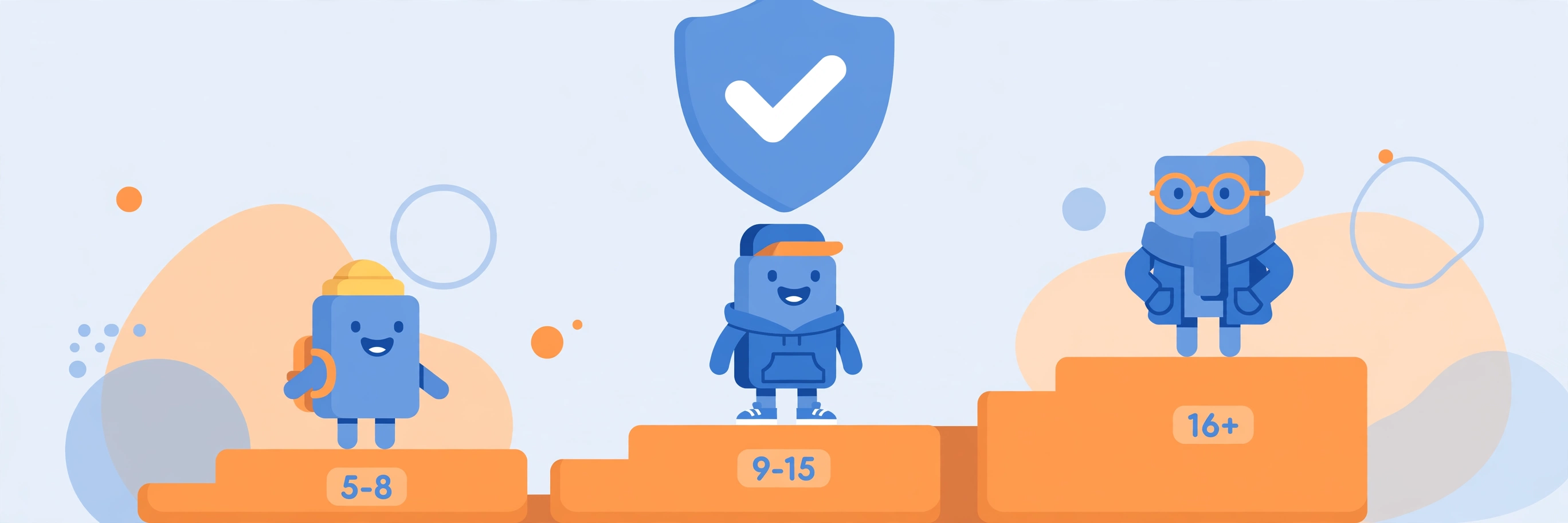
For younger players, chat is controlled by a parent, and the defaults are strict. Since June 16, 2026, Roblox has three account types: Roblox Kids for ages 5–8, where only Minimal or Mild games that passed an extra selection process are available and chat is off by default; Roblox Select for ages 9–15, which adds Moderate games and opens chat gradually; and the standard account at 16 and older. Accounts upgrade automatically at 9 and 16, and parent-linked accounts unlink automatically at 18.
Under 9, chat stays off until a parent completes an age check and grants consent; for 9–12 a parent must approve chat, and direct chat needs parental consent under 16. The controls live behind a linked parent account under Settings > Parental Controls — content maturity, chat rules, blocked games, spending and screen-time limits. If you are a parent and your child cannot chat, check that menu first. Our parental-controls guide covers it in full, and our Kids vs Select guide explains what each account type can and cannot do.
Reason 4: The Experience Has Chat Turned Off — or You Are on Console
Not every game lets you chat: developers can disable it entirely, limit it to team chat, or replace it with preset phrases and menus. If chat works in other games but not in one, that game is the cause — try another before changing anything on your account. The same applies to voice chat: a game that never enabled it shows no voice option, whatever your settings say.
Console players hit a different wall. The Xbox and PlayStation versions of Roblox do not include the full in-experience text chat that PC and mobile have. You can play and use the game's own limited communication — preset phrases, pings, emotes or roleplay menus — but you cannot open the normal chat window and type to the server. Changing your privacy settings will not add it, and a USB keyboard does not enable it either. If chatting matters, play on PC or mobile.
Reason 5: Voice Chat Specifically Is Not Working
Voice chat has its own gate, so diagnose it apart from text chat: you must be at least 13 and have completed an age check before the voice option appears at all. Phone verification no longer counts — the age check unlocks voice. If the toggle is missing or greyed out in Settings, that is almost always the age check, not your headset.
Once voice is enabled, work through the three ways it fails. If nobody can hear you, the cause is usually your device: check the microphone permission for Roblox in your operating system settings and that the correct input device is selected. If you can talk but cannot hear anyone, the cause is usually the experience — the game may have voice disabled. And if one friend shows greyed-out voice while others work, that is the age-group rule again (Reason 2), with Trusted Connections as the fix. Quick check: the headset icon at the top of the screen means voice is available in that experience.
Reason 6: Your Messages Are Filtered, or Your Account Is Restricted
Sometimes chat works and your messages are the problem. Roblox filters text chat by age, account settings, language and context. If your messages show up as hashtags (####), the filter blocked some or all of the words — stricter for players under 13, and it covers numbers, links and personal information as well as bad language. Reword without the flagged words, and never dodge the filter with odd spellings — evading it can earn a moderation action.
If chat stopped suddenly after working fine, check whether your account has a moderation action on it. A temporary chat restriction removes chat while leaving the rest of the account playable, and Roblox notifies you of it. Check your account status in Settings; if you believe the action was a mistake, appeal through Roblox Support. A chat restriction does not always come with an obvious in-game message — the greyed-out box is sometimes the only sign.
Roblox Chat Not Working: The 2-Minute Diagnostic
- Is chat broken everywhere, or in one game? Try a different game. If it works elsewhere, the game disabled chat (Reason 4).
- Have you completed the age check? Go to Settings > Account info > Age Group. If it is not done, do it (Reason 1).
- Is it one friend, or everyone? One friend means an age-group gap — check Trusted Connections (Reason 2).
- Are you under 16, or is the account a Kids or Select account? Ask a parent to check Settings > Parental Controls (Reason 3).
- Are you on Xbox or PlayStation? Full text chat does not exist there — switch to PC or mobile (Reason 4).
- Is it voice only? Confirm you are 13+ and age-checked, then check your device microphone permission (Reason 5).
- Do messages turn into hashtags? That is the filter, not a broken chat box (Reason 6).
The pattern to remember is that Roblox chat in 2026 is gated, not gone: the age check opens the door, the age groups decide who is on the other side, and parents and developers each hold a key of their own.
Frequently Asked Questions
Did Roblox remove chat in 2026?
No. There has been no official announcement removing chat, and chat is still a core part of the platform. What changed is the gate: since January 7, 2026, every user must complete an age check before any chat works, and age-group rules limit who you can chat with. A missing chat box is almost always one of those rules, not a removal.
Why can I chat with some friends but not others?
Because of the age groups. You can chat by default with your own group and the ones directly above and below it, and players under 16 cannot chat with adults. If a friend is two or more bands away from you, chat with them stays off by default. Trusted Connections — both of you age-verified and added through a real-life method — is the way to chat across that gap.
Why is voice chat greyed out for me?
Voice chat needs you to be at least 13 years old and to have completed an age check; phone verification no longer unlocks it. If the toggle is missing or greyed out, complete the age check first. If voice is enabled but nobody can hear you, check the microphone permission for Roblox in your device settings.
Can I chat on Xbox or PlayStation?
Not with full text chat. The console versions of Roblox do not include the normal in-experience text chat box, and changing privacy settings or plugging in a keyboard does not add it. Some games offer their own preset phrases, emotes or menus, but for full chat you need PC or mobile.
I did the age check and chat still does not work. What now?
Check what the check actually placed you in: go to Settings > Account info > Age Group and confirm your group. If the selfie estimate put you in the wrong group, re-verify with a government ID (ages 13+), which overrides the estimate, or use the one-time Reset if you were wrongly placed in an 18+ group. Then check parental controls, and try another game to rule out an experience-level block.
How do I redo the age check if it got my age wrong?
Go back to Settings > Account info > Age Group and choose Continue with ID (ages 13 and older) — a government photo ID overrides the selfie estimate with your real birthday. If the selfie wrongly placed you in an 18+ group, there is a one-time Reset option under your birthday and age group. For younger players, a linked parent can make a one-time age correction. Our age-check guide covers all four correction routes in detail.
Related Guides on RBXMods
- How to verify your age on Roblox — the age check itself: the selfie and ID methods, the six age groups, and the four ways to fix a wrong result.
- Roblox parental controls: a parents' guide — the full Settings > Parental Controls menu, including chat rules, blocked games and screen-time limits.
- Roblox Kids vs Select accounts explained — what each account type can access, how accounts upgrade automatically, and what parents control.
- Roblox error codes: meanings and fixes — if a code or an error blocks you while verifying your age or joining a game.
- How to keep your Roblox account safe — two-step verification and the other protections worth turning on alongside chat settings.
RBXMods is not affiliated with or endorsed by Roblox Corporation. Roblox and the Roblox logo are trademarks of Roblox Corporation.
Sources
- Roblox Support: Understanding Age Checks on Roblox — the official age-check article: the January 7, 2026 requirement for chat, the two verification methods, the six age groups and the adjacent-group chat rule, and the redo options. (Verified loading 2026-11-06; re-verified via the site's own age-check post sources.)
- Roblox Support: What are Roblox Kids and Roblox Select? — the official article on the three account types, what each can access, and the chat defaults for younger players. (Verified loading 2026-11-10.)
- Roblox Support: Parental Controls Overview — the official overview of the parental-controls menu, including chat approvals and linked parent accounts. (Verified loading 2026-11-10.)
- Roblox Newsroom: Age-based Roblox Kids and Select accounts now globally available — the official June 16, 2026 announcement of the worldwide rollout, the automatic upgrades at 9 and 16, and the account-type rules. (Verified loading 2026-11-10.)
- Why Can't Roblox Console Players Use Roblox Chat? — an independent guide confirming that the Xbox and PlayStation apps do not include full in-experience text chat, and that privacy settings and a USB keyboard do not enable it. (Confirmed loading 2026-11-12.)