Roblox Server Region Explained: game.ServerRegion and What It Tells You
Roblox added game.ServerRegion on November 19, 2026: one read-only property that tells a server script which region is hosting the game. No IP lookups, no outside service.

In this guide
What the Roblox Server Region Is How to Read the Region in a Server Script Showing the Region to Players What It Replaces: The IP Lookup Workaround What ServerRegion Cannot Tell You Where Else the Region Shows Up When to Use It — and When Not To Frequently Asked Questions What is game.ServerRegion on Roblox? How do I read my Roblox server's region in a script? Can a LocalScript read game.ServerRegion? What do the airport codes mean? Does game.ServerRegion tell me a player's ping? Can players choose a server region with game.ServerRegion? Do I still need IP geolocation lookups? Related Guides on RBXMods SourcesOn Thursday, November 19, 2026, Roblox added a small property that answers a question developers have been working around for years: where is this server actually running? The property is called game.ServerRegion, it lives on the DataModel, and it is already available on live servers. In short, the Roblox server region is now a property you can read, not a lookup you have to run: one line in a server script returns a three-letter airport code — IAD, SYD, LAX, LHR — naming the airport nearest the data center hosting that game. No IP address lookup, no outside geolocation service, no guessing.
Key takeaways
- Roblox added
game.ServerRegionon Thursday, November 19, 2026. It is a read-only string property on the DataModel, and it is already available on live servers. - The value is an uppercase three-letter IATA airport code for the airport nearest the data center running the server — IAD and SYD are the examples in the announcement, with LAX and LHR added in its FAQ.
- Only server scripts get a real value. In Studio, in play-solo testing, and in client scripts, the property returns an empty string.
- To show the region to players, read it on the server and send it to clients yourself — the property is not replicated, so clients cannot read it directly.
- An airport code names the nearest airport, not the data center itself, and it says nothing about a player's latency. Roblox has published no official table matching codes to cities or countries.
What the Roblox Server Region Is
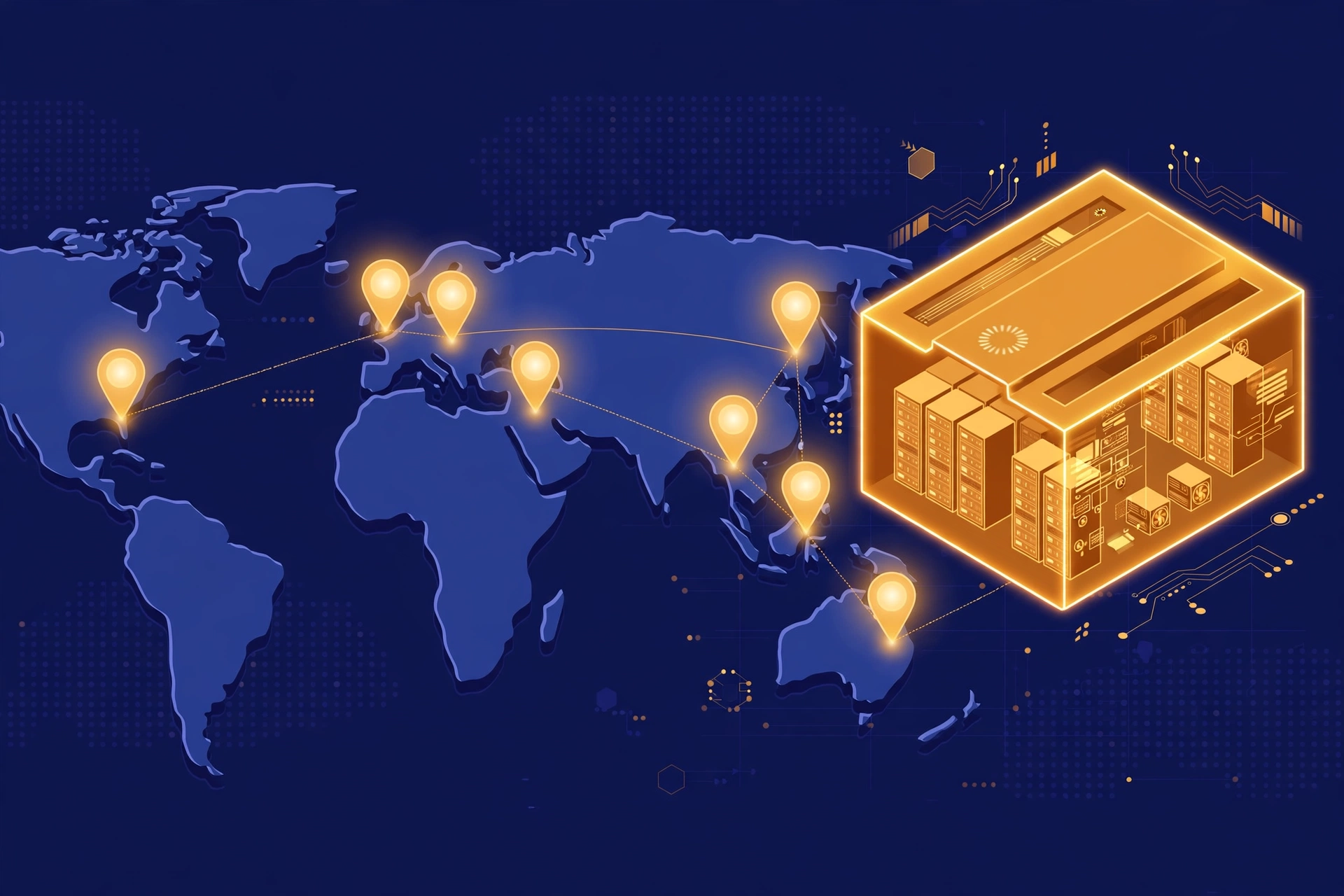
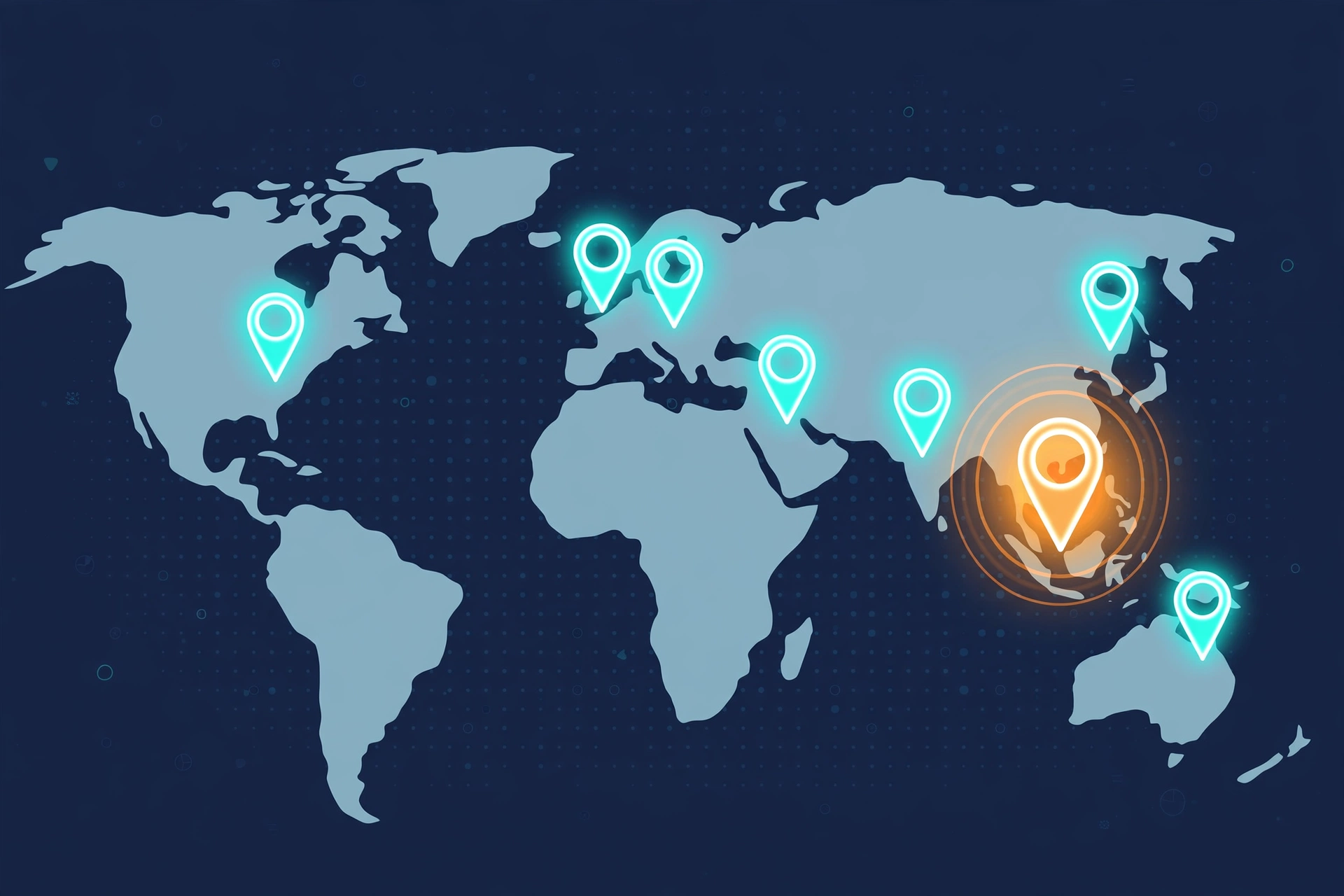
Every Roblox game runs on a server in one of Roblox's data centers, and until now there was no built-in way for a script to ask which one. game.ServerRegion is that way. It is a property of the DataModel — the game object at the root of every place — and it holds a string. On a live server, that string is a three-letter IATA airport code: the code for the airport closest to the data center running the server. The announcement gives IAD (Washington Dulles) and SYD (Sydney) as its examples, and its FAQ adds LAX (Los Angeles) and LHR (London Heathrow).
Roblox deliberately chose plain strings instead of an enum. An enum would need a new entry every time Roblox opens a data center in a new region; a string can carry any new code without an engine update. That matters for how you write your code: never hard-code a list of "all possible regions" and treat anything outside it as an error. New codes will appear as Roblox expands, and a script that rejects unknown codes will break on the day a new data center opens.
The property is read-only. You cannot set it, and you cannot use it to move a server — it only reports where the server already is. It is also not replicated, which means the value exists on the server and nowhere else. That single fact shapes everything about how you use it.
How to Read the Region in a Server Script
Reading the region takes one line, in a server Script — the kind that runs in ServerScriptService, not a LocalScript. This is the whole pattern:
local region = game.ServerRegion
print("This server is running in region:", region)
On a live server, that prints something like IAD. In Studio, or in a play-solo test, it prints an empty string — the property returns "" whenever there is no live data center behind the session. The same applies to any client script: a LocalScript reading game.ServerRegion always gets an empty string, because the property is not replicated to clients.
So guard against the empty string before you do anything with the value. A check like this keeps test sessions from logging nonsense or breaking a display:
local region = game.ServerRegion

if region == "" then
	print("No region available — running in Studio or on a client.")
else
	print("Server region:", region)
end
Showing the Region to Players
Players cannot read game.ServerRegion themselves, so if you want the region visible in your game — in a server browser, on a loading screen, or next to a ping display — the server has to send it to them. The simplest way is an attribute: the server reads the region once and stores it on ReplicatedStorage, and attributes replicate to every client automatically. That avoids the timing trap of firing a RemoteEvent from PlayerAdded, which can arrive before a joining player's LocalScript has connected its listener:
-- Server Script in ServerScriptService
local ReplicatedStorage = game:GetService("ReplicatedStorage")

local region = game.ServerRegion
ReplicatedStorage:SetAttribute("ServerRegion", region)
On the client side, a LocalScript reads the attribute:
-- LocalScript in StarterPlayerScripts
local ReplicatedStorage = game:GetService("ReplicatedStorage")

local region = ReplicatedStorage:GetAttribute("ServerRegion")
print("You are playing on a server in region:", region)
If you prefer a RemoteEvent, have the client signal "ready" first and only then send the region back — the same channel the site's RemoteEvents guide covers. Either way, read the region once per server, not once per player: the value never changes while a server is running — a server does not move data centers mid-game — so there is no reason to poll it or re-send it every few seconds. Read it at startup, store it in the attribute, and let each joining client read it from there.
One more decision before you show the code to players: whether to show the raw code at all. IAD means nothing to most players, so pair it with a plain label — "Server region: IAD (US East)" — and keep the mapping in your own code. Just remember that the mapping is yours, not Roblox's: Roblox has published no official table matching codes to cities or countries, and the lookup tables circulating in the announcement thread were made by community members, not by Roblox. If a code you do not recognise appears, show the code itself rather than guessing a city.
What It Replaces: The IP Lookup Workaround
Before game.ServerRegion, the usual way to find a server's location was to take the server's IP address, send it to an outside geolocation service through HttpService, and hope the answer was right. Plenty of games did exactly that, for region displays and for debugging lag reports that turned out to be a player on the other side of the world.
Those scripts will keep working, and Roblox is not requiring anyone to change them. But Roblox recommends switching, for two reasons stated in the announcement. First, those lookups are not always accurate, as the announcement notes — an IP block can be registered in one place and routed somewhere else, so the answer can be wrong. Second, the built-in property removes the outside dependency entirely — no HttpService call, no third-party service to stay up, no request to fail during a busy launch.
An IP lookup costs a web request on every server start, and it can fail; a property read has no network request to fail — though it can still return an empty string where there is no live server. Keep the old code only if you need a city name rather than an airport code, or the region where game.ServerRegion returns an empty string — and even then, use the property first and fall back to the lookup only when it has no value.
What ServerRegion Cannot Tell You
The property is small, and its limits are the exact points where developers overreach.
It is not a location. An airport code points to the airport nearest a data center, not to the facility itself. Two servers in the same region can be in different buildings, and the code will not tell you which. Treat the code as a region label, not an address.
It is not a latency measurement. Knowing a server is in IAD tells you nothing about a particular player's ping to it. A player in Virginia and a player in California can both be on an IAD server with very different latency. If your goal is to show players how good their connection is, you need a ping measurement, not a region code. Roblox staff member ReverseTri said in replies on the announcement thread that the company is working on ping estimation for server browsers — a separate feature, with no date given.
It is not a region picker. Reading the region does not let players choose one. Roblox is deciding how much control to give developers over choosing a region when servers are created, and staff also said a feature that finds one server suited to a whole group of players is planned soon. Neither has a date. Until those arrive, game.ServerRegion is a read-only report, not a control.
It is not available everywhere. Studio, play-solo, and all client scripts see an empty string. Any code that assumes a value will be there must handle the empty case, or it will misbehave exactly where you test it most — in Studio.
Where Else the Region Shows Up
The property is not the only place the region is now visible. The same region data appears in Creator Hub under Server Management, so you can see where your live servers are running without writing any code. Roblox also says servers can be filtered and sorted by region through Open Cloud, where the endpoint for listing game servers is still labelled beta — useful for dashboards or tooling outside Studio, but beta-labelled, so expect the interface to change.
Server Management is where you look; game.ServerRegion is where your game looks. A region label in a server browser or a region tag on a bug report — those are the uses that fit a one-line property.
When to Use It — and When Not To
Use game.ServerRegion when you need to know, inside the game, which region a live server is in: a region label in a server browser or loading screen, region tags on error logs and analytics, debugging reports where players in one region all hit the same problem, or analytics that split behaviour by region. In all of those, a one-line read replaces a web request.
Do not use it to measure latency, pick a server for a player, or get a city or country. Those need different tools — ping measurement, the planned group-server feature, and a mapping Roblox has not published. And do not build a system that breaks on an unknown code: new regions will arrive, new codes with them, and a script that treats an unfamiliar code as an error will fail on the day it matters most. The property is a small change with a narrow job, and that is its strength: it does one thing — tells a server script where it is — without a network call, a dependency, or a guess.
Frequently Asked Questions
What is game.ServerRegion on Roblox?
It is a read-only string property on the DataModel, added on November 19, 2026. On a live server it holds a three-letter IATA airport code naming the airport nearest the data center running the server, such as IAD, SYD, LAX or LHR.
How do I read my Roblox server's region in a script?
In a server Script, read game.ServerRegion. It returns the airport code on a live server and an empty string in Studio, in play-solo testing, and in any client script. Always check for the empty string before using the value.
Can a LocalScript read game.ServerRegion?
No. The property is not replicated, so client scripts always get an empty string. Read it on the server and send it to clients with a RemoteEvent if players need to see it.
What do the airport codes mean?
Each code is the IATA code of the airport nearest the data center — IAD is Washington Dulles, SYD is Sydney, LAX is Los Angeles, LHR is London Heathrow, and the Creator Docs reference also lists NRT (Tokyo Narita) among its examples. Roblox has published no official table matching codes to cities or countries, and community-made tables are not official.
Does game.ServerRegion tell me a player's ping?
No. It tells you where the server is, not how fast a particular player's connection to it is. Roblox staff have said ping estimation for server browsers is being worked on, with no date given.
Can players choose a server region with game.ServerRegion?
No. The property is read-only and only reports the region. Roblox is deciding how much control to give developers over region choice when servers are created, and a feature to find one server suited to a whole group of players is planned, with no dates given for either.
Do I still need IP geolocation lookups?
Not for the region itself. Roblox recommends using the built-in property instead, because IP lookups are not always accurate and need an outside service. Old scripts using HttpService lookups will keep working — nothing is being removed — but the property is simpler and cannot fail the way a web request can.
Related Guides on RBXMods
- Roblox RemoteEvents and RemoteFunctions explained — the client-server channel you need to send the region from the server to players.
- Roblox PlayerCharacterDestroyBehavior explained — another November 2026 server-side change, and the same server-script patterns it depends on.
- How to add a leaderboard (leaderstats) — a full server Script example, including the server-only values a region display would sit next to.
- Roblox MCP Open Cloud access in Studio explained — the Open Cloud side, including the beta server-listing endpoint that can filter servers by region.
- Roblox Content property serialization explained — the other November 2026 change to how Studio saves your game, and the Rojo update it requires.
RBXMods is not affiliated with or endorsed by Roblox Corporation. Roblox and the Roblox logo are trademarks of Roblox Corporation.
Sources
Last checked against Roblox sources: November 22, 2026.
- Roblox Developer Forum: Read Your Game's Server Region With New API — posted November 19, 2026 by jarjar1230rbx (Roblox Staff): the announcement, with IAD and SYD as examples and LAX and LHR in its FAQ. (Verified loading in the live browser 2026-11-22.)
- Roblox Creator Docs: DataModel reference — lists ServerRegion as a read-only, not-replicated string: "a three-letter IATA airport code (such as IAD, LAX, LHR, NRT, or SYD) identifying the datacenter region hosting the current game server", defaulting to an empty string in Studio and client contexts. (Verified loading in the live browser 2026-11-22.)
- Roblox Creator Hub: Creator Updates — lists the ServerRegion announcement under November 19, 2026. (Verified in the live browser 2026-11-22.)
- Mirage Portal: New API lets developers read a game server's region — independent summary (November 20, 2026, updated November 21) of the announcement, including the Creator Hub Server Management view, the Open Cloud server-listing endpoint, and the planned ping-estimation and group-server features. (Verified loading 2026-11-22.)