Roblox Avatar Moments Explained: Share Shoppable Looks From Your Profile
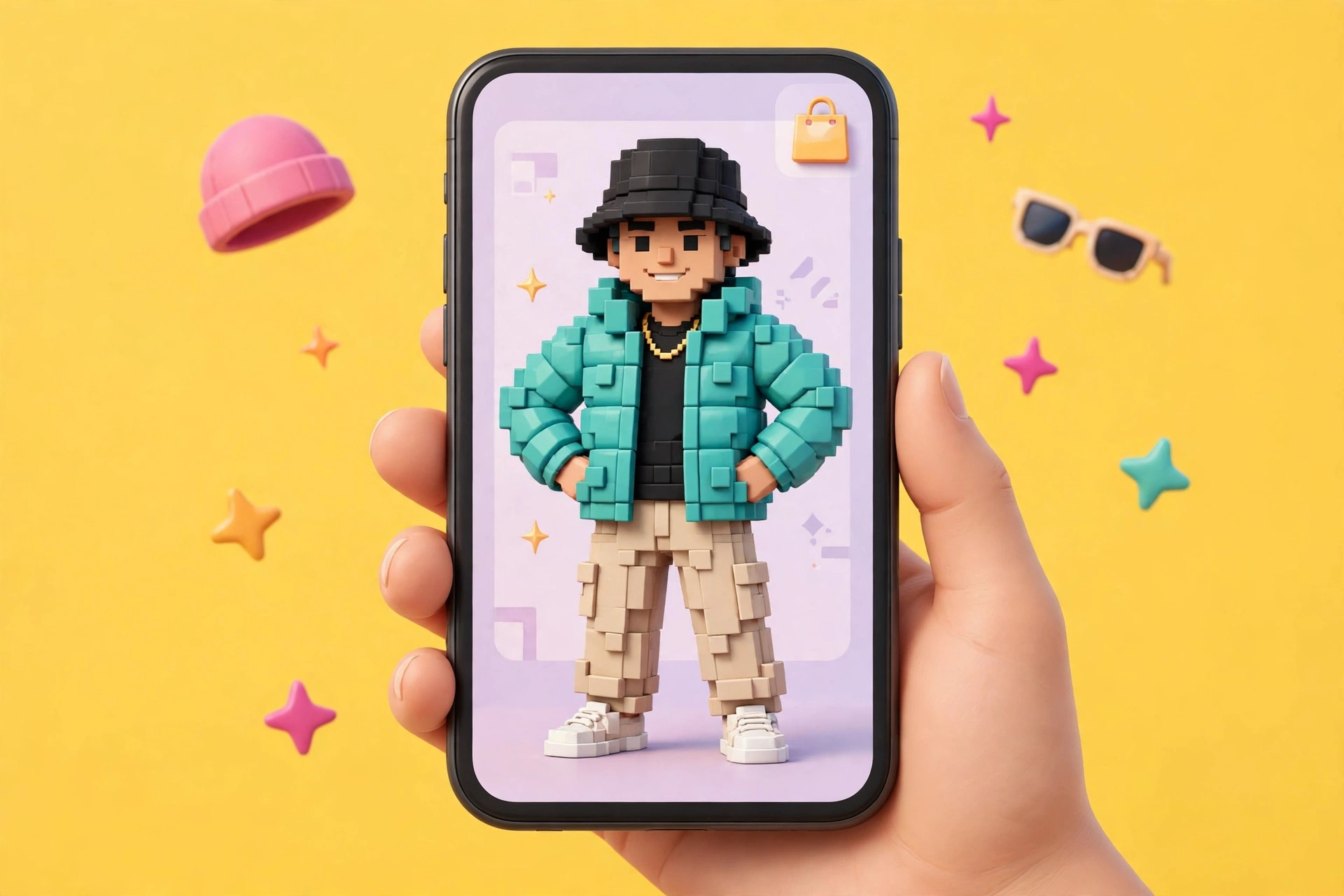
Avatar Moments turn your Roblox outfit into a short, shoppable video on your profile. Pick an emote, set the scene, add music — and anyone who likes the look can buy it.

In this guide
What an Avatar Moment Is Who Can Make an Avatar Moment How to Create an Avatar Moment How Viewers Shop Your Look What It Means for Avatar Creators The Rollout Catch: The Feed Is Staged Tips for a Moment That Gets Shopped Frequently Asked Questions What is a Roblox Avatar Moment? Who can create Avatar Moments on Roblox? How do I create an Avatar Moment? How do I buy items from an Avatar Moment? Can I add my own music or a voice recording to an Avatar Moment? Why can't I see Avatar Moments in my Moments feed? Do creators earn money from Avatar Moments? Related Guides on RBXMods SourcesOn Friday, November 20, 2026, Roblox started rolling out Avatar Moments to all eligible users. An Avatar Moment is a short video that shows off your avatar — you pick an emote, set the scene, add music, and post it to your profile. The twist is that the look is shoppable: anyone who sees your Moment can tap Shop, try the items on their own avatar, and buy the ones they like, right from your profile. If you make outfits, or you just like putting looks together, your profile just became a shop window.
Key takeaways
- Avatar Moments rolled out on Friday, November 20, 2026. They are short videos on your profile that show off your avatar — an emote, a background, music, and a description.
- You must be 16 or older and eligible to use Moments to create one. Avatar Moments follow the same rules and regional availability as Moments, and work on all platforms where Moments is available.
- Creating one takes nine steps from Marketplace or Customize: pick your avatar, an emote you own, a background, a camera angle, music from the Roblox music library, and a description — then Post.
- Viewers can tap Shop on your Moment, try the items on their own avatar, pick the ones they want, and confirm the purchase with Robux. After buying, they can wear the items right away.
- Avatar Moments in the Moments feed are rolling out in stages, so not every player sees them in the feed yet. You can still create your own and view them on players' profiles.
What an Avatar Moment Is
Roblox's own Support article defines it plainly: an Avatar Moment is a Moment that shows off your Roblox avatar. You choose an emote, a background, and music, and then post it to your profile. It is not a gameplay clip — that is what the Moments video tab is for — it is a look. The avatar is the subject, the emote gives it movement, the background sets the scene, and the music sets the mood.
The announcement came from Roblox itself on November 20, 2026: Avatar Moments is rolling out to all eligible users, to showcase style and share shoppable looks right from your profile. The same day, Roblox posted a creator-facing announcement on the Developer Forum, "Create Avatar Moments to Showcase and Sell Your Items", and published the Support article that explains the whole flow. This is the avatar half of Moments: the short-video tab became fully available in the US in September 2026, with avatar items in a clip announced at RDC 2026 as tappable to buy from October. Avatar Moments take that shopping idea and point it at the profile itself.
For players, it is a new way to show off a look. For avatar-item creators, it is a new surface where their items can be discovered and bought — not on the Marketplace or inside a game, but on a profile.
Who Can Make an Avatar Moment
The rule is short: players who are 16 or older and eligible to use Moments can create Avatar Moments. That is the only age and account condition the Support article states. Avatar Moments follow the same rules and regional availability as Moments, and are available on all platforms where Moments is available.
Two things follow from that. First, if you cannot use Moments, you cannot make an Avatar Moment — the eligibility is inherited, not separate. The Support article points readers to "Roblox Moments: How to Capture, Share and Discover" for the full Moments rules. Second, age is a hard line here: under-16s cannot create Avatar Moments. If the option does not appear for you, check your age group first — it is the most likely reason — and remember that the feed rollout is staged, which is a different issue covered below.
How to Create an Avatar Moment
The Support article gives a nine-step flow, and it starts in a place you already know: the Marketplace or the Customize tab. You do not need Studio, a script, or a creator account.
1. Open Marketplace or Customize. Start from either surface in the app.
2. Select Avatar Moment. Choose the Avatar Moment option — the Developer Forum announcement calls this prompt "Share your avatar to Moments".
3. Choose the avatar to feature. Pick one of your saved avatars whose look you want to show off.
4. Choose an emote. You can use any emote you own. The emote is what moves the look — pick one that shows the outfit, not one that hides it behind a pose.
5. Choose a background. You can use a background from your inventory, a free background, or a solid colour. This is where the new Avatar Backgrounds come in: a background you own can set the scene for the Moment.
6. Set the camera. Rotate and zoom the camera for the angle you want. Frame the whole look — a close-up that crops the shoes is a wasted Moment if the shoes are the point.
7. Add music. Add music from the Roblox music library. The music comes from Roblox's library, not from your own files.
8. Add a description. Write a short description for the Moment.
9. Select Post. The Moment appears in the Moments section of your profile.
One thing you cannot add: voice recordings. The Support article is explicit — "You cannot add voice recordings to an Avatar Moment." The sound is the music you picked, nothing else.
To share a Moment beyond your profile, open it from the Moments section of your profile, select Share, then copy the link or choose where to share it. Other players can view, like and comment on your Avatar Moment, the same as other Moments.
How Viewers Shop Your Look
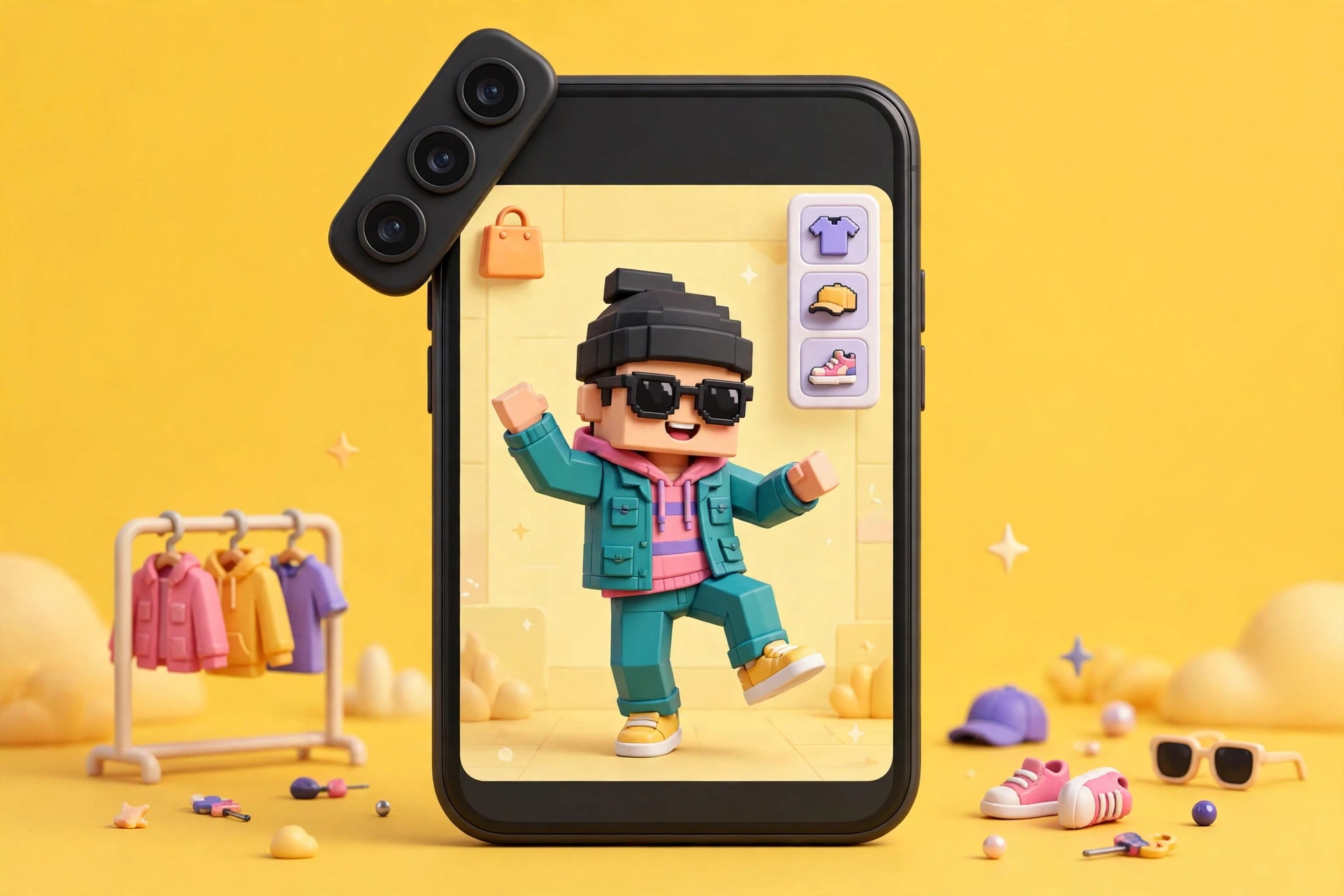
The shopping flow is the reason Avatar Moments exist, and the Support article walks through it from the buyer's side. Find an Avatar Moment on a player's profile or in your Moments feed, then select Shop to see the items in the look. You can try the items on your own avatar first, to preview them, then select the ones you want — deselecting any you do not want — and confirm your purchase with Robux. After the purchase, you can wear the items right away.
In the DevForum announcement's demo screenshots, one featured look totals 290 Robux across 8 items. That is an example of one look, not a price for the feature: the Shop view lists the items, and you buy the ones you choose, not an all-or-nothing bundle. No per-item price list, purchase limit or refund term is stated in the Support article.
The same rule works in reverse for you: other players can select Shop on your Avatar Moment to view, try on and buy the items your avatar is wearing. That is the whole point of posting a look instead of a screenshot — a screenshot can be admired, but a Moment can be shopped.
What It Means for Avatar Creators
The Developer Forum announcement is aimed squarely at creators — its title is "Create Avatar Moments to Showcase and Sell Your Items" — and the logic is straightforward. Every item in a Moment is a listing with a buy button attached, shown in context on an avatar that someone styled. A creator whose items appear in popular Moments gets their work in front of buyers who never opened the Marketplace, and the try-on step answers the oldest question in avatar shopping: what will this actually look like on me?
Be honest about what is not stated, though. The Support article says nothing about creator earnings, revenue share, or any payout for Moments-driven sales — it covers the buyer side only. No commission or payout figure is stated in the sources checked for this post, so do not plan income around Avatar Moments until Roblox publishes the terms.
That discovery angle is also why the feature pairs with the other avatar changes of the last month. Avatar Backgrounds, fully released November 5, give creators a scene to sell behind the avatar — and the same backgrounds can set the scene inside a Moment. Marketplace items all become shoppable from the same surface, which is the point: the Moment is the outfit, and the outfit is the shop.
The Rollout Catch: The Feed Is Staged
Avatar Moments are rolling out, but not everywhere at once. The Support article states that Avatar Moments in the Moments feed are rolling out in stages, so not every player sees them in their feed yet. That is a visibility limit, not a creation limit: even if you do not see Avatar Moments in your feed, you can still create your own Avatar Moments and view Avatar Moments on players' profiles.
Practically, that means two things. If you post a Moment and a friend says they cannot find it in the feed, send them the link from the Share button instead of assuming the post failed — the Moment is on your profile either way. And if you are a creator counting on feed discovery, the feed is not yet a reliable channel; profile visits and shared links are the discovery that works today, and the feed will catch up as the rollout continues.
Tips for a Moment That Gets Shopped
Nothing in the rules tells you how to make a good Moment — the Support article covers the mechanics, not the taste. These are practical choices that follow from how the feature works.
Show the whole look. Use the camera to frame the full avatar. A Moment that crops the shoes or the hair is a Moment that cannot sell the shoes or the hair.
Pick an emote that moves the outfit. A still pose shows the items; an emote shows how they move. Choose one that turns the avatar or shows the layers, not one that folds the outfit out of view.
Keep the background readable. A busy background fights the outfit for attention. A solid colour or a simple background from your inventory makes the items the subject — and if you own an Avatar Background, this is where it earns its keep.
Write a description that names the look. The description is the only text you control. A sentence about the style — "Y2K layered fit" rather than nothing at all — tells a viewer what they are looking at before they tap Shop.
Remember the music — and the text — come from the library. Pick music from the Roblox music library as the flow requires (the Developer Forum announcement also allows adding text), and do not expect to add your own audio or a voice recording — both are outside what the feature allows.
Frequently Asked Questions
What is a Roblox Avatar Moment?
An Avatar Moment is a short video on your profile that shows off your Roblox avatar. You choose an emote, a background, and music, and then post it. Viewers can tap Shop to try on and buy the avatar items in the look with Robux.
Who can create Avatar Moments on Roblox?
Players who are 16 or older and eligible to use Moments. Avatar Moments follow the same rules and regional availability as Moments, and are available on all platforms where Moments is available.
How do I create an Avatar Moment?
Open Marketplace or Customize, select Avatar Moment, choose the avatar to feature, pick an emote you own, choose a background from your inventory, a free background or a solid colour, set the camera angle, add music from the Roblox music library, add a description, and select Post. The Moment appears in the Moments section of your profile.
How do I buy items from an Avatar Moment?
Find the Moment on a player's profile or in your Moments feed and select Shop to see the items in the look. Try them on your own avatar to preview, select the ones you want, and confirm your purchase with Robux. After buying, you can wear the items right away.
Can I add my own music or a voice recording to an Avatar Moment?
Music comes from the Roblox music library. You cannot add voice recordings to an Avatar Moment.
Why can't I see Avatar Moments in my Moments feed?
Avatar Moments in the Moments feed are rolling out in stages, so not every player sees them in the feed yet. You can still create your own Avatar Moments and view them on players' profiles, and you can share a Moment's link with the Share button.
Do creators earn money from Avatar Moments?
The Developer Forum announcement pitches Avatar Moments to creators as a way to showcase and sell their items, and viewers can buy the items shown. No earnings, revenue-share or payout figure is stated in the Support article or the sources checked for this post, so no income claim can be made yet.
Related Guides on RBXMods
- Roblox Avatar Backgrounds explained — the 2560x1440 scenes behind your avatar, and the backgrounds you can use to set the scene in a Moment.
- How to make a shirt on Roblox — classic clothing, the 585x559 template, and the upload fee and rules for selling your own items.
- Roblox Plus explained — the $4.99 a month subscription, including the discount and trading benefits that matter to avatar sellers.
- How to gift Robux to friends — every official way to send Robux, including the Plus transfers a buyer might use before shopping a look.
- Roblox Incubator program, second cohort — why Roblox is pushing adult audiences, including the 16-plus experiences Moments are built for.
RBXMods is not affiliated with or endorsed by Roblox Corporation. Roblox and the Roblox logo are trademarks of Roblox Corporation.
Sources
Last checked against Roblox sources: November 21, 2026.
- Roblox Developer Forum: Create Avatar Moments to Showcase and Sell Your Items — posted November 20, 2026 by KINGABEOKUTA (Roblox Staff): the creator-facing announcement. (Verified loading in the live browser 2026-11-21.)
- Roblox Support: Avatar Moments: How to Create and Share Your Avatar Look — the 16-plus eligibility rule, the nine creation steps, the Shop flow, and the staged feed rollout. (Read in full in the live browser 2026-11-21.)
- Roblox Creator Hub: Creator Updates — lists the Avatar Moments announcement under November 20, 2026. (Verified in the live browser 2026-11-21.)