Roblox Content Property Serialization Explained: What Changed on November 11 and What Rojo Users Must Do
On November 11, 2026, Roblox changed how Studio saves asset references — MeshId became MeshContent, and the old string IDs moved to a new Content format. Your scripts still work, but Rojo users must update to version 7.7.1 or higher.


In this guide
What Is Content Property Serialization? What Actually Changed on November 11, 2026 What Still Works: Your Scripts and Places Are Safe The One Group That Must Act: Rojo Users What Changed in the Properties Widget What This Unlocks Next: Asset Versioning Your Checklist After the Switch Frequently Asked Questions What is Roblox content property serialization? Do I need to rewrite my scripts after the switch? Why is MeshId missing from the Properties widget? What happens if I use an old version of Rojo? What is Roblox asset versioning, and when does it launch? Will my old places break when I save them in the new format? Related Guides on RBXMods SourcesOn Wednesday, November 11, 2026, Roblox changed the way Studio saves asset references in your games. Meshes, textures, decals and other assets are no longer stored as plain string IDs — they are now saved in a new Content format. The change is called the Roblox content property serialization switch, and if you build in Studio you have probably already seen its most visible effect: the old *Id rows are gone from the Properties widget, replaced by *Content rows. This guide explains what actually changed, what still works exactly as before, and the one thing a specific group of creators — Rojo users — had to do before the switch.
Key takeaways
- From November 11, 2026, Studio saves asset references in the new Content format — for example,
MeshIdbecomesMeshContentandDecal.TexturebecomesDecal.TextureContent. Roblox confirmed on November 16 that the rollout is complete. - Your existing places and scripts are safe: legacy Luau property names keep working and need no rewrite — the engine still accepts them.
- Rojo users must update to version 7.7.1 or higher. Older Rojo versions cannot parse the new format and can fail with property-type mismatch errors on newly saved files.
- The Properties widget now hides legacy
*Idrows and shows the*Contentequivalents instead — the same asset, displayed the way it is now stored. - The switch is the foundation for asset versioning: mesh and image versioning launches January 19, 2027, and audio and video follow on February 17, 2027.
What Is Content Property Serialization?
Serialization is how Studio turns your place into a file it can save and load. For years, when you assigned a mesh or a texture to a part, Studio stored that reference as a simple string — an asset ID such as rbxassetid://12345678 — in a property like MeshId or Image. That string format worked, but it carried no information about what kind of thing the reference was, which made it hard for Roblox to build more advanced features on top of it.
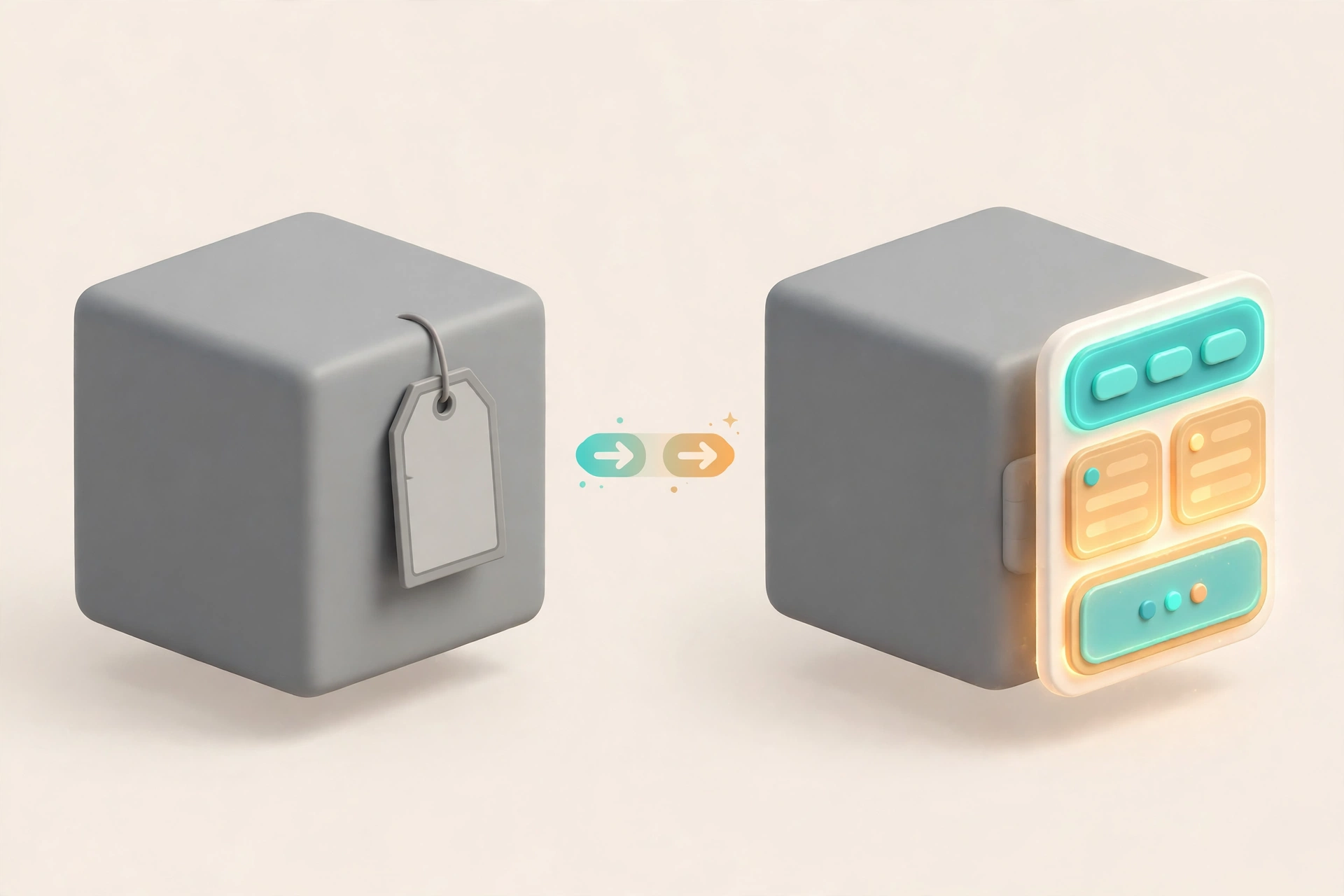
Content property serialization replaces those flat strings with a structured Content type. The same asset reference is now stored with its kind attached, so the engine knows whether it is a web address, an object in your place, or nothing at all. In an XML place file (.rbxlx), the old flat string becomes a nested Content element. In a binary place file (.rbxl), the reference is saved with a typed source — Uri, Object, or None. The property names changed to match: MeshId is now MeshContent, Image is now ImageContent, and Decal.Texture is now Decal.TextureContent.
The switch was announced on the Roblox Developer Forum on Thursday, November 5, 2026, by Roblox staff, and it went live on Wednesday, November 11, 2026. On Monday, November 16, 2026, Roblox posted an update in the same announcement thread confirming that the rollout for these property changes is now complete. If you save a place in Studio today, it is already using the new format.
What Actually Changed on November 11, 2026
Three things changed at the same time. First, the file format: new saves write asset references as Content values instead of strings, in both XML and binary place files. Second, the Properties widget: the legacy *Id rows are hidden and the *Content rows take their place, so what you see in the inspector now matches how the data is actually stored. Third, the tooling contract: external tools that read and write place files — most importantly Rojo — must understand the new Content type, or they will misread the files Studio now produces.
What did not change is just as important. Your games did not break, your assets did not get new IDs, and nothing about how players experience your game changed. The switch is about how references are stored, not what they point to.
What Still Works: Your Scripts and Places Are Safe
The most common worry after an engine change like this is whether existing code breaks. The announcement is explicit: scripts that use the legacy property names continue to work exactly as they do today. If your code sets Decal.Texture, it still works.
That said, new code should use the new names. Roblox recommends adopting the *Content naming for all future scripting — Decal.TextureContent instead of Decal.Texture, and the same pattern for meshes, images and other asset properties. The old names are a compatibility bridge, not the future. If you are writing a tutorial, a plugin, or a script other people will copy, use the Content names so your work matches what Studio shows in the Properties widget today.
Existing places are equally safe. Opening an old place in Studio and saving it converts its asset references to the new format automatically — that is the whole point of the migration — and the place keeps working. You do not need to re-upload meshes or textures, and you do not need to touch your asset inventory.
The One Group That Must Act: Rojo Users
Rojo is the external tool that syncs files on your computer with a Roblox place, and it is the one workflow the switch can actually break. Older versions of Rojo were built to parse the old string-based properties. When they open a place file saved after November 11, they can fail with property-type mismatch errors — the tool expects a String and finds a newer type such as ContentId or SharedString — or report malformed .rbxm model files. The result is a sync that stops working, not a corrupted game, but it is a hard stop for your workflow until you fix it.
If you use Rojo, here is the checklist:
- Update Rojo to version 7.7.1 or higher. This is the single most important step, and it had to be done before the November 11 switch. If you have not updated yet, do it now before opening any place saved after the switch. Check your installed version first, then install the new release the same way you installed Rojo originally.
- Re-open your project after updating. With 7.7.1 or higher installed, Rojo can read the new Content properties. Your existing project files do not need to be rewritten — Rojo handles the new format.
- Do not downgrade. Going back to an older Rojo after your places have been saved in the new format brings the errors back. Stay on 7.7.1 or newer.
- If you see a property-type mismatch error, check the version first. That error is the classic symptom of an old Rojo reading a new-format file. Update, then retry, before assuming your project is broken.
If you do not use Rojo and you build entirely inside Studio, there is nothing to do. The switch is invisible to you apart from the renamed rows in the Properties widget.
What Changed in the Properties Widget
Open any mesh or decal in Studio today and the Properties widget looks slightly different. The rows you used to type asset IDs into — MeshId, Image, Texture — are hidden. In their place are the Content equivalents: MeshContent, ImageContent, TextureContent.
The values you enter have not changed: you still paste the same asset ID or content string. What changed is the label and the type behind it. If you follow older tutorials that tell you to set MeshId, you will not find that row any more — set MeshContent instead, with the same value. This is the most common source of confusion since the switch, and it is purely a display change: the property holds the same asset.
What This Unlocks Next: Asset Versioning
The serialization switch was not an end in itself. It is the foundation for asset versioning, the next big change to how Roblox handles meshes, images, audio and video. Today, updating a texture or a mesh means uploading a brand-new asset, getting a brand-new ID, and manually updating every script, model and property that referenced the old one. Versioning ends that: you will be able to publish a new version of an asset under the same ID.
The timeline Roblox has shared is:
- November 11, 2026:
AssetService:GetLatestVersionUriAsync()became available — the API scripts use to always fetch the newest version of an asset. - December 2026: version pinning becomes available for animations.
- Tuesday, January 19, 2027: mesh and image versioning launches. From then on, an asset ID without a version — such as
rbxassetid://1234— loads a frozen version: the version that was latest when the asset was created, or version 1 for assets created after launch. - Wednesday, February 17, 2027: audio and video versioning goes live.
- February 2027: a new Studio workflow for auto-updating asset references becomes available.
- Wednesday, March 31, 2027: animation asset IDs without a version start loading the frozen version instead of auto-updating.
To lock a game to a specific version you will use the syntax rbxassetid://1234&version=3 in properties or scripts. Without a version, your game keeps loading the frozen version, so publishing a new version of an asset will not silently change your live game. If you want the newest content instead, use the pinned URI or call GetLatestVersionUriAsync().
One warning for plugin and tool developers: once versioning is live, you will start seeing pinned URIs like rbxassetid://1234&version=3 inside assets and projects. Code that assumes every asset URI is a plain number will break — for example, a pattern that grabs the digits at the end of a string would return the version number instead of the asset ID. Compare whole URIs instead of extracting numbers, and use GetLatestVersionUriAsync() when your tool needs the latest content. Existing avatar UGC items need no action: their meshes and images keep loading at the frozen version, so published items stay stable.

Your Checklist After the Switch
- If you use Rojo: confirm you are on version 7.7.1 or higher. If not, update before opening any place saved after November 11, 2026.
- If you write Luau: keep using the legacy names if your existing code relies on them — they still work — but use the
*Contentnames in anything new. - If you follow old tutorials: wherever they say
MeshId,ImageorTexture, use the*Contentrow in the Properties widget with the same value. - If you build plugins or tools: prepare for pinned version URIs before mesh and image versioning launches on January 19, 2027 — stop parsing asset IDs out of URIs with number-only patterns.
- If you only build in Studio: there is nothing to do. Your places and scripts already work with the new format.
Frequently Asked Questions
What is Roblox content property serialization?
It is the change, live since November 11, 2026, in how Studio saves asset references: instead of plain string IDs such as MeshId, properties now use the structured Content format, such as MeshContent. The rollout was confirmed complete on November 16, 2026.
Do I need to rewrite my scripts after the switch?
No. Legacy Luau property names such as Decal.Texture keep working, and Roblox has not made them read-only. For new scripts, use the Content names such as Decal.TextureContent.
Why is MeshId missing from the Properties widget?
Studio now hides the legacy *Id rows and shows the *Content equivalents instead. Set MeshContent with the same asset ID value you would previously have put in MeshId.
What happens if I use an old version of Rojo?
Rojo versions below 7.7.1 cannot parse the new Content format and can fail with property-type mismatch errors or malformed .rbxm errors when opening places saved after November 11, 2026. Update to 7.7.1 or higher.
What is Roblox asset versioning, and when does it launch?
Asset versioning lets you publish new versions of a mesh, image, audio or video under the same asset ID. Mesh and image versioning launches January 19, 2027; audio and video follow on February 17, 2027. Unversioned IDs will load a frozen version, so your live game will not change silently.
Will my old places break when I save them in the new format?
No. Saving an old place converts its asset references to the Content format automatically, and the place keeps working with the same asset IDs.
Related Guides on RBXMods
- How to test teleports in Roblox Studio — another recent Studio change, explained step by step.
- How to use AI in Roblox Studio — the Assistant and MCP tools for building faster in Studio.
- Your first Roblox script in Lua — the scripting basics, including the properties your code reads and writes.
- How to read Roblox Studio script errors — what to do when the Output window reports a problem, including property errors.
- RemoteEvents and RemoteFunctions explained — the scripting system your gameplay code is built on.
RBXMods is not affiliated with or endorsed by Roblox Corporation. Roblox and the Roblox logo are trademarks of Roblox Corporation.
Sources
Last checked against Roblox docs: November 18, 2026.
- Roblox Developer Forum: Changes to Asset Properties — Content Property Serialization Switch — Roblox Staff announcement, November 5, 2026 (last edited November 17, 2026): the November 11, 2026 switch date, the *Content property names, legacy Luau names continuing to work, the Rojo 7.7.1 requirement, the hidden *Id rows, and the November 16 update confirming the rollout is complete. (Verified loading 2026-11-18.)
- Galixor: Content Property Serialization Switch — November 4, 2026: the XML nested-tag and binary typed-source (Uri / Object / None) details, and the Rojo error types on old versions. (Verified loading 2026-11-18.)
- Galixor: Roblox Asset Versioning — A Guide for Creators — November 6, 2026: the versioning timeline (January 19, 2027 for meshes and images; February 17, 2027 for audio and video; March 31, 2027 for animations), the frozen-version rule, and the plugin warning about parsing pinned URIs. (Verified loading 2026-11-18.)
- Roblox Creator Docs — the official documentation hub for creators. (Verified loading 2026-11-18.)