Roblox Build Explained: Can You Really Make a Game by Typing a Prompt?
Roblox Build lets you describe a game in plain words and get a playable starting point on your phone. It is real, it is still limited, and it is not a replacement for learning to build in Studio.


In this guide
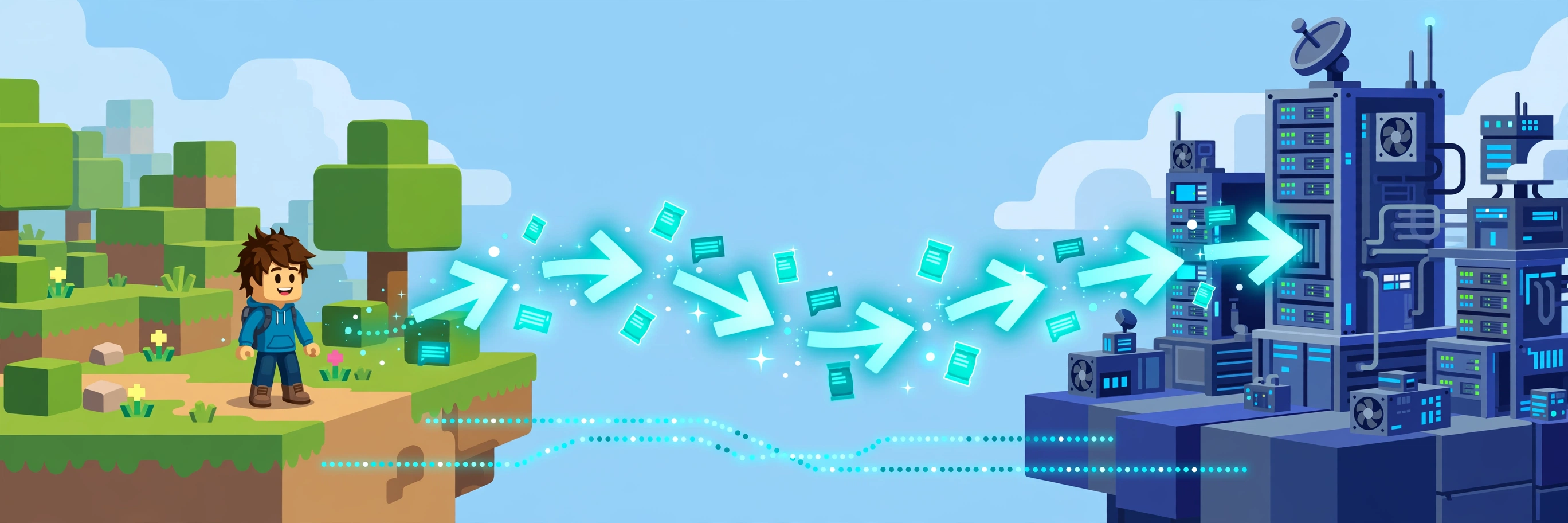
What Is Roblox Build? How Build Works: Prompt, Refine, Playtest, Share 1. Prompt: describe one game, not a genre 2. Refine: iterate in plain words 3. Playtest: play it yourself, then watch someone else play it 4. Share: friends first, public when it is ready Where Is Build Available? What Build Can and Cannot Do Yet The Numbers So Far: Why Everyone Is Talking About Build From a Build Game to a Studio Game Should You Wait for Build, or Start in Studio Now? Frequently Asked Questions Is Roblox Build free? Can I publish a game made with Build? Why can't I see Build in my app? Related Guides on RBXMods SourcesFor years, making a game on Roblox meant one thing: installing Roblox Studio on a computer and learning to build and script in it. In July 2026, Roblox added a second door. It is called Build, and it lives inside the main Roblox app on your phone. You type a sentence describing the game you want, and Build generates a playable starting point — the world, the characters, the basic rules and even sound — without you writing a line of code.
Key takeaways
- Build is a mobile-first tab in the Roblox app that turns a text prompt into a playable game, following a Prompt, Refine, Playtest, Share flow.
- It is still in public alpha: it launched in New Zealand on July 28, 2026, and has since expanded to Singapore, Serbia and Thailand — it is not available everywhere yet.
- Build games go through the same safety review and the same discovery ranking as every other game; an AI-made game gets no special boost.
- Think of Build as a starting point, not a finished game. The creators who stand out will be the ones who refine, playtest and keep improving what Build generates.
What Is Roblox Build?
Build is a creation tab inside the Roblox app, announced on July 16, 2026. Roblox describes it as an extension of Studio into the main app: the two share the same back end, models and chat history, so you can start a game in Build on your phone and later open it in Studio to improve it.
Under the hood, Build is powered by a broad set of AI models, including both open-source and Roblox's own models. When you describe a game, those models handle several jobs at once: gameplay mechanics, the environment, characters, visual style and sound. That is why a single sentence can produce something you can actually walk around in, rather than just a picture of a game.
How Build Works: Prompt, Refine, Playtest, Share
Roblox sums up the workflow in four steps — and each step is where the quality of your game is decided.
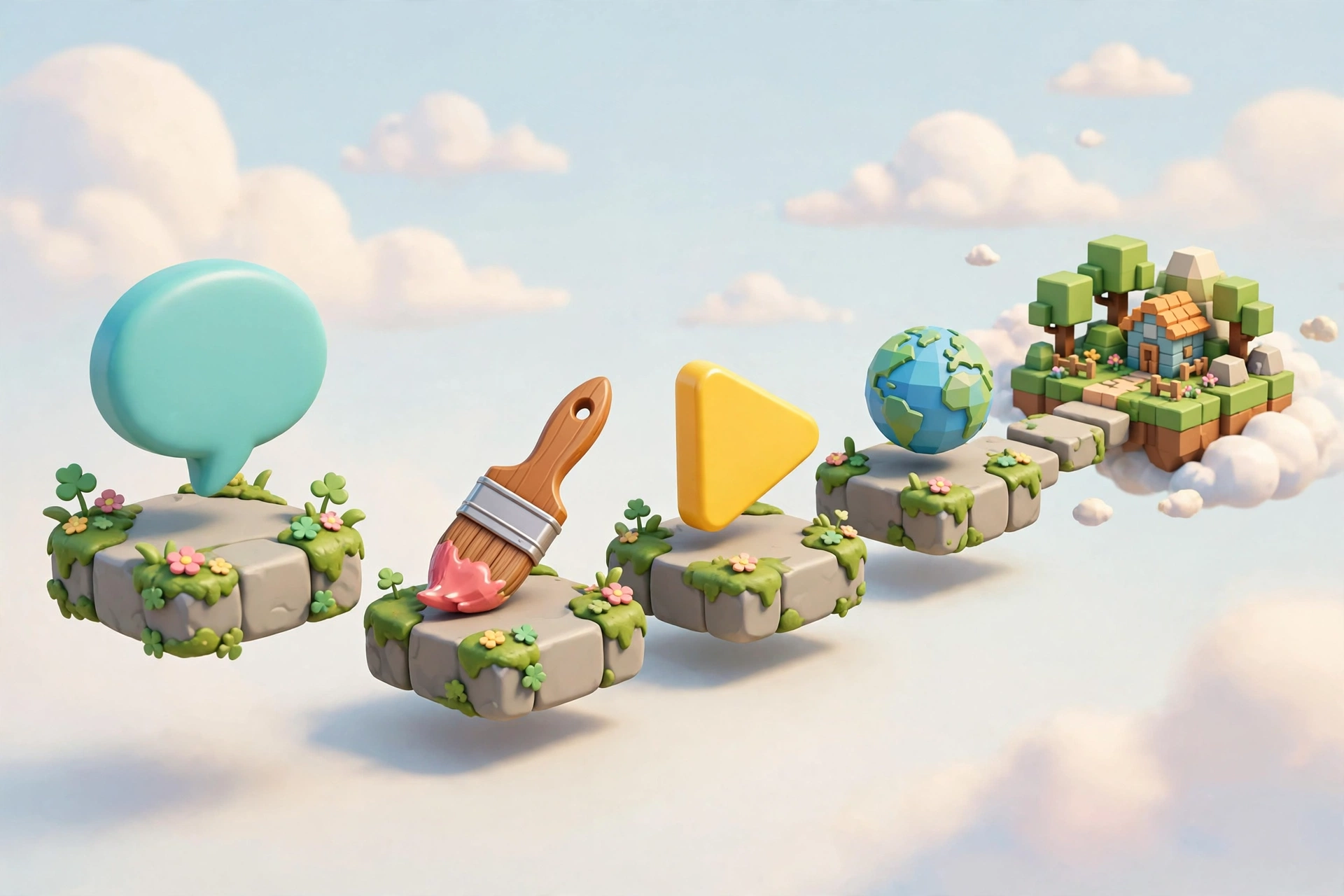
1. Prompt: describe one game, not a genre
A vague prompt gives you a vague game. "Make a fun game" leaves every decision to the AI, and you will get something generic. A good prompt names the setting, the goal and one or two mechanics. Roblox's own example is "a cozy adventure game set in a dense forest with environmental obstacles" — setting, mood and a mechanic in one sentence.
Try this shape: the kind of game, where it happens, what the player does, and how they win or lose. "A small racing game on a beach track where players collect shells to speed up, and the first to three laps wins" gives the AI far more to work with than "a racing game". Keep it to one idea — if your prompt contains three games, Build will build a muddle of all three.
2. Refine: iterate in plain words
The first result is a draft, not a verdict. Ask for changes the same way you would explain them to a person: make the track longer, add a jump pad near the start, change the mood from spooky to cheerful. Small, specific changes work better than rewriting the whole prompt each time.
3. Playtest: play it yourself, then watch someone else play it
Play your game the way a stranger would: skip any tutorial, try to break things, and see what happens when you do nothing. If you get stuck or bored in the first minute, a new player will too. Our first-game guide explains why testing like a stranger matters — and it matters doubly for AI-generated games, where broken logic can hide behind a pretty world.
4. Share: friends first, public when it is ready
Share the game with friends before you publish it widely. Friends will find the confusing parts you have gone blind to, and fixing those before launch is far easier than fixing them after strangers have already bounced off your game. Publishing is age-gated: during testing, Build is available to age-checked users aged 9 and older, while published games that pass Roblox's safety checks are globally available to age-checked users aged 16 and older, with ages and availability varying by region.
Where Is Build Available?
This is the part most articles skip, and it matters more than any feature list: Build is not available everywhere yet. Select features entered public alpha in New Zealand on July 28, 2026, then expanded to Serbia and Singapore in September 2026, and Thailand followed. Reports of the company's remarks put a broader United States release in December 2026, with a global rollout in 2027.
If you open the Roblox app and do not see a Build tab, that does not mean your account is broken — it most likely means the alpha has not reached your region yet. There is no legitimate download or workaround that unlocks it early, and any site or video claiming to sell you early access should be treated as a scam. While you wait, everything in our Studio beginner roadmap still applies: the better you understand core loops and playtesting, the better your prompts and refinements will be.
What Build Can and Cannot Do Yet
| Build can | Build cannot (yet) |
|---|---|
| Generate a playable starting point from a text prompt | Read your mind — vague prompts produce generic games |
| Create environment, characters, basic mechanics and sound together | Guarantee balanced, bug-free gameplay without playtesting |
| Let you refine a game in plain words, step by step | Replace game design judgement: you still choose what is fun |
| Hand a project to Studio for deeper editing | Make a hit on its own — discovery still rewards retention |
The last row deserves emphasis. Roblox has said that Build-created games join the same candidate pool as all other games and are ranked by the same retention-based discovery system. A game made with Build gets no extra visibility for being AI-made, and no penalty either. What players do after they join — whether they stay, come back the next day and play with friends — decides its fate, exactly like any other game.
The Numbers So Far: Why Everyone Is Talking About Build
Build stopped being a demo and became a story in late October 2026, when Roblox's third-quarter shareholder letter reported the early results. According to that letter, more than 500,000 users had tried Build since its alpha launch in New Zealand, Singapore, Serbia and Thailand, and they had published more than 70,000 games with it. The same letter said that over 80% of the 100 games with the most hours played in the previous month had used AI tools to accelerate creation — a wider figure covering Studio Assistant and other AI tools, not Build alone, so do not confuse the two.
One earlier figure is just as telling. Roblox reported that, through September 1, 2026, about 71% of people who created a game with Build had never used Studio before. Build is reaching people who never thought of themselves as developers. That is also a warning: tens of thousands of new games means a playable starting point is no longer an advantage — it is the baseline. The advantage is everything you do after Build generates it.
From a Build Game to a Studio Game
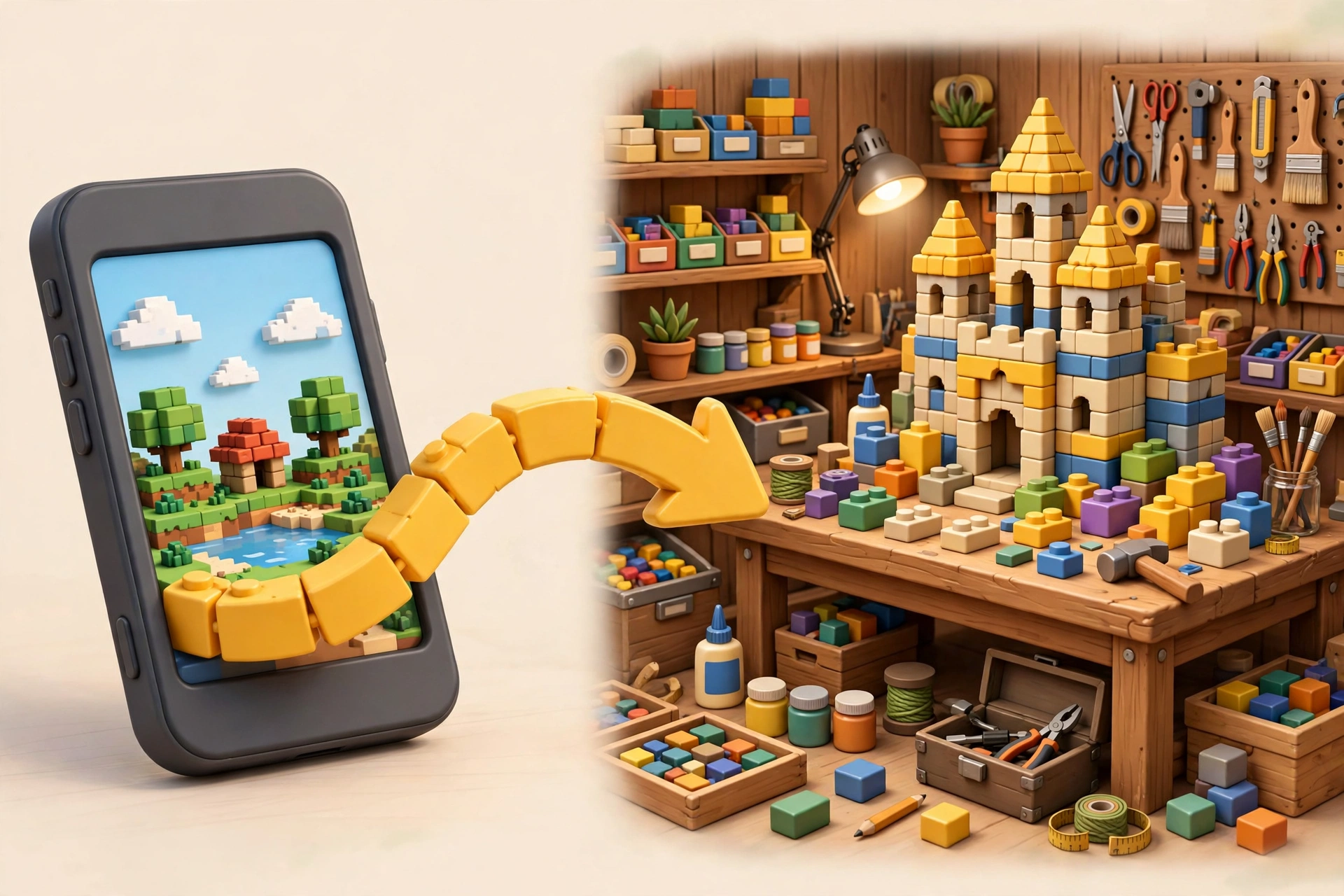
The most practical path for a serious creator looks like this: use Build to get a playable prototype fast, especially if you only have a phone; playtest it with friends; then open the project in Studio and take ownership of the parts that matter most. Fix the first minute of gameplay before anything else — that is when new players decide whether to stay.
Roblox is also testing further AI agents for Build and Studio, including a playtesting agent that surfaces bugs and an analytics agent that answers plain-language questions about a game. Treat those as helpers for decisions you still make, not as autopilot.
Should You Wait for Build, or Start in Studio Now?
- If Build is available to you and you only have a phone: start with Build today. It is the fastest way to go from an idea to something playable, and you will learn game design by iterating.
- If Build is not in your region yet: do not wait. Install Studio on a computer when you can, or study core loops, thumbnails and playtesting now so your first Build prompt is a good one.
- If you already use Studio: use Build for rapid prototypes and for testing ideas you would not otherwise bother building — then rebuild the winners properly in Studio.
- If your goal is a hit game, not a first experiment: either route still ends in the same place: a well-tested game with a clear core loop, honest presentation and a reason for players to return.
- How to make a game in Roblox — from first idea to a playable, published game.
- Studio beginner roadmap — the interface, tools and first project, step by step.
- How to make your game popular — discovery, retention and the first five minutes.
- Lua scripting for beginners — your first script, and the language behind generated code.
- Roblox press release: "Roblox Introduces Build: A New Way to Create on the Platform" (July 16, 2026) — Build as a mobile-first creation tab, the Prompt, Refine, Playtest, Share flow, the New Zealand public alpha from July 28, 2026, age rules, free base version and paid options, and Build games joining the same discovery candidate pool.
- Roblox Creator Documentation: Get Started — introduction to developing on Roblox, its tools and how creators make money.
- Roblox Creator Documentation: Roblox Studio setup — Studio as the free application for creating games on Windows and Mac.
- Roblox Creator Documentation: Assistant for Studio — Studio's AI helper, including inserting Creator Store assets and editing places.
Frequently Asked Questions
Is Roblox Build free?
There is a base-level version available at no cost, with additional paid options for power users. Because Build is still in alpha, the exact paid options can change, so check inside the app for the current offer.
Can I publish a game made with Build?
Yes, if you meet the age and safety rules: during testing, Build is available to age-checked users 9 and older, and published games that pass Roblox's safety checks are globally available to age-checked users 16 and older.
Why can't I see Build in my app?
Build is rolling out region by region in public alpha. If it has not reached your country yet, the tab simply will not appear. Avoid any third-party download that claims to unlock it.
Related Guides on RBXMods
RBXMods is not affiliated with or endorsed by Roblox Corporation. Roblox and the Roblox logo are trademarks of Roblox Corporation.